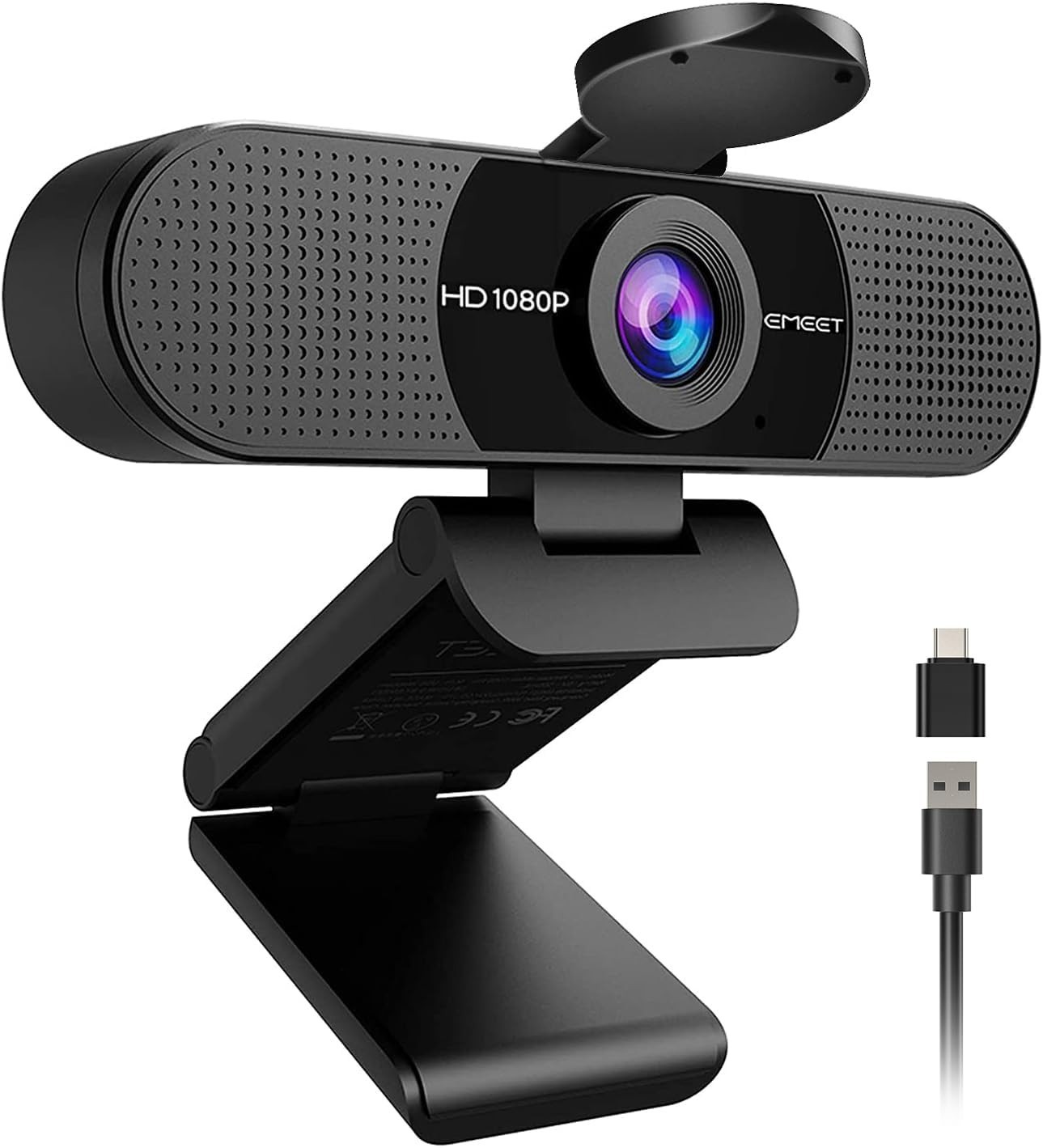
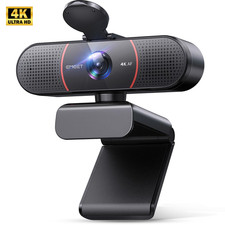
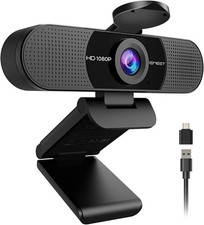
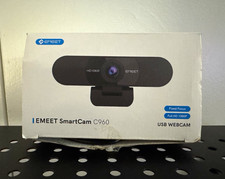
EMEET C960 1080P Webcam
Clear video. Clear voice. Plug in and go.
Full HD 1080P + 2 mics + 90° wide view. A dependable upgrade over built-in laptop cameras for meetings, classes and calls.Why Buyers Choose the C960 1080P Full HD Video
Sharp 1920×1080 at 30fps with a 5-layer anti-glare lens for smooth, clear video on Zoom, Teams, FaceTime and YouTube.
Two Built-in Microphones
Dual omnidirectional mics pick up your voice clearly without a headset. No built-in speaker — use your computer's speaker or a headset for audio output.
90° Wide-Angle Lens
Fits you and others in the frame without constantly adjusting the camera direction — great for group calls and presentations.
USB-A + A-to-C Adapter
Works with standard USB-A ports, and the included A-to-C adapter adds compatibility with newer USB-C laptops and devices.
Plug & Play, No Driver
Connect and select "EMEET C960" in your app — no driver download required.
Privacy Cover + Auto Light Adjustment
A physical cover blocks the lens when not in use. Automatic exposure and color adjustment help you look clear in normal lighting.
Good to know: for the clearest image, use the webcam in a well-lit environment and connect it directly to your computer's USB port. Avoid low-power hubs or docks when possible.Compatibility
Systems: Windows 10 / 11 · macOS 10.14+ ·Android TV 7.0+.
Apps: Zoom, Microsoft Teams, FaceTime, Google Meet, YouTube, Switch 2 Camera and more.
Not supported: Windows Hello, TVs, tablets or game consoles.
Specifications Item Details Model EMEET C960 2025 Version Resolution 1080P (1920×1080) @30fps Sensor CMOS Focus Fixed focus, 11.8–118.1 in Field of View 90° Microphones 2 omnidirectional mics Privacy Physical privacy cover Connection USB-A, A-to-C adapter included Warranty 2 yearsSet Up in 30 Seconds
1. Clip the camera on your monitor or laptop.
2. Plug the USB cable into a free port.
3. In Zoom / Teams / Meet, select "EMEET C960" as camera and microphone.
What's in the Box
1 × EMEET C960 Webcam · 1 × Privacy Cover · 1 × USB Cable ·1 × User Manual