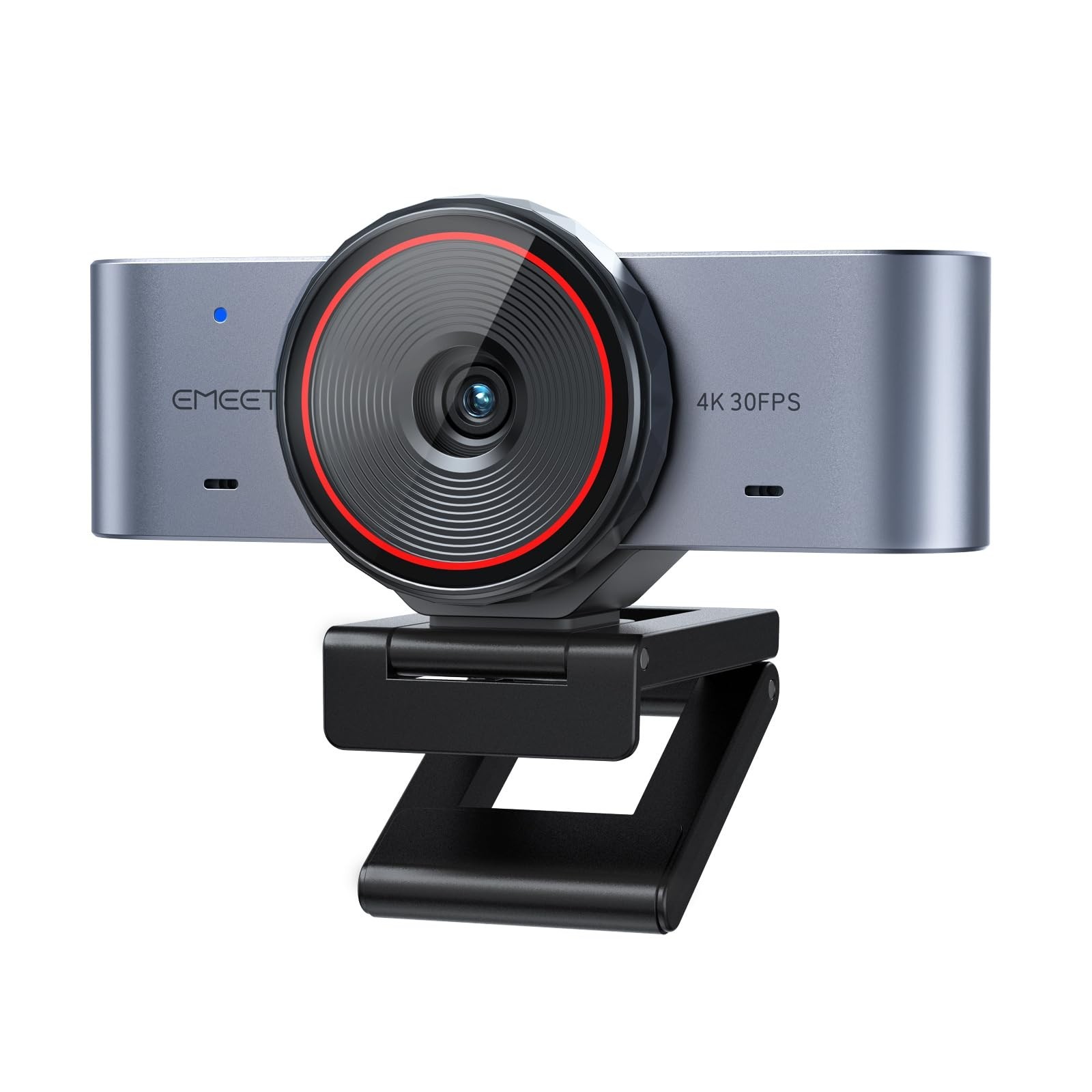
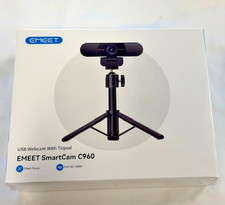
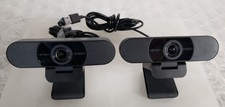
EMEET C960 Ultra 4K Webcam
Bigger sensor. Brighter image. Pro build.
A 1/1.5" sensor in a webcam. Larger than a standard 4K webcam, so it captures more light for sharper detail and better low-light performance.Why Buyers Choose the C960 Ultra Large 1/1.5" Sensor
Captures more light than typical 4K webcams for stronger detail, cleaner low-light video and wider dynamic range.
0.2s Autofocus + 4K + DRC
Fast, precise autofocus combined with DRC optimization delivers sharp, balanced visuals for meetings, streaming and content creation.
Mac-Optimised, PC Compatible
Seamless plug-and-play over USB-C with a C-to-A adapter included. Clean, minimalist Space Gray design fits Mac-style setups and works on Windows too.
All-Metal Body
Premium metal build dissipates heat better and holds up for long sessions — no cheap plastic feel.
Whiteboard Mode
With EMEET STUDIO, auto-recognise whiteboards and desktop content with perspective correction for clearer presentations.
Dual Mics + Rotating Privacy Cover
A dual-mic array captures natural voice, while the built-in rotating cover blocks the lens instantly. Standard 1/4" thread supports tripods and desk stands (sold separately).
Good to know: tripod and desk stands are sold separately. For best image quality, use good lighting and connect directly to your computer's USB port.Compatibility
Systems: Windows 10 / 11 · macOS 10.14+.
Apps: Zoom, Microsoft Teams, Google Meet, OBS, Twitch, Switch 2 Camera and more.
Specifications Item Details Model EMEET C960 Ultra 4K Resolution 4K @30fps Sensor 1/1.5" CMOS Focus Autofocus, 0.2s Features DRC, Whiteboard Mode, Built-in Privacy Cover Microphones Dual-mic array Build All-metal body, Space Gray Connection USB-C, C-to-A adapter included Mount 1/4" tripod thread Warranty 2 yearsSet Up in 30 Seconds
1. Mount the C960 Ultra on your monitor or a tripod.
2. Connect via USB-C (or use the C-to-A adapter).
3. In Zoom / Teams / OBS, select "EMEET C960 Ultra" as camera and microphone.
What's in the Box
1 × EMEET C960 Ultra 4K Webcam · 1 × USB-C Cable ·1 × C-to-A Adapter · User Guide