 When you click on links to various merchants on this site and make a purchase, this can result in this site earning a commission. Affiliate programs and affiliations include, but are not limited to, the eBay Partner Network. When you click on links to various merchants on this site and make a purchase, this can result in this site earning a commission. Affiliate programs and affiliations include, but are not limited to, the eBay Partner Network.
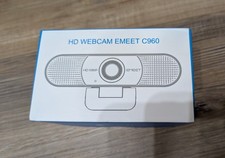
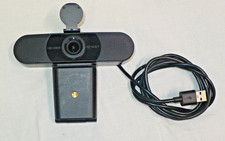
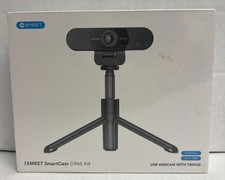
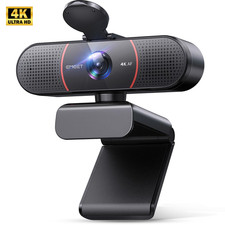
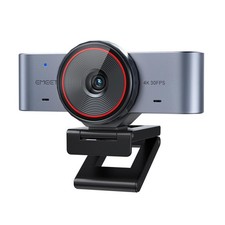
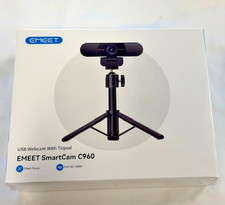
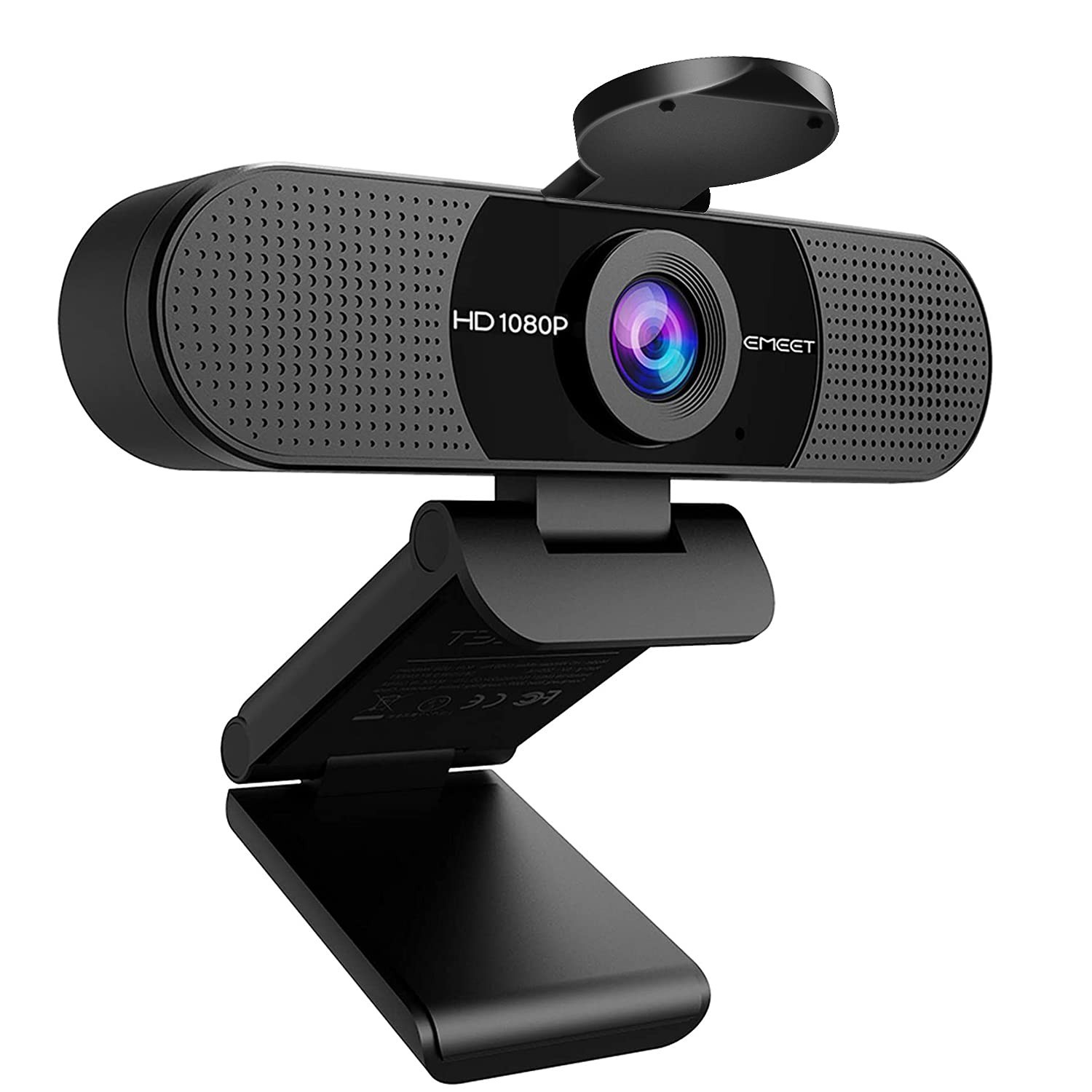
EMEET C960 Series USB Webcam — Pick Your Resolution, Keep the Same Easy Setup One trusted webcam family, five levels of clarity. Every C960 inthis listing plugs into a single USB port, needs no driver, ships with two built-innoise-reducing microphones and a physical privacy cover, and works with Zoom, Teams,Google Meet, Skype, Webex, FaceTime and OBS. Choose the version that matches yourdesk, your budget and how sharp you need to look. Which C960 Is Right for You? VersionResolutionFocusField of View MountConnectionBest For 1080P — Black1080P @30fpsFixed focus (11.8–118.1 in) 90° wideFoldable clip, adjustable base & headUSB-A Best value. Home office, family calls, 2–3 people in frame 1080P — Gray1080P @30fpsFixed focus 90° wideFoldable clip, adjustable base & headUSB-A Same camera in a light gray finish to match silver laptops 2K2K 2048×1080 @30fpsPDAF autofocus 76°360° swivel head + 180° tilting baseUSB-A Sharper one-on-one calls, interviews, tighter framing 4K4K @30fps / 1080P @60fpsPDAF autofocus 73°360° swivel + 15° tilt, 1/4" tripod threadUSB-A Detail-critical meetings, teaching, OBS & smooth 60fps streaming 4K Ultra4K, large 1/1.5" sensor, DRC0.2s autofocus Personal-use framingSplit base, 1/4" tripod threadUSB-C (C-to-A adapter included) Mac users & creators. All-metal body, whiteboard mode, best low light 1080P + Mini Tripod1080P @30fpsFixed focus 90° wideMini tripod, 6.7"–18.5" adjustable, 360° headUSB-A Desks with no monitor lip, side-angle shots, online proctored exams 4K + Mini Tripod4K @30fps / 1080P @60fpsPDAF autofocus 73°Mini tripod, 6.7"–18.5" adjustable, 360° headUSB-A Presentations, full-body framing, product demos and reviews What Every Version Gives You - Two built-in noise-reducing mics — omnidirectional pickup keeps your voice clear and trims background hiss. No headset needed.
- Auto low-light correction — low-light boost, color boost and exposure adjustment so you still look natural in a dim room or backlit by a window.
- Physical privacy cover — block the lens mechanically. No software, no guessing.
- True plug & play — no driver download. Connect, select "EMEET C960" as camera and microphone in your app, done.
- Adjustable angles — swivel head and tilting base (or the included mini tripod) let you frame yourself on a laptop, monitor or bare desk.
- Free EMEETLINK software (optional, PC) — fine-tune brightness, contrast, sharpness, saturation, white balance, 50/60Hz power line frequency and firmware. The camera works fully without it.
- Wired USB privacy — no Wi-Fi, no Bluetooth, no cloud Windows 10 / 11 · macOS 10.14 and above · Linux ·Android TV 7.0 and above.
Apps: Zoom, Microsoft Teams, Skype, Google Meet, Webex, FaceTime,Slack, OBS, YouTube and other mainstream conferencing and streaming software.
Devices: laptops, desktops, monitors and all-in-one PCs.The 4K Ultra version connects over USB-C and includes a C-to-A adapter for older ports.Good to Know Before You Buy - 4K and 4K Tripod versions: video defaults to 1080P. Switch to 4K inside your camera app or software such as OBS or PotPlayer.
- 1080P versions use fixed focus, with a sharp range of roughly 11.8–118.1 inches — ideal for normal desk distance. If you often hold objects close to the lens, choose the 2K, 4K or 4K Ultra autofocus versions.
- Windows Hello face login is not supported on this series.
- Tripod versions: mini tripod uses a standard 1/4" screw and also fits phones holders, cameras and action cams. Phone holder is not included.
- EMEETLINK supports 64-bit Windows 10 and later; it does not support ARM-based Windows.
Set Up in 30 Seconds - Clip the camera on your monitor or laptop lid — or mount it on the included mini tripod (tripod versions).
- Plug the USB cable into a free port.
- In Zoom / Teams / OBS, choose "EMEET C960" as both camera and microphone.
What's in the Box - 1080P / 1080P Gray: webcam, privacy cover, USB cable, user manual
- 2K: webcam with privacy cover, USB cable, user manual
- 4K: webcam, privacy cover, USB cable, user manual
- 4K Ultra: webcam (built-in rotating privacy cover), USB-C cable, C-to-A adapter, user guide
- 1080P + Tripod: webcam, privacy cover, mini tripod, USB cable, user manual
- 4K + Tripod: webcam, privacy cover, mini tripod, USB cable, user manual
FAQDo I need to install drivers? No. All versions are plug & play. Is there a microphone? Yes — two, on every version. Will it work on a Mac? Yes, macOS 10.14 and above. The 4K Ultra isbuilt around a USB-C, Mac-friendly setup. Can I use it for online proctored exams? Many buyers do, and thetripod versions make side-angle framing easy. Please confirm your school's or testingprovider's own hardware requirements first. Which one should I buy if I only take Zoom calls? The 1080P isplenty. Step up to 2K or 4K if you present, teach, stream, or want autofocus. Shipping times and return terms are shown in the shipping and returns sectionsof this listing.

|
|