EPIC 14 Popular Linux OS on a Multi-Boot USB Installer for Beginners & Experts For Sale
When you click on links to various merchants on this site and make a purchase, this can result in this site earning a commission. Affiliate programs and affiliations include, but are not limited to, the eBay Partner Network.
EPIC 14 Popular Linux OS on a Multi-Boot USB Installer for Beginners & Experts
Price: US $24.99
🔥 SAVE BIG ON LINUX DISTROS MEGA PACKS 🔥 🛒 VISIT MY store LINK HERE 🛒🚚 Ships Safely in Tamper Proof Packaging
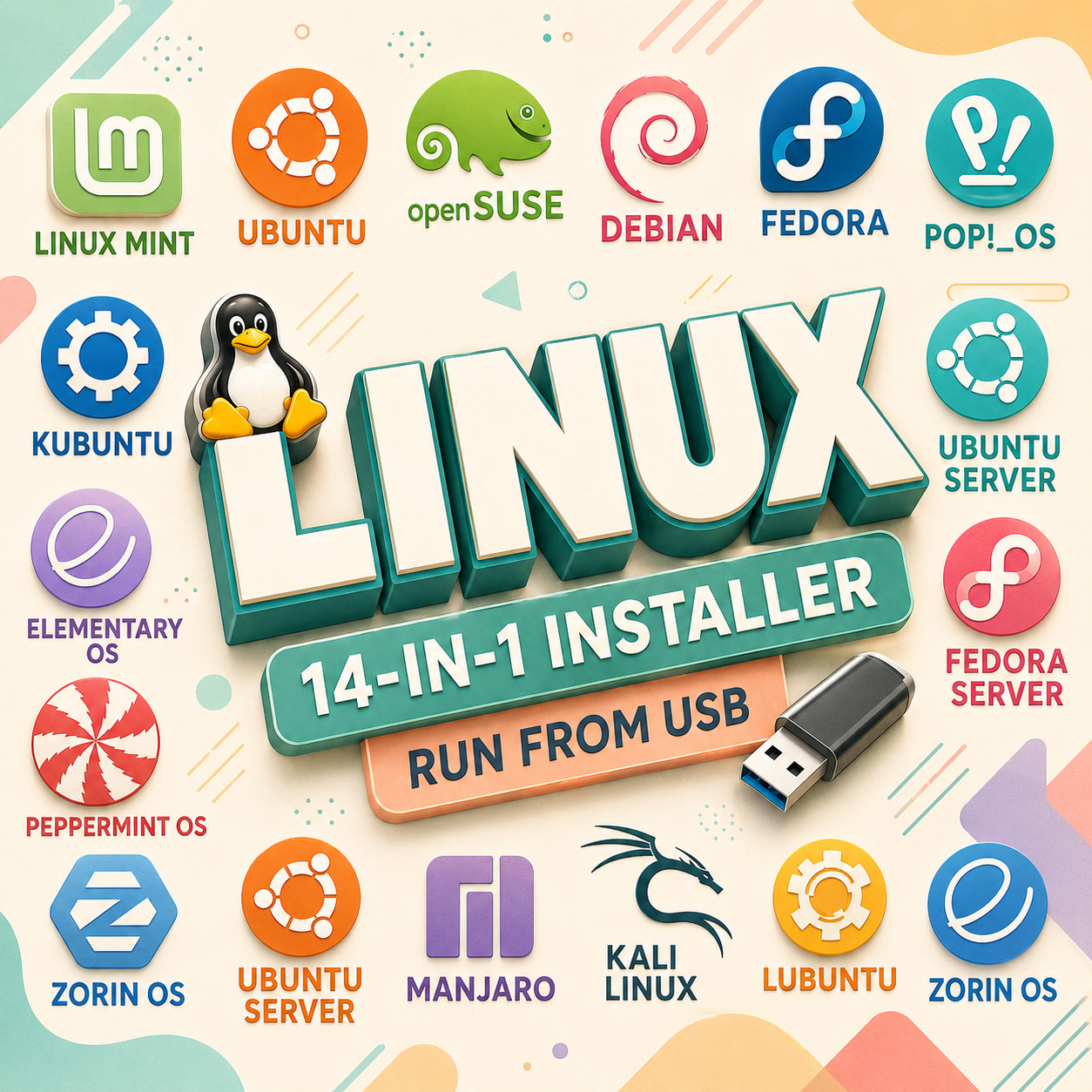
14 LINUX DISTROS IN ONE USBThis monster offers open-source 14 Linux Distros in a Live Flash Pen Drive USB Installer allowing you to run or install popular Linux distributions without needing an expensive operating system license. Perfect for beginners or experienced users, this USB Server
Ubuntu Studio
Fedora
Fedora Studio
Linux Mint
Kubuntu
Zorin OS
Pop!_OS
Elementary OS
Manjaro OS
openSUSE OS
Peppermint OS
Debian OS
Boot directly from the USB for a live environment or install the OS on your computer. Comes pre-loaded with a wide range of free applications from the Linux App Store. All Updated 64-BIT UEFIS/BIOS Versions of Linux.
⭐️ How to Boot Linux Mint from USB?✅ Steps for Windows PC & Chromebooks Follow these easy steps:
Turn-off your computer
Insert the USB into any available USB port
Switch on your computer
Press the key that allows your computer to boot to an alternate device (ESC on many HPs, F12 on many Dells, F8 on many custom builds, yours may vary, see your computer's documentation)
At the Book-up screen, select Boot from USB Interface option, press enter.
Follow on-screen links for initiate OS.
Wait for system to boot into Ubuntu Linux
That's it! Enjoy!
⭐️ LOOK AT MY AWESOME response, BUY WITH 100% CONFIDENCE!