 When you click on links to various merchants on this site and make a purchase, this can result in this site earning a commission. Affiliate programs and affiliations include, but are not limited to, the eBay Partner Network. When you click on links to various merchants on this site and make a purchase, this can result in this site earning a commission. Affiliate programs and affiliations include, but are not limited to, the eBay Partner Network.
- Store
- New Arrivals
- Add to Favorite
- View response
- Contact
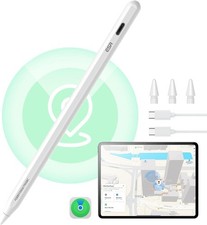
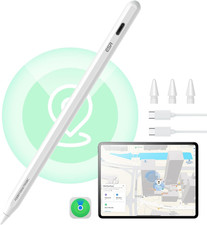
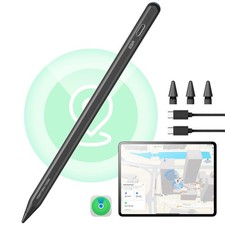
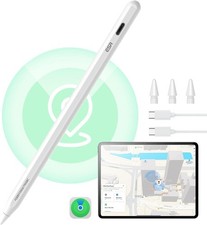
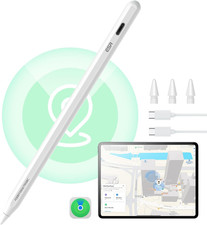
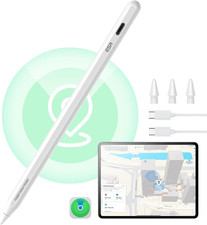
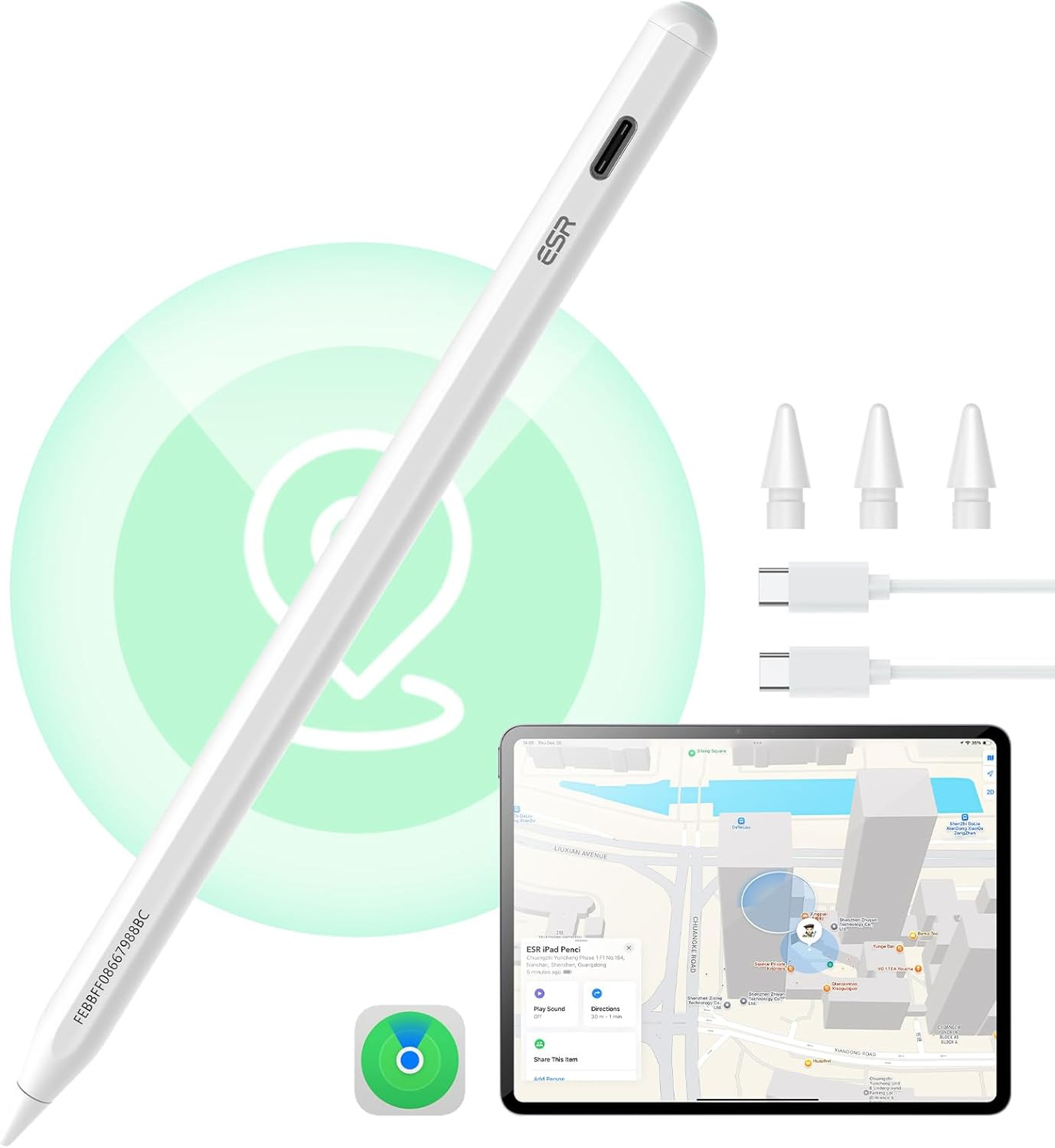
ESR Geo Digital Ipad Pencil Findmy Compatible with Apple Ipad 2018-2026,With Easy Shortcuts for Apple Ipad A16/10/9/8 & Air 13/11 & Pro 12.9/13/11 & Mini 7/6/5,White(No Wireless Charging)Description Warranty Description 1 year manufacturer Mfr Part Number TSAJHBQ39 Are Batteries Included No Item Dimensions 6.54 x 0.35 x 0.04 inches Compatible Tablet Computer Models Apple iPad (10th generation), Apple iPad (5th generation), Apple iPad (6th generation), Apple iPad (7th generation), Apple iPad (8th generation), Apple iPad (9th generation), Apple iPad 11th Generation, Apple iPad Air (3rd generation), Apple iPad Air (4th generation), Apple iPad Air (5th generation), Apple iPad Air 11-Inch (M3), Apple iPad Air 11-inch (M2), Apple iPad Air 13-Inch (M2), Apple iPad Air 13-Inch (M3), Apple iPad Pro 11-Inch (M4), Apple iPad Pro 11-inch (1st generation), Apple iPad Pro 11-inch (2nd generation), Apple iPad Pro 11-inch (3rd generation), Apple iPad Pro 11-inch (4th generation), Apple iPad Pro 12.9-inch (3rd generation), Apple iPad Pro 12.9-inch (4th generation), Apple iPad Pro 12.9-inch (5th generation), Apple iPad Pro 12.9-inch (6th generation), Apple iPad Pro 13-Inch (M4), Apple iPad mini 5, Apple iPad mini 6, iPad mini (A17 Pro) Brand ESR Material Plastic Item dimensions L x W x H 6.54 x 0.35 x 0.04 inches Model Number 6C006 Compatible Devices function(f) {var { P.when('A').execute(function(A){ function(data) { var isTruncated = !data.truncateInstance.getIfTextFits(); var seeMoreElement = if(seeMoreElement) { seeMoreElement.style.display = isTruncated ? '' : 'none'; } }) });})); iPads released in 2018 or later running iOS 12.2 and above, NEW 2026 iPad Air 11-inch & 13-inch (M2/M3/M4) , iPad 11th(A16) & 10th(Writing & Magnetic Attachment), iPad Pro 11-inch & 13-inch (M5/M4), iPad 9/8/7/6 Gen, iPad Air 11/13(M2/M3),iPad Air 3/4/5 Gen, iPad Pro 11 inch 1/2/3/4 Gen, iPad Pro 12.9 inch 3/4/5/6 Gen, iPad Mini 5/6/7(A17 Pro) Gen; Not compatible with other iPad models, iPhone, Android, Microsoft, or any other device. See more Item Weight 13 Grams Color White Number of Batteries 1 Lithium Ion batteries required. Are Batteries Required Yes Batteries Required? Yes Battery Average Life Standby 12 Hours Charging Time 20 minutes Battery Description Lithium-Ion Enclosure Material Plastic - Compatibility: Compatible with iPads released in 2018 or later running iOS 12.2 and above, NEW 2026 iPad Air 11-inch & 13-inch (M2/M3/M4) , iPad 11th(A16) & 10th(Writing & Magnetic Attachment), iPad Pro 11-inch & 13-inch (M5/M4), iPad 9/8/7/6 Gen, iPad Air 11/13(M2/M3),iPad Air 3/4/5 Gen, iPad Pro 11 inch 1/2/3/4 Gen, iPad Pro 12.9 inch 3/4/5/6 Gen, iPad Mini 5/6/7(A17 Pro) Gen; Not compatible with other iPad models, iPhone, Android, Microsoft, or any other device.
- Easy to Find: Find My function allows you to locate your iPad Pencil anytime and anywhere, whether you've misplaced it while out or at home
- Fast Charging: connect a Type C charger for the Apple iPad Pencil to be fully charged within 20 minutes to save time. NOTE: DO NOT SUPPORT WIRELESS CHARGING.
- Easy Shortcuts: when connected to Bluetooth, tap to return to the main interface, double-tap to access the task manager, and view real-time battery level display
- Tilt Sensitivity: built-in sensor allows you to adjust the thickness of your lines by tilting the nib, enabling realistic shading, detailed drawings, and writing just like on paper
Product description The video showcases the product in use.The video guides you through product setup.The video compares multiple products.The video shows the product being unpacked. findmy ipad pencil Merchant Video 1 Shortcut Button 2 Tilt Sensitivity 3 Smooth Using Experience 4 Palm Rejection 5 20 Min Fast Charging 1 Scribble 2 Bluetooth Connection 3 Durable Replaceable Nibs -
What should I do if my Find My Pencil won't turn on? If the Pencil won’t turn on, try charging it with a Type-C cable for 25 minutes. Once fully charged, test the Pencil again. -
What should I do if my Find My Pencil turn on but still not working? 1.If your iPad is connected to an Apple Pencil, it may prevent the third-party stylus from working. Please disconnect the Apple Pencil first. 2. Ensure your iPad is an compatible model, as the stylus may not be compatible with others -
What should I do if my Find My Pencil won't connect to Bluetooth? Follow these steps to connect via Bluetooth: 1. Press and hold the button on the back of the Pencil for 2 seconds to activate pairing mode. 2. Go to iPad Settings > Bluetooth and select ESR Geo Digital Pencil to pair. -
Does this Pencil support magnetic pairing and charging? 1.This Pencil supports magnetic attachment with the compatible models (note: it does not support wireless charging): 2.The Pencil cannot be charged magnetically and must be charged via USB-C. -
What should I do if I see the "Find My unavailable" alert on my iPad? If this alert appears, please check the following: 1. Ensure Bluetooth is turned on for your iPad. 2. Confirm your iPad is connected to a stable Wi-Fi or cellular network. 3. Verify that your iPad is signed in to your Apple ID.  |
|