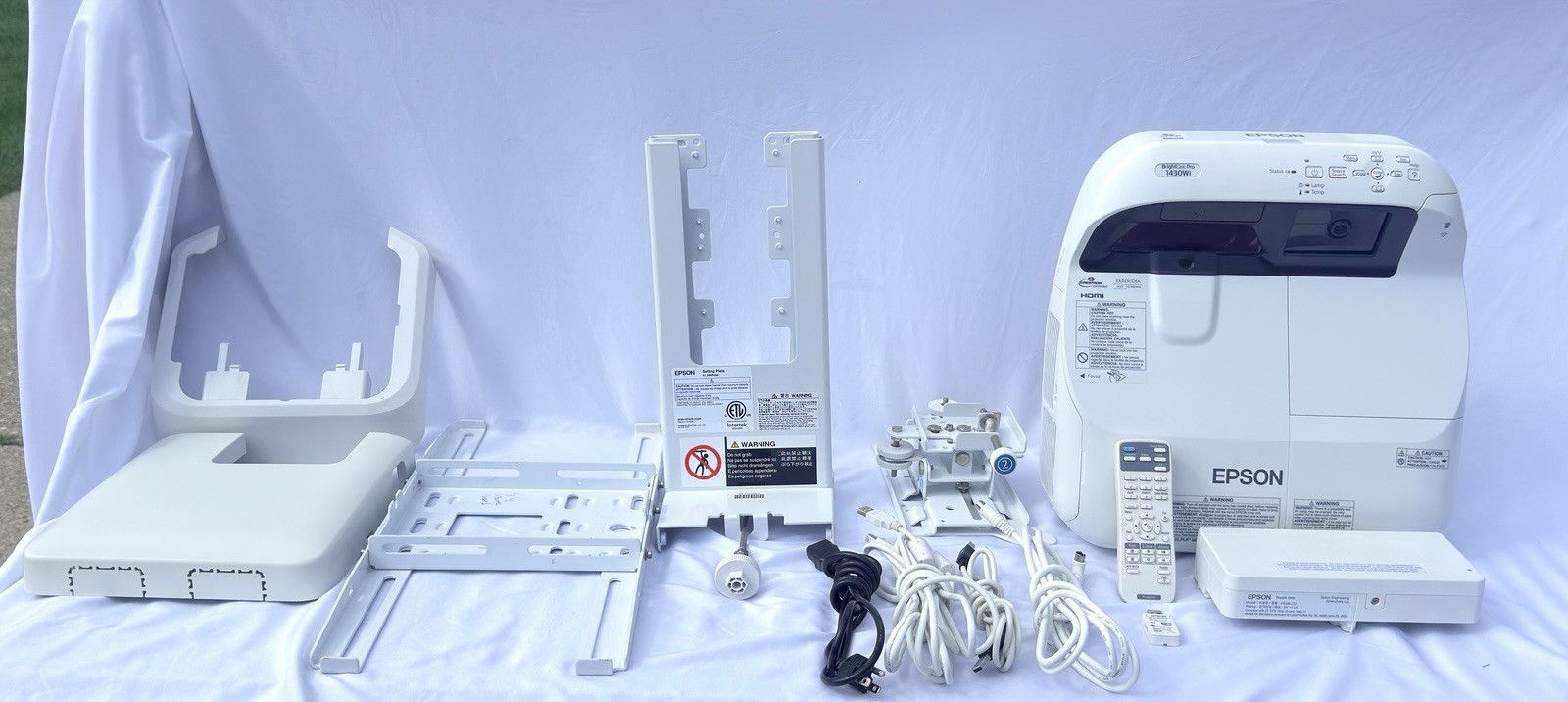
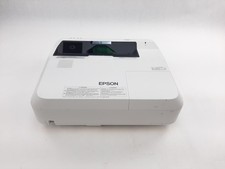
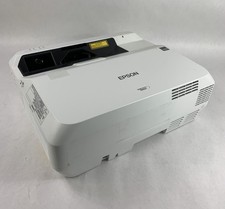
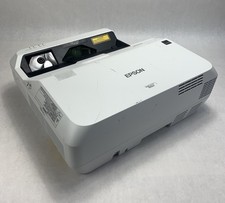
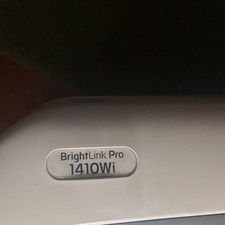
The Epson BrightLink Pro 1430Wi is a premium, enterprise-grade ultra-short-throw interactive projection system originally launched in late 2014. It was built to replace traditional conference room whiteboards, TVs, and displays by turning almost any flat wall or dry-erase board into a massive 100-inch interactive touch screen.
Core Hardware
SpecificationsBrightness: 3,300 Lumens of both color and white brightness, making it highly visible in bright corporate boardrooms or classrooms.Technology: Uses 3LCD, 3-chip technology for accurate, vibrant color reproduction.Resolution: WXGA native resolution (1280 x 800 pixels, 16:10 aspect ratio).Ultra-Short-Throw: Projects a massive image from just inches away from the wall. This design prevents the presenter from blocking the light beam and eliminates shadow interference.
Key Capabilities & Features
1. PC-Free Interactive WhiteboardingYou do not need a computer connected to use it. You can simply power it on and immediately start writing, sketching, or drawing directly on the projection surface. It supports up to 50 digital pages so you never run out of writing space.
2. Touch-Based InteractivityThe included Epson H599LCU Touch Unit (the small rectangular box with purple lens slots) mounts right above the projection surface. It casts an invisible laser curtain across the wall, enabling up to six people to simultaneously touch, pinch, zoom, draw, and interact using intuitive hand gestures.
3. Real-Time Remote CollaborationUsing the Whiteboard Sharing Tool, local and remote team members can connect up to 16 devices simultaneously. Remote participants can log in via their laptops or mobile devices to view, edit, and annotate onto your live whiteboard in real-time.
4. BYOD & Wireless ConnectivityThe small Epson Wireless LAN USB Dongle (ELPAP10) plugs directly into the back of the unit. Combined with the free Epson iProjection App, you can wirelessly stream presentations, photos, and files directly from iOS or Android smartphones, tablets, or computers.
5. Dynamic Video Conferencing & Split ScreenIt can integrate directly with existing video conferencing setups. You can utilize a Split Screen layout to display a live video feed of your remote team on one side, and your interactive presentation or digital whiteboard on the other side.
6. Instant Save, Print, and ShareOnce a meeting is finished, there is no need to take pictures of the wall with your phone. You can save your annotated notes directly to a USB flash drive, print them directly to a network printer, or email them out to all participants straight from the on-screen toolbar.
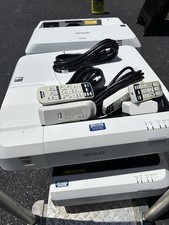
Comes as pictured. The system was sourced from an educational environment where they were well maintained and only removed due to upgrades. No cosmetic or functional issues. Heavy duty mounts. Please see the picture gallery for additional description or information. You won't be disappointed.
If the mounts are not needed, contact seller to discuss price and shipping changes.
Shipping:
Items will be shipped the next business day. A change in shipping service can be requested. Combined shipping is always an option.
Returns:
I except returns for all items unless exclusively mentioned in the listing. If an item is being returned because "it doesn't fit," the buyer pays for the return shipping cost.
If not sure, ask all sizing questions before offerding. Additional measurements given upon request.
response:I strive to exceed the buyer's expectations for each transaction. Upon receiving your item, please open and inspect it. If all is well, please take a moment to leave response for the transaction. If I have not earned a 5 star rating for all response categories, please contact me before leaving neutral or negative response so that I may address whatever the issue may be. I will leave response for you as well.
Thank You For Looking