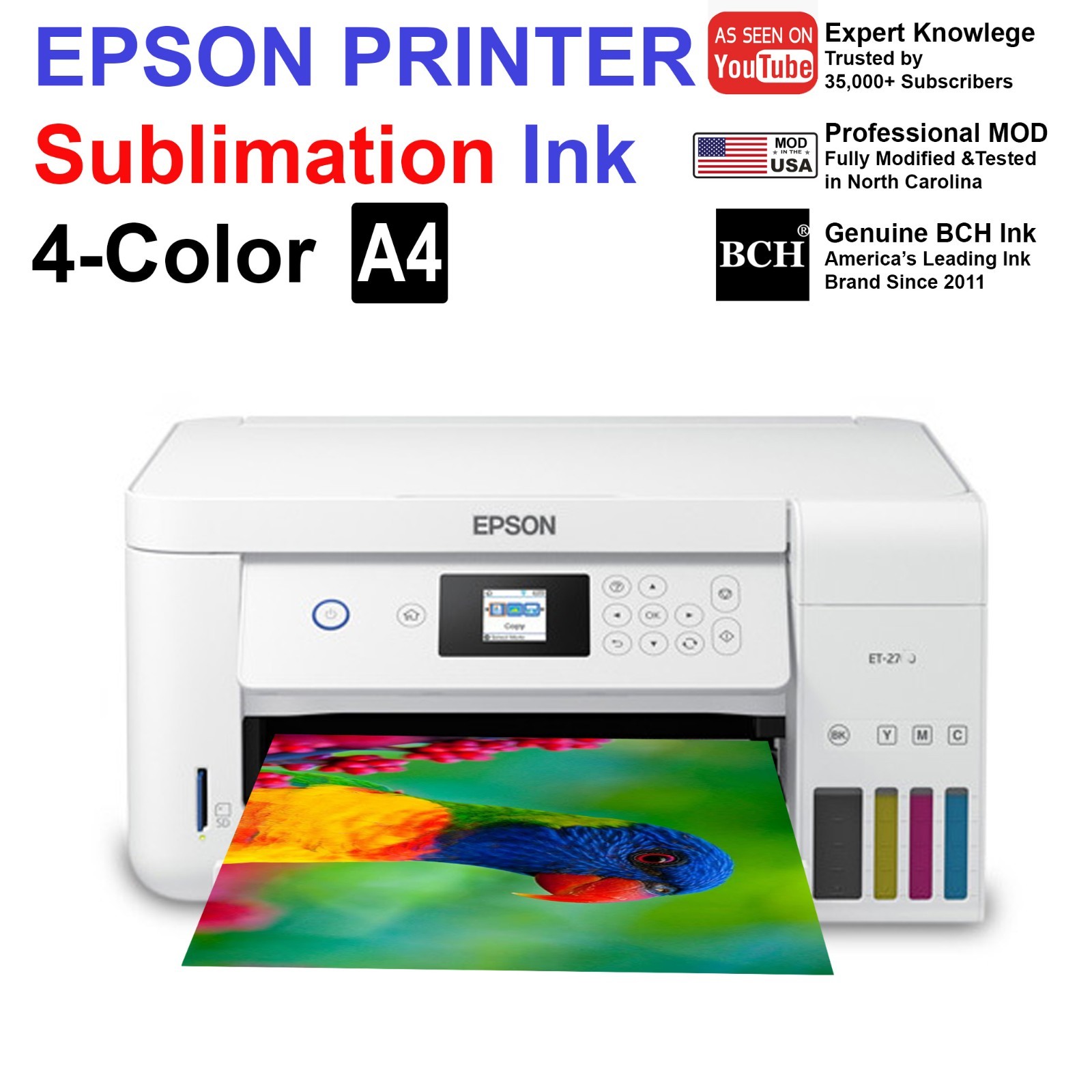
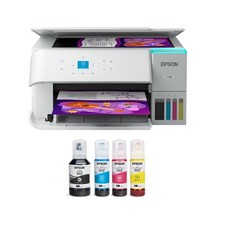
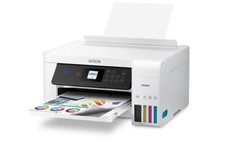
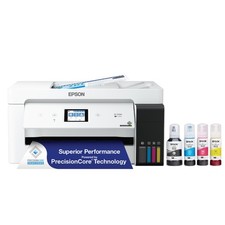
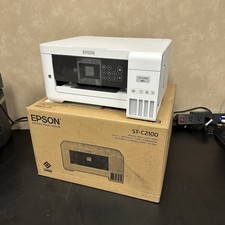
Epson EcoTank ST-C2100 Sublimation Printer
Professionally Converted • Tested & Working
This Epson EcoTank ST-C2100 has been professionally converted for sublimation use and test-printed before shipping to ensure proper operation.
The ST-C2100 is the white version of Epson’s EcoTank sublimation-ready platform and is popular for home and small-business use.
✅ Condition & Testing
Used printer in fully working condition
Test-printed before shipping
Converted specifically for sublimation ink
May show normal cosmetic wear from prior use
🖨 Ink Information (Please Read)
Ink tanks are fully filled
Due to EcoTank design and dark tanks, ink levels may not be visually obvious. Tilt the printer a little and you will see the ink line
Each unit is test-printed before shipping, confirming ink flow and functionality
📦 What’s Included
Epson EcoTank ST-C2100 sublimation printer
Sublimation ink already installed
Digital setup instructions (PDF / online). Google "BCH Sublimation ST2K".
❌ What’s NOT Included
📦 Packaging & Shipping
Ink is secured and packaged to reduce leakage during transit
Ships carefully packed for safe delivery
Messages are answered within 1 business day
⚠️ Please Note
This is a converted, used printer, not a new retail unit.
If you are expecting factory packaging, printed manuals, or brand-new condition, this listing may not be the right fit.
❓ Frequently Asked Questions
Q: Can this printer print A3 size?
A:No. The ST-2000 / ST-C2100 supports up toA4 / Letter sizeonly.
Q: Where do I buy refill sublimation ink?
A:Sublimation ink is widely available online by search "sublimation ink for Epson" on /AMZ. You may purchase refill ink from your preferred supplier.
Q: Can it print iPhone cases, TShirts, Car tags, etc.?
A:This printer can printsublimation transfer images.
Final results depend on theblank material, coating, heat press, and processused by the buyer.
Q: How can I start learning sublimation?
A:Watch my channel "Kevin at BCH". Some sample videos here
#1 Must-Known Tips for Sublimation Beginners - from Printer Conversion to Color Correction
Using the mobile app? Copy this link into your browser:
7 Tips for Sublimation Success - Part 1: Ink, Monitor, Printer, and Paper
Using the mobile app? Copy this link into your browser:
Part 2
7 Tips for Sublimation Success - Part 2: Time, Temperature and Color Management ICC Profile
Using the mobile app? Copy this link into your browser: