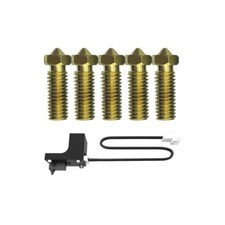
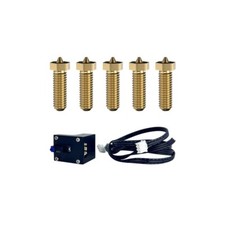
FLSUN Leveling Switch Sensor Modules 3D Printer Accessories for Q5/ QQ-S Pro/SR For Sale
When you click on links to various merchants on this site and make a purchase, this can result in this site earning a commission. Affiliate programs and affiliations include, but are not limited to, the eBay Partner Network.
FLSUN Leveling Switch Sensor Modules 3D Printer Accessories for Q5/ QQ-S Pro/SR
Price: US $49.99
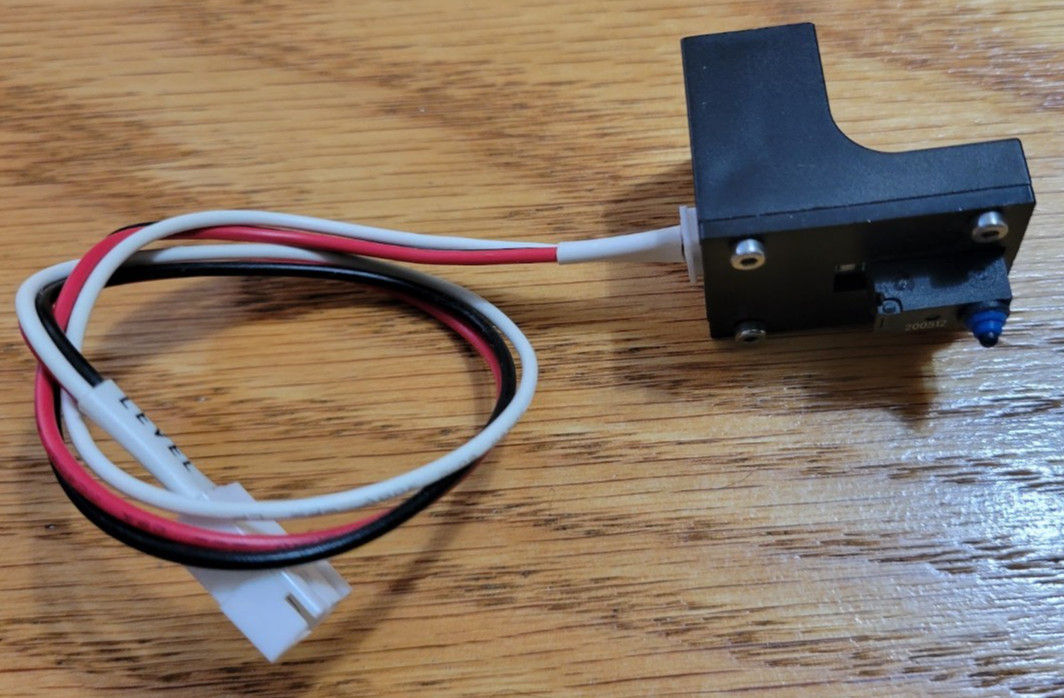
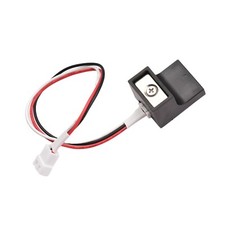
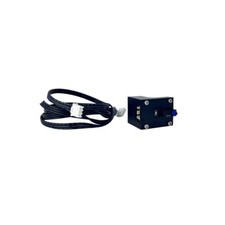
The magnetic Z-probe for the FLSUN QQ-S Pro is a physical, detachable bed-leveling tool. Unlike modern 3D printers that use permanently attached leveling sensors, FLSUN utilizes a manual, temporary probe system to keep the print head as lightweight as possible during operation.Physical Design & Mounting
Magnetic Coupling: The top of the plastic probe housing features small magnets. These line up with matching metal points located on the bottom of the print head effector.
The Trigger Mechanism: It uses a physical, spring-loaded tactile microswitch. A tiny plunger extends from the bottom of the module. When the plunger makes contact with the print bed, it compresses and triggers the internal mechanical switch.
Electrical Connection: A wire with a 2-pin connector extends from the module. This must be physically plugged into the extension jack near the print head block before starting a leveling cycle.
How it Communicates with the Motherboard
Signal Type: The sensor operates as a Normally Closed loop switch. In its resting state, electrical current flows freely through the loop.
The Trigger Event: When the probe hits the bed and clicks, the internal circuit opens. The motherboard instantly detects this change and logs the exact Z-coordinate at that specific point.
Accuracy: Despite being a basic mechanical switch setup, the stock FLSUN probe is highly consistent, capable of a standard probing tolerance deviation down to roughly 0.01mm.
Operational Safety Rules
Remove Before Printing: You must remove the probe and unplug it immediately after the auto-leveling process finishes. Because the probe sticks out lower than the actual printing nozzle, leaving it attached will cause it to crash into the print bed or ruin the print head belts during a print initialization.
Nozzle Cleanliness: Before attaching the probe, verify the nozzle tip is entirely clean of hardened filament. Any debris caught between the probe casing and the metal hotend mount will tilt the sensor body, leading to an uneven or failed mesh calculation.