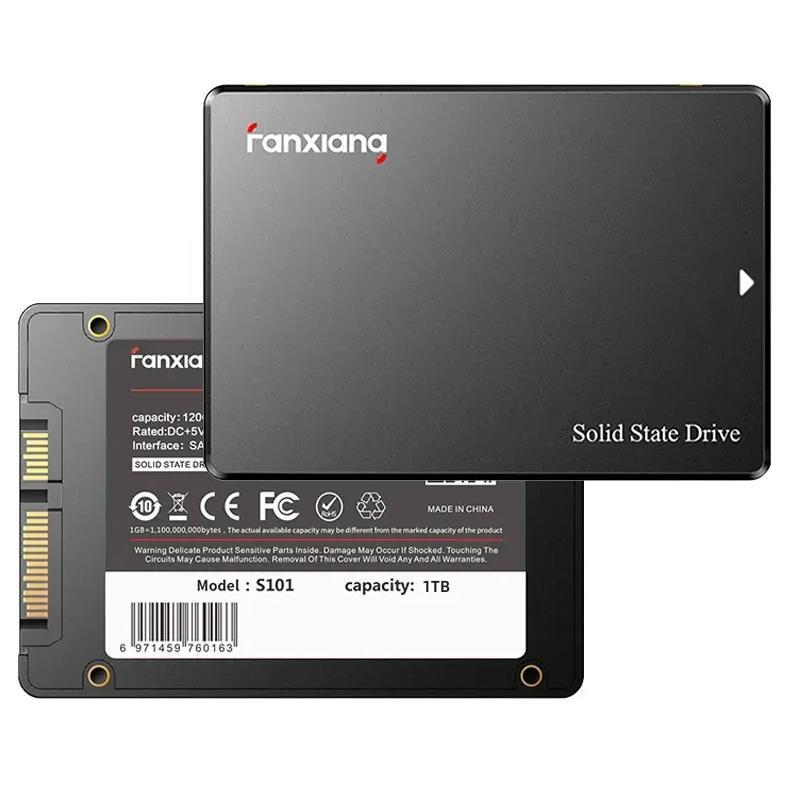
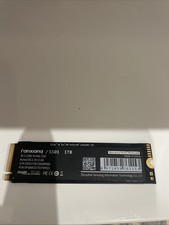
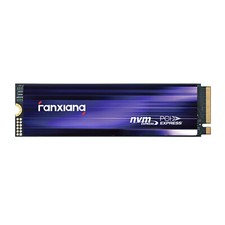
SATA III 2.5" SSD Internal Solid State Drive fanxiang S101 2.5" SATA 1TB SSD adopts SATA III interface, the maximum read speed can reach 550MB/s , and maximum read speed can reach 500MB/s . the built-in LDPC error correction decoding, the product is more stable and has a longer life. If you need related operations on SSD installation or partitioning, you can choose to watch the video we provide. The video content includes 1TB SSD installation, partitioning, speed measurement.
【Long Lasting Durability】 : The 2.5" SATA SSD 1TB can incorporates 3D NAND TLC chips, offering a longer lifespan in writes compared to QLC, ensuring a more reliable data storage solution. (4TB is QLC).
【Speed Up Computer】: The 2.5" 1TB SATASSD adopts SATA III 6Gb/s interface , it can achieves blazing read and write speeds of 550MB/s, facilitating rapid file and data transfers. Compared to HDDs, the 128GB SATA SSD boots up at least 50% faster, enabling instant productivity or gaming sessions.
【Improve Efficiency】: The 1TB 2.5" SATA SSD Solid-state drives can be used to speed up gaming and speed up efficiency for office, video, or graphic design work, 3 years warranty period.
【Wide Compatible】: Internal 2.5" 1TB SATA SSD compatible windows 10 / 8.1/8 /7, mac os 10.4 or later, linux 2.6.33 or later, compatible with laptops, desktops, all-in-one computers
FAQ
1. Why can't the SATA SSD be recognized after installation?
The newly bought SSD generally needs to be formatted and partitioned in "Disk Management" before use. lt is recommended to format in the windows operating system and use NTFS format.
2. Does this come with screws, brackets, or spacers?
Since each case/system may be a little different, our standard retail package only contains the bare drive.
3. How to copy data to a new SSD?
We have launched the latest FANXIANG SSD Toolbox, which can read the running status of SSDs. At the same time, it also has disk cloning and system migration functions (Note: this operation will delete all data on the target hard drive).
4. Where should we send SSD to repair?
fanxiang S101 SSD will be strictly tested before leaving the factory. If you have any questions or problems with the product, please notify us in time and we will give you a satisfactory answer.
Why the capacity displayed from the PC is smaller than the original capacity?
Actual usable space may be less than the total storage capacity listed due to Deci mal measurement used to represent usable capacity of the SSD.
Actual capacity calculation: Total storage x 0.93.
Factory default setting system 360GB SSD:Factory capacity: 360x1000x1000x1000=360000000000B. Transfer to PC displayed actual capacity: 360000000000B/1024/1024/1024=335G. Fast calculation: 360Gx0.93=335G