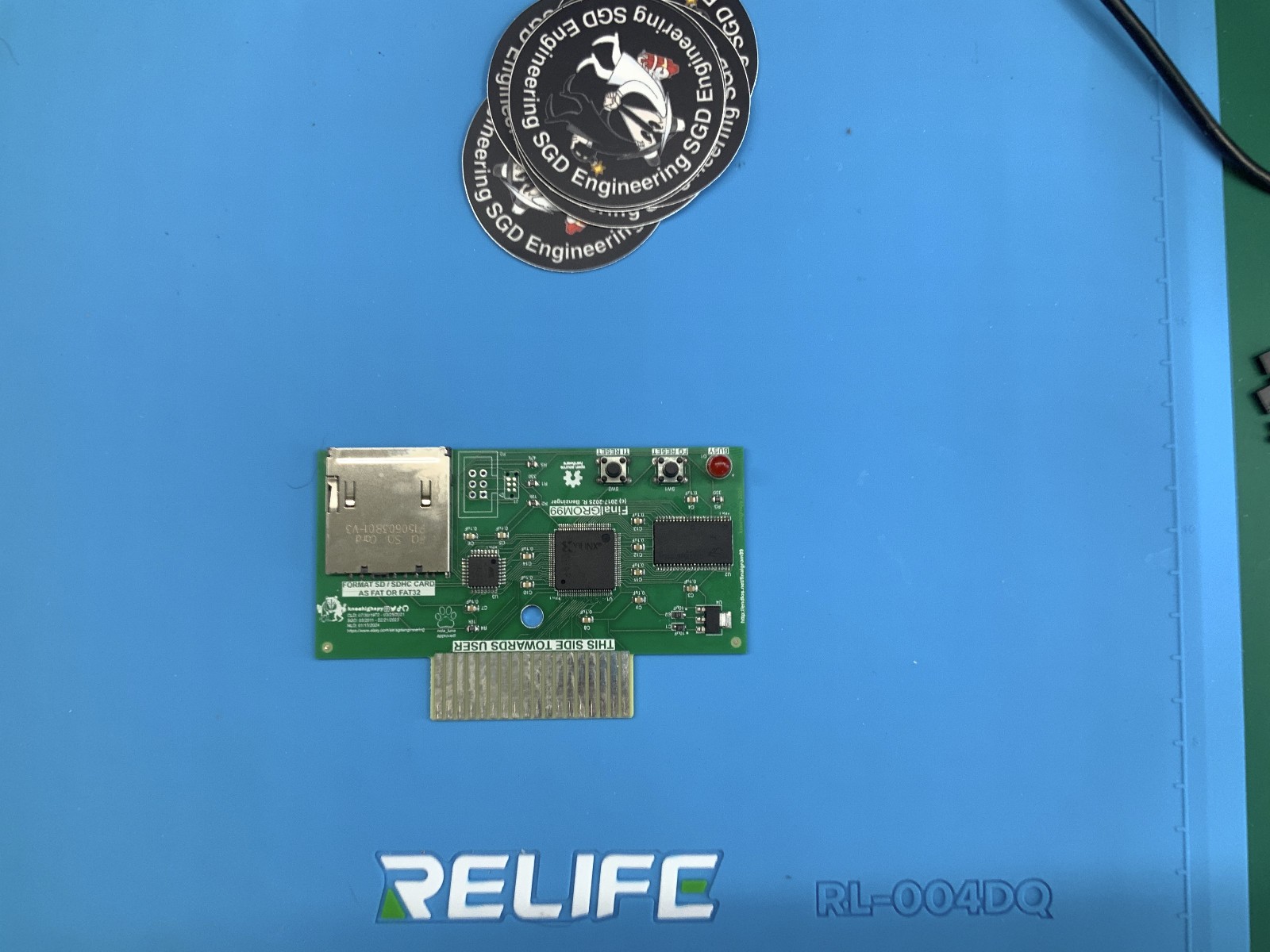
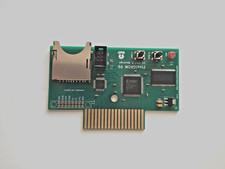
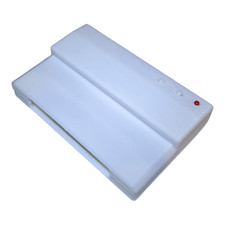
FinalGROM 99
The TI 99/4A FinalGROM Cartridge, or FinalGROM 99 for short, is acartridge for the TI 99/4A home computer that allows you to run ROM and GROMcartridge images from an SD card. It succeeds the FlashROM 99 releasedin 2016.
The FinalGROM 99 supports ROM images, GROM images, and mixed images of up to1 MB in size that use the write-to-ROM bank switching scheme. The cartridgedoes not require the Peripheral Expansion Box and runs on both PAL and NTSCconsoles, including modified consoles with an F18A. It will also run onv2.2 consoles and enables those to run ROM-only programs.
The cartridge offers some advanced modes that provide RAM and GRAM toprograms. It also allows a running program to reload another program fromSD card or to dump its state to SD card. All firmware of the FinalGROM 99can be updated by SD card.
The FinalGROM 99 is released as Open Source Hardware under theCERN OHL license and the GNU GPL license. Both hardware designfiles and firmware sources are available on GitHub.
The project homepage with detailed instructions is located at GitHub.
Using the FinalGROM 99Using the FinalGROM 99 is simple and doesn't require any special hardware orsoftware.
To begin, copy some cartridge dumps or other images files onto an SD or SDHCcard. You can create directories to organize your programs. Switch off theTI 99 and plug in the FinalGROM 99, then insert the SD card into theFinalGROM 99. Switch on the TI 99 and wait until the activity indicator onthe FinalGROM 99 is no longer lit.
Press any key to bring up the TI menu screen. You should see the FINALGROM 99 entry. Select it to start the image browser, where you can page throughthe list of available image entries with ,, ., SPACE, and number keys.When you descend into a folder, the FinalGROM will reload its contents fromthe SD card. To go back up to the parent folder, select the special folder/ ...
Select the image you want to run. The screen will show a loader animationwhile the image loads. Once the image has been loaded, it will startautomatically. The SD card is now no longer required and may be removed.
If only one image is found on the SD card, it is loaded immediately withoutthe need to select it first. This method ensures maximum compatibility.Note that ROM images loaded as single-image SD card will not run on v2.2consoles!
If you want to run a different program from the SD card, reset the TI 99 bypressing FCTN-= and then reset the FinalGROM 99 by pushing the resetbutton. If you do not reset the FinalGROM 99, the TI menu will show onlythe previously selected image. Alternatively, you can power cycle theconsole, which will reset both TI 99 and FinalGROM 99.
For detailed usage information please refer to the FinalGROM 99 homepage.
**no refunds or returns are allowed, all sales are final**
**Includes a 90 day warranty period**
warranty only covers the FinalGrom 99 itself should there be any issues with the unit. warranty covers replacement of same item only, no refunds or returns are allowed.
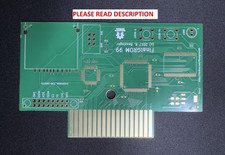
**My version of the FinalGrom 99 may differ from the original release (ie: pcb)**
**I've sold over 100 FinalGrom 99's and I'm located in the United States, no import fee's or long delivery times**