Flight Simulation SoftwareDesktop Flight Simulation Environment for PC & MacProfessionally Prepared Physical Installation Media
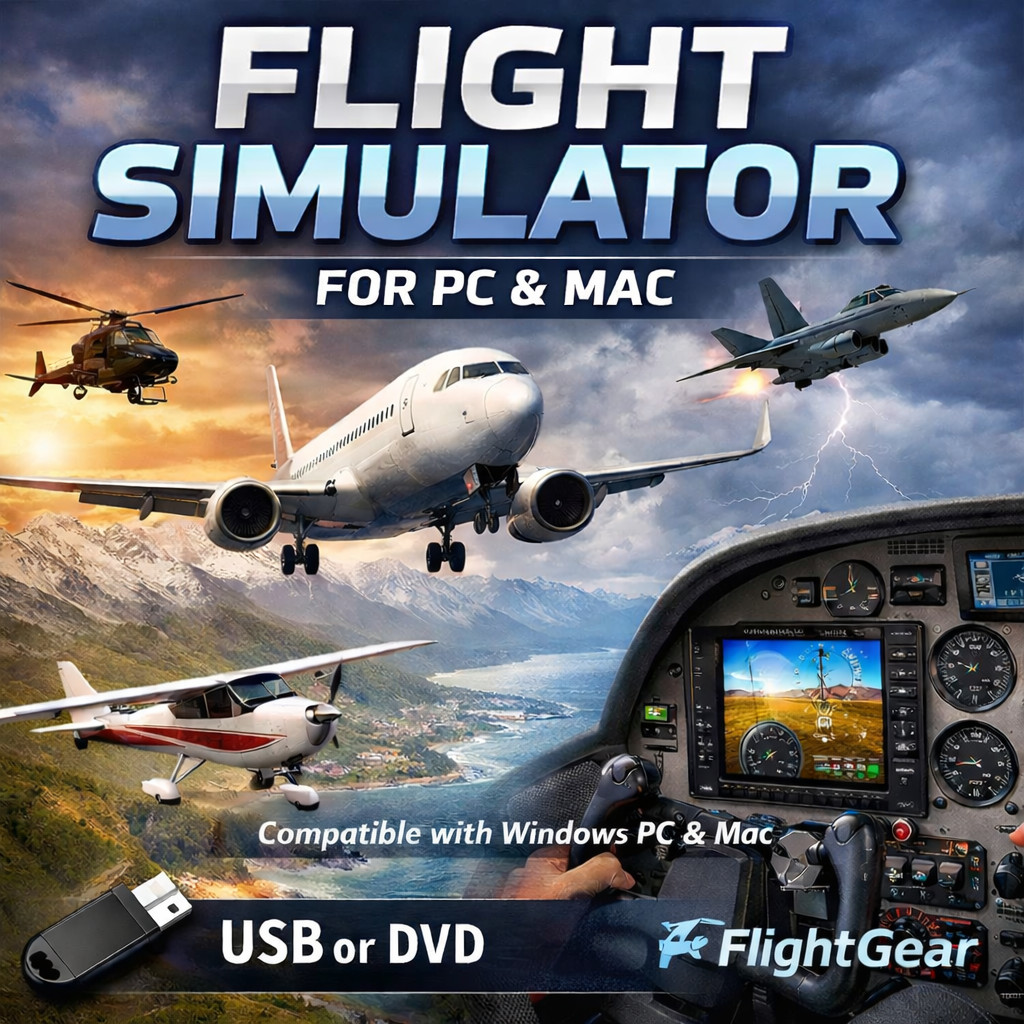
Experience realistic desktop aviation simulation using this professionally preparedflight simulation software package provided on physical USB installation media.
The software installs locally on compatible computers and can be usedoffline after installation, making it ideal for hobbyists, students, and simulation enthusiasts interested in aircraft handling, navigation, and global exploration.
✈️ Simulation Capabilities
- Flyable aircraft including airplanes and helicopters
- Global terrain environments for exploration and navigation
- Dynamic weather conditions affecting flight
- Cockpit view and external camera modes
- Free-flight exploration style simulation
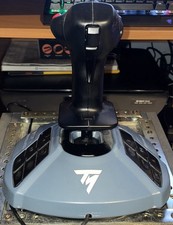
- Support for keyboard, mouse, and common flight controllers
- Runs locally after installation
- Adjustable performance settings for different hardware
📦 What Is Included
- 64GB TRS Tools prepared USB installation media
- Installation and usage guidance documentation
💻 System Compatibility
- Compatible macOS systems meeting minimum requirements
- USB port required for installation
- Hardware requirements vary depending on graphics settings
⭐ Trusted by TRS Tools – 30+ Years of IT Experience
- Professionally prepared installation media
- Organized software installation files
- No large downloads required
- Offline installation convenience
✔️ Why Choose TRS Tools
- Software organized for easier installation
- No activation keys or subscriptions required
- Runs locally on your computer
- Convenient offline installation
- Prepared by experienced IT professionals
- Helpful installation guidance included
💾 Professional Installation Media
🎯 Who This Software Is Perfect For
- Students learning aviation concepts
- Users exploring aircraft handling and navigation
- Hobbyists interested in aviation simulation
- Users who prefer offline software installation
⚙️ How Installation Works
Step 2: Open the USB drive and launch the installer
Step 3: Follow the installation instructions to install the software
⚖️ TRS Tools Media vs Searching for DownloadsFeatureTypical Online DownloadTRS Tools MediaLarge File DownloadsRequiredNot necessarySoftware OrganizationUser must preparePrepared and organizedOffline InstallationOften difficultReady to installConvenienceTime consumingQuick setup❓ Frequently Asked Questions
Can this be installed on more than one computer?
Yes. The software does not contain device activation limits and may be installed on multiple compatible computers.
Does this require a license key?
No activation keys are required. The software runs locally after installation.
Does the simulator require internet access?
No. After installation the software can run offline.
Can I use flight controllers or joysticks?
Yes. Many flight controllers, joysticks, keyboard, and mouse setups are supported.
Are instructions included?
Yes. Installation guidance is included on the media.
What exactly am I purchasing?
This listing provides professionally prepared physical installation media containing the software and guidance files.
Does this include retail packaging?
The item includes USB installation media. Any box images shown are presentation graphics.
📜 Licensing & Distribution Notice
⚠️ Trademark & Compatibility Notice