Store CategoriesStore Categories
Note: The VOL20 does not support charging with fast-charging adapters and cables, otherwise it may damage the product.
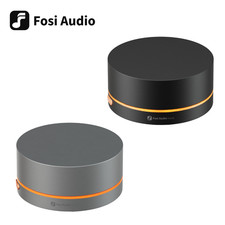
New Companion for Your Media Center
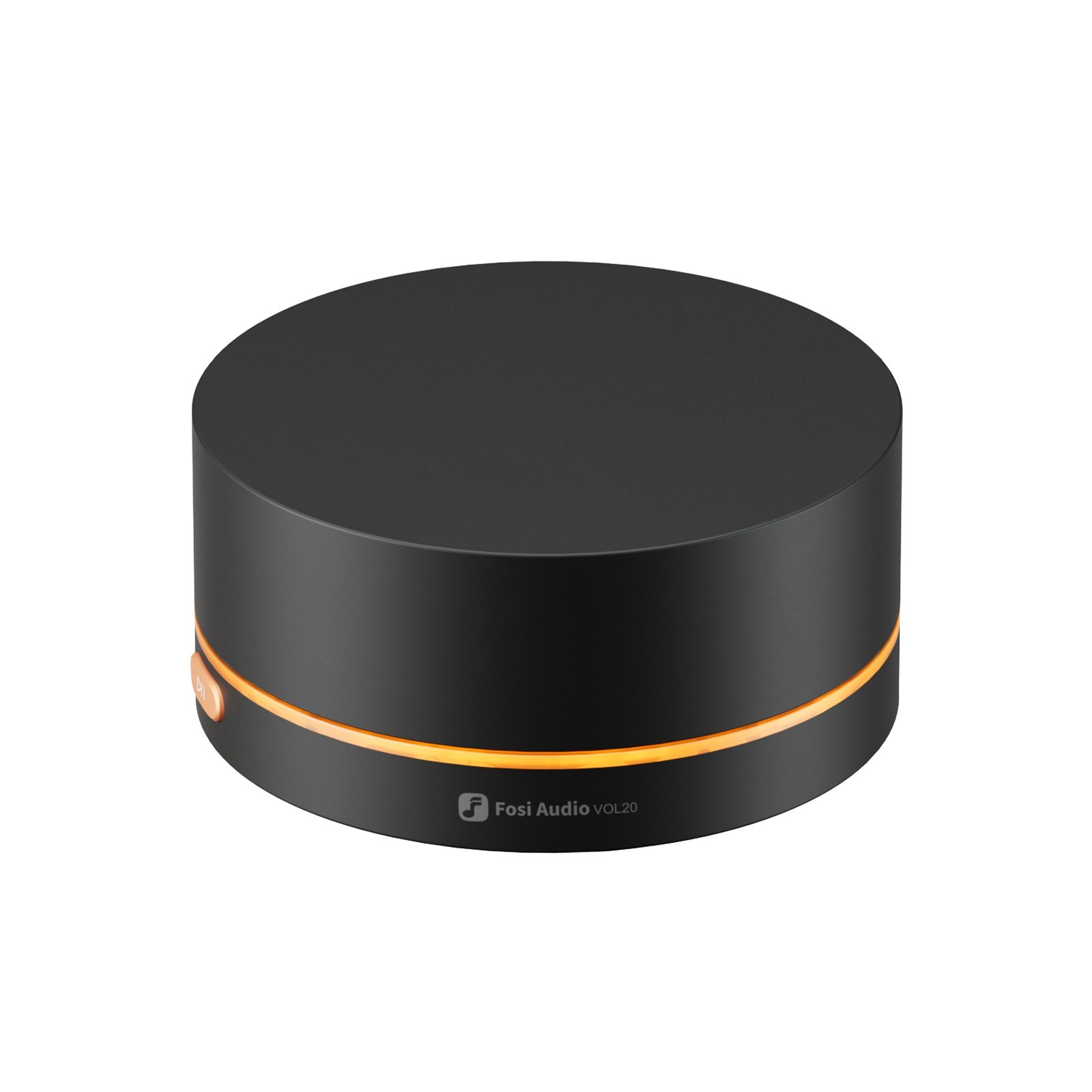
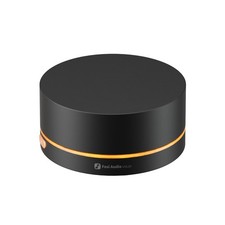
Built with a robust zinc alloy, VOL20 offers Bluetooth and USB connectivity. It features customizable RGB lighting, allowing adjustment to your own preference. Providing plug-and-play ease, it enhances your volume control experience. Connection Method: Bluetooth/USB
Bluetooth Connection Range: ≥10m
Lighting Modes: Constant Light Mode/Light Off Mode/Auto-Off after 5 Seconds of Inactivity/Spectrum Cycling
Functions: Volume Up/Down; Previous Track/Next Track; Play/Pause; Mute/Unmute
Q & A:
Q: Which devices are compatible with the VOL20?
A: The VOL20 is compatible with digital audio sources that support USB or Bluetooth peripherals, including PCs, Macs, laptops, mobile phones, tablets, digital audio players, and streamers.
Q: Can VOL20 be used with Apple TV?
A: OL20 can be used with Apple TV, but the connected TV must support HDMI CEC functionality.
Q: Can the VOL20 be used to control a DAC or amplifier?
A: VOL20 is primarily designed as a peripheral for audio source devices, requiring USB or Bluetooth peripheral support to function. Generally, DACs or amplifiers do not support this feature.
Q: Why can't my computer detect the VOL20 in pairing mode?
A: If the VOL20’s blue light is solid instead of flashing, it's connected to another device. Delete the VOL20 from any previously paired devices, then try connecting again from your computer.
Q: Why does the Bluetooth connection drop on PC reboot, even though it works perfectly when connected via cable?
A: Bluetooth reconnects automatically. If the USB is connected, it takes priority. Disconnect the USB cable to allow Bluetooth to reconnect.
Copyright © 2023 Dianxiaomi