Notes:This product is only applicable to older motherboards such as those from INTEL and AMD. It is not suitable for new motherboard models with firmware TPM, as well as all-in-one computers and laptops.The minimum hardware configuration for upgrading to Windows 11 via TPM 2.0 is as follows: a 64-bit processor (dual-core/multi-core) with a speed of 1 GHz or faster, 4 GB of RAM, 64 GB of storage space, firmware supporting UEFI secure boot and TPM 2.0, a DirectX 12 compatible graphics card, and a display with a resolution of 720p or higher.The pin of this product is 12pin-1. Compatible Models:For Gigabyte MotherboardH310M H rev. 1.xH310M H rev. 1.0/1.3H310M DS2 H310M S2H310M S2 rev. 1.1 / 1.2H310M S2 rev. 1.0H310M S2PH310M DS2V
Product Condition: New. Comes as pictured.
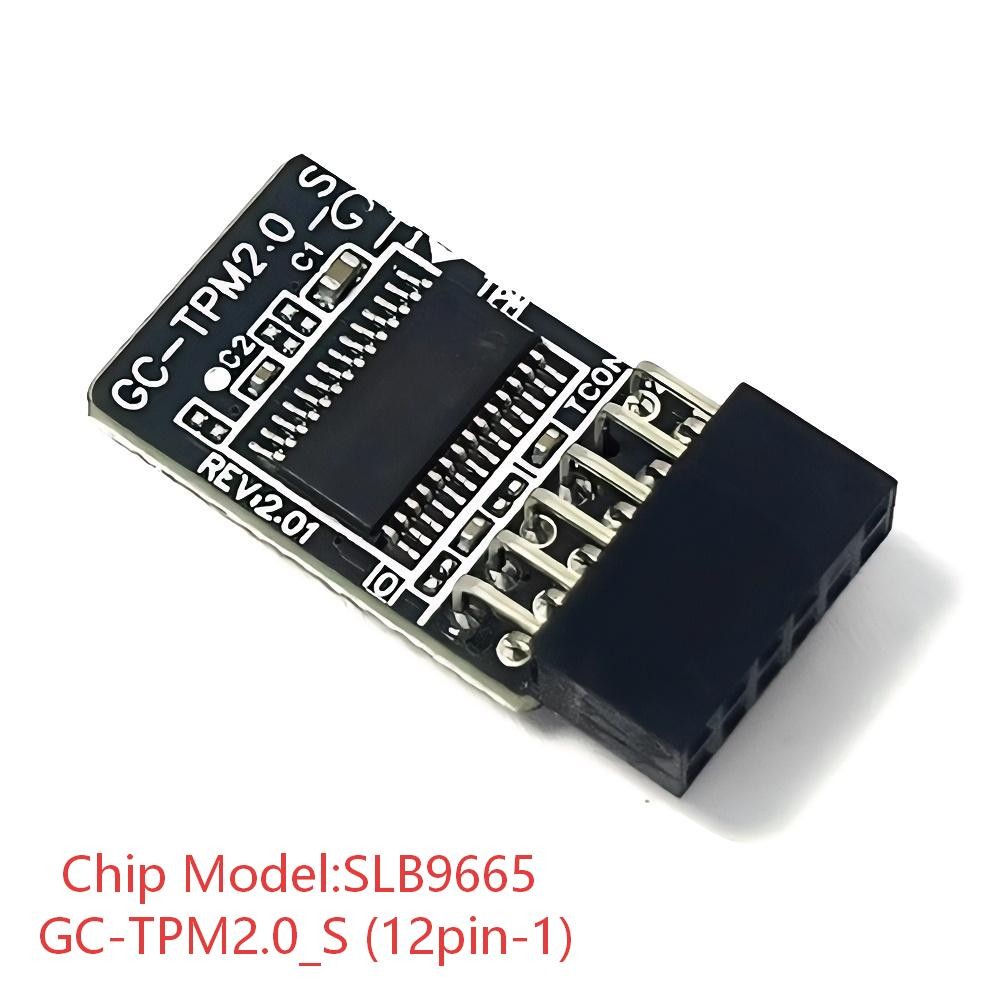
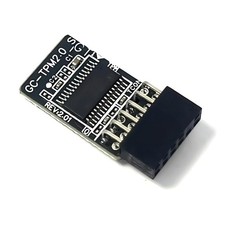
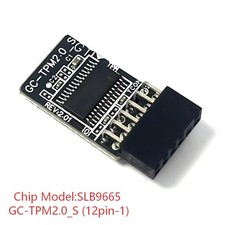
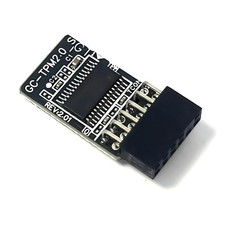
Package Includes: One GC-TPM2.0_S (12pin-1) Module
Notes:
- This product is only applicable to older motherboards such as those from INTEL and AMD. It is not suitable for new motherboard models with firmware TPM, as well as all-in-one computers and laptops.
- The minimum hardware configuration for upgrading to Windows 11 via TPM 2.0 is as follows: a 64-bit processor (dual-core/multi-core) with a speed of 1 GHz or faster, 4 GB of RAM, 64 GB of storage space, firmware supporting UEFI secure boot and TPM 2.0, a DirectX 12 compatible graphics card, and a display with a resolution of 720p or higher.
- The pin of this product is 12pin-1. Please carefully check whether the pin position in the picture matches your motherboard before purchasing.
Compatible Models:For Gigabyte MotherboardH310M H rev. 1.x
H310M H rev. 1.0/1.3
H310M DS2
H310M S2
H310M S2 rev. 1.1 / 1.2
H310M S2 rev. 1.0
H310M S2P
H310M DS2VHow to Choose and Install the Security Module:
- It is necessary to confirm whether the host has TPM 2.0 or whether TPM 2.0 is enabled.
- Click "Run", enter: tpm.msc (press Win + R keys), and check if the TPM version is ready.
- If version 2.0 is displayed but not ready, you need to set it in the BIOS and consult the motherboard manufacturer's customer service.
- Open the host and check the TPM pins on the motherboard.
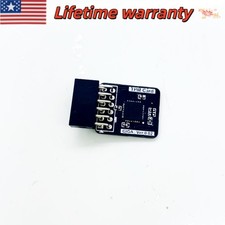
- When installing the module, the side with the chip should face inward. Align it with the pins and insert it firmly to prevent loosening. (See the picture for the direction)
Product Performance:
- Compatible with: GC-TPM2.0_S
- Chipset: SLB9665
- Interface: LPC
- PIN DEFINE:12pin-1
Core Uses:a: Seamless upgrade to Windows 11: Solves the TPM 2.0 verification problem, making it easy to upgrade to the latest operating system.
b: Enhanced hardware-level security: Equipped with an independent encryption chip, it provides a dedicated secure encryption chip specifically for securely storing sensitive data (such as encryption keys, digital certificates, login credentials), thereby improving the overall security of the system.
c: Hardware encryption acceleration: Reduces the burden on the CPU. By accelerating encryption operations through dedicated hardware, it indirectly improves the system response speed and enhances the running smoothness of some applications that rely on encryption (such as games and security software).