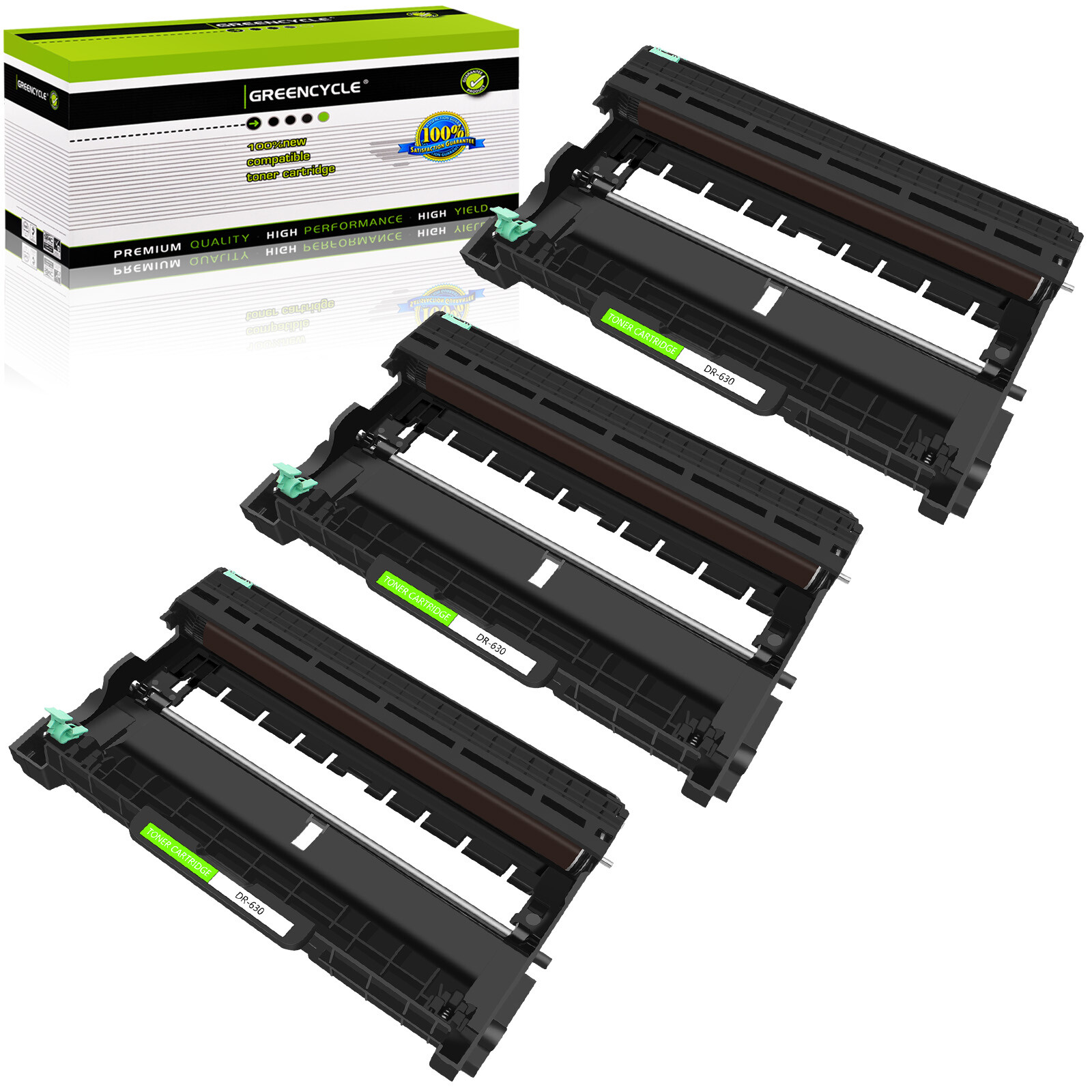
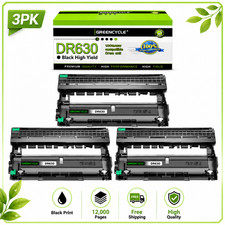
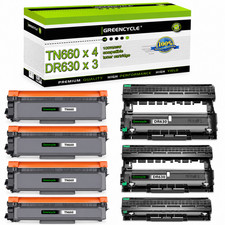
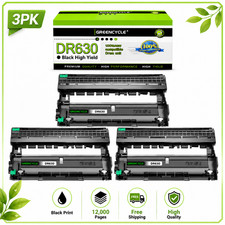
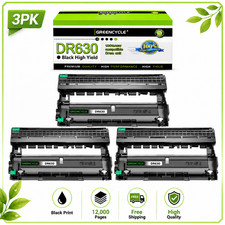
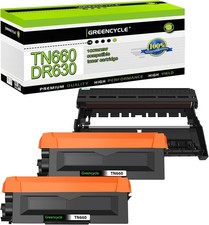
Features:Type: Premium Compatible Drum (Not OEM)It is certified with ISO 9001 and ISO 14001Condition: Brand NewWarranty: 12 month Shelf Life : 1 yearPart number : BRDR630Print Technology: LaserColor: BlackQuantity: 3PKPage Yield:Drum Unit : 12,000 Pages at 5% Coverage (4A Paper)Compatible for Brother printer list:DCP Series: DCP-L2520DW; DCP-L2540DW;MFC Series: MFC-L2700DW, MFC-L2720DW, MFC-L2740DW;HL Series: HL-L2300D HL-L2320D HL-L2340DW HL-L2360DW HL-L2380DWInstructions:● Navigate through the menu of your laser printer using the keypad.● Choose "Replace Toner."● Select the cartridge that you want to replace (the printer will give you options of which cartridge you would like toreplace). The selected cartridge will rotate to the inside front of the printer. GREENCYCLE 3PK DR630 Drum Units Compatible For Brother HL-L2320D HL-L2340DW HL-L Features:
Type: Premium Compatible Drum (Not OEM)
It is certified with ISO 9001 and ISO 14001
Condition: Brand New
Warranty: 12 month Shelf Life : 1 year
Part number : BRDR630
Print Technology: Laser
Color: Black
Quantity: 3PK
Page Yield:
Drum Unit : 12,000 Pages at 5% Coverage (4A Paper)Actual toner yield varies with usage, graphics printed and environmental conditions.
Provide same performance and reliability as genuine Brother Cartridge.
Meeting standards of ISO 9001&14001 with 100% new components.
High-quality printing with every document.
Easy to install or replace design.
Full 1 year warranty against manufacturer defects and print quality. Compatible for Brother printer list:
DCP Series: DCP-L2520DW; DCP-L2540DW;
MFC Series: MFC-L2700DW, MFC-L2720DW, MFC-L2740DW;
HL Series: HL-L2300D HL-L2320D HL-L2340DW HL-L2360DW HL-L2380DWNote: This toner cartridge is a compatible product. We cannot list all compatible printer models on the packaging box. Please refer to the detailed pageor consult customer service for compatible printer models.
Instructions:
● Navigate through the menu of your laser printer using the keypad.
● Choose "Replace Toner."
● Select the cartridge that you want to replace (the printer will give you options of which cartridge you would like to
replace). The selected cartridge will rotate to the inside front of the printer.
● Open the printer door and lift up the handhold. Gently dislodge the cartridge for removal.
● Take a new toner cartridge out of the box and shake it gently. Remove the protective tape.
● Insert the new cartridge into the laser printer and align the cartridge with the arrows. Push down gently to make sure it is locked into place.
● Close the front panel of the printer, and it is ready for use. Print a test page. Fast and Safe Shipping
Safety and Reliability. Reliability on the Move, Safety in Transportation.
High Quality Standard
It was precisely designed to deliver clear and crisp printing result to satisfy your needs.
At Your Service Anytime
Available to help you anytime. Please contact us through messages.