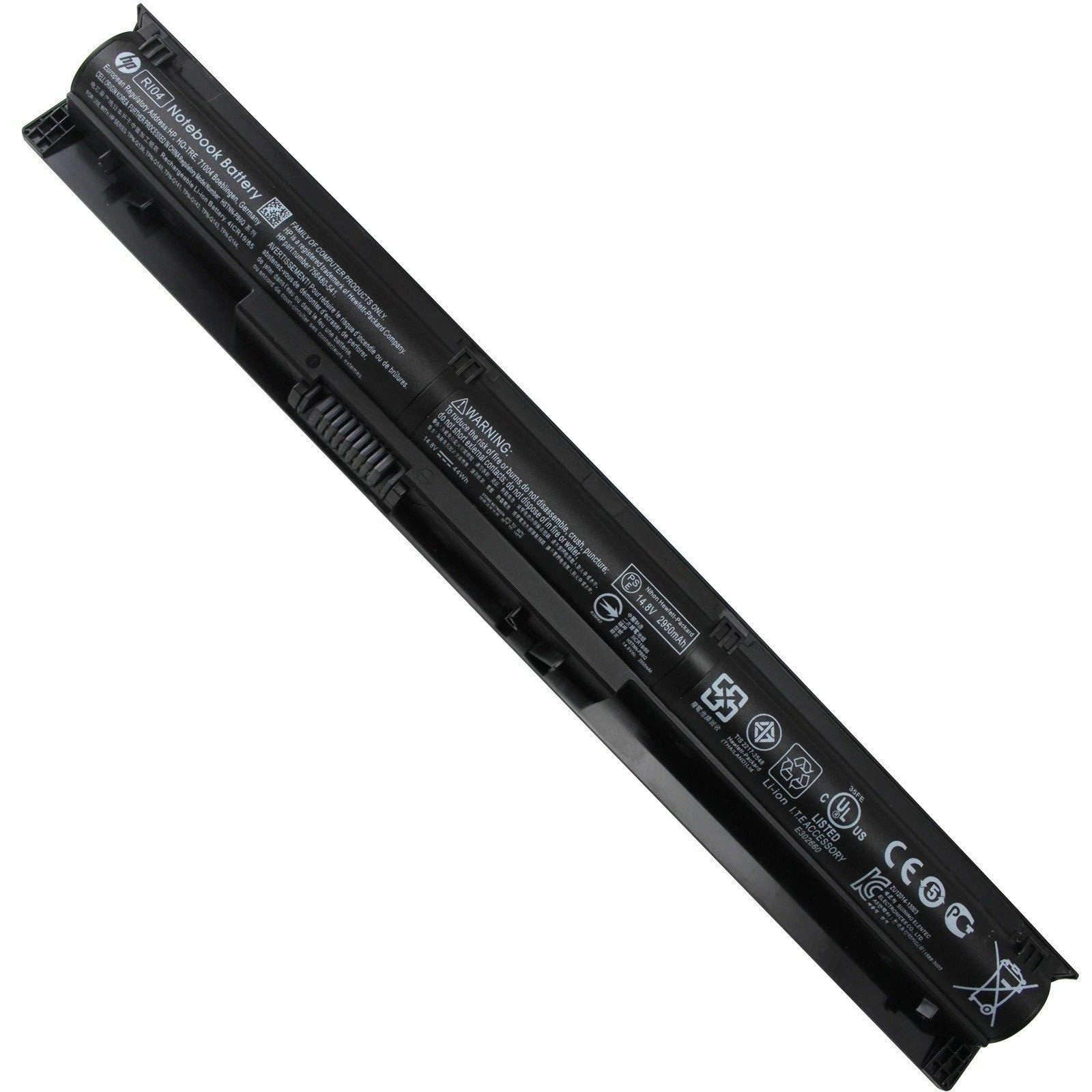
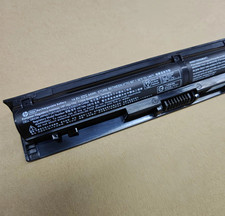
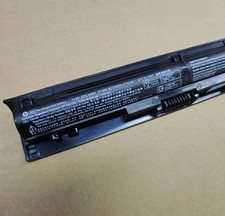
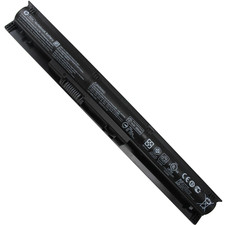
Perduct Description:
Voltage: 14.8VCapacity: 44WhBattery Type: Li-ionCell: 4-CellCondition: Brand New, 'A' grade cells, 100% compatible!
Compatible Part Number:RI04 RI04XL R104 RIO4 RI06R106 RIO6RI06XL RIO6XL R106XLHSTNN-PB6Q HSTNN-Q94C HSTNN-Q95C HSTNN-Q97C HSTNN-DB7B HSTNN-LB6ZP3G15AA P3G15AA-AX P3G16AA805047-221 805047-241 805047-251 805047-851805294-001 811063-421 811346-001
Compatible Models:(Ctrl + F for fast search your laptop model)
For HP:
For ProBook 450 Series
For ProBook 450 G3 Series
For ProBook 450 G4 Series
For ProBook 455 Series
For ProBook 455 G3 Series
For ProBook 455 G4 Series
For ProBook 470 Series
For ProBook 470 G3 Series
For ProBook 470 G4 Series
For Envy 15 Series 15-q001tx
For Envy 15-q000 Notebook PC Series
For Envy TouchSmart 15-q100 Notebook PC Series
ProBook 450 G3
L6L03AV L6L04AV L6L05AV L6L06AV L6L07AV L6L14AV
V6D97AV V6D98AV V6D99AV V6E01AV V6E03AV V6E07AV V6E08AV L6V83AV
ProBook 455 G3
L6V85AV N2G16AV
ProBook 470 G3
L6A80AV L6A83AV V5C71AV V5C74AV
for HP Pavilion 15-CD Series:15-CD000NG 15-CD000NU 15-CD000NV 15-CD000UR 15-CD001AU 15-CD001CA 15-CD001DS 15-CD001NG 15-CD001NL
for HP Pavilion 17-AR Series:17-AR007CA 17-AR050WM and more.
Delivery details
USPS shipping, delivery within 2–5 business days
1. Items are generally shipped out within 24-48 hours after your payment has been cleared (Sat. & Sun. excluded.)
2. Orders from the United States will all be shipped out via USPS . The shipment usually takes 3-5 business days( Exclude public holiday), if you need the item urgently, please contact us for detail before purchase.
3. We ship to US ONLY and do not support Collection.
4. All items will be shipped to buyer's paypal address. Please check your paypal address before place the order.Warranty&Return
1.Our products come with a 60-day warranty service.For products that are undamaged, intact, unused and can be resold, we offer a 30-day refund service.
2.If you receive a product with quality problems or dissatisfaction, please contact us first, do not apply for a refund directly, thank you for your understanding and cooperation.
3. For all returned products, Please contact us for the returning address and Pls no return case.
Contact Us
1.Currently, our after-sale workmate good at English.You can directly initiate inquiries through the platform's chat function.We will verify the inventory quantity of the products, the detailed specifications of the products, and other relevant information for you.
2.If you have any question, just send a message is a best solve way between us.We have always been trying to provide the best service and reliable products for every customer,if you are satisfied with our goods and service, please give us 5 stars to encourage us to do better and better.
3. If you are not satisfied with our items or service,please don't hesitate to contact us before you leave any responses or open a case. We will definitely solve this problem for you. With mutual cooperation, please trust us and we will provide you with a satisfactory solution.
FQA
Q: why battery don't hold a charge, how to fix it?
A: this is new battery,for first use, we suggest buyer:
Remove the battery for a while
Install battery and full charge it by ac adapter
Leave charger and let the battery drain to shut off
Repeat above charging and discharging at least 2 times.
you charge the battery when power lower than 20%. If available, connect ac charger when doing computer work.
If run the battery shut down often, it will shorten the battery life.
Q: battery can't charge fully,how to fix it?
A: Remove the battery for a while
Install battery and full charge it by ac adapter
Leave charger and let the battery drain to shut off
Repeat above charging and discharging at least 2 times.
Q: Battery can't be recognised by my laptop?
A: we met this issue before, maybe beacuse of your laptop system, we suggest you can:
Remove all battery drivers
Remove battery
Connect laptop using AC charger, double check no battery drivers installed
Connect battery
Drivers will install automatically
Full charge the battery by ac adapter
Leave charger and let the battery drain to shut off
Repeat full charge and full discharge about 2 times.
Q: Battery dies suddenly at about 20%
A: Kindly check the battery settngs and BIOS
then:
Remove the battery for a while
Install battery and full charge it by ac adapter
Leave charger and let the battery drain to shut off
Repeat above charging and discharging at least 2 times