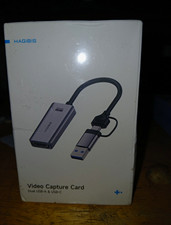
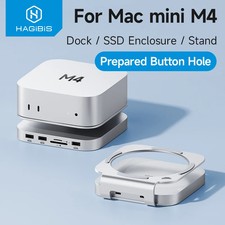
Hagibis USB-C Dual Port Adapter
100W Fast Charging + 10Gbps High-Speed Data Transfer
🚀 Key Features⚡ 100W Power Delivery
Charge your USB-C laptop or device at full speed while using the data port simultaneously. Supports up to 100W pass-through charging for uninterrupted power.
💨 10Gbps Data Speed
USB 3.2 Gen 2 port delivers lightning-fast 10Gbps transfer speeds. Move large files, HD videos, and entire photo libraries in seconds.
🔌 2-in-1 Functionality
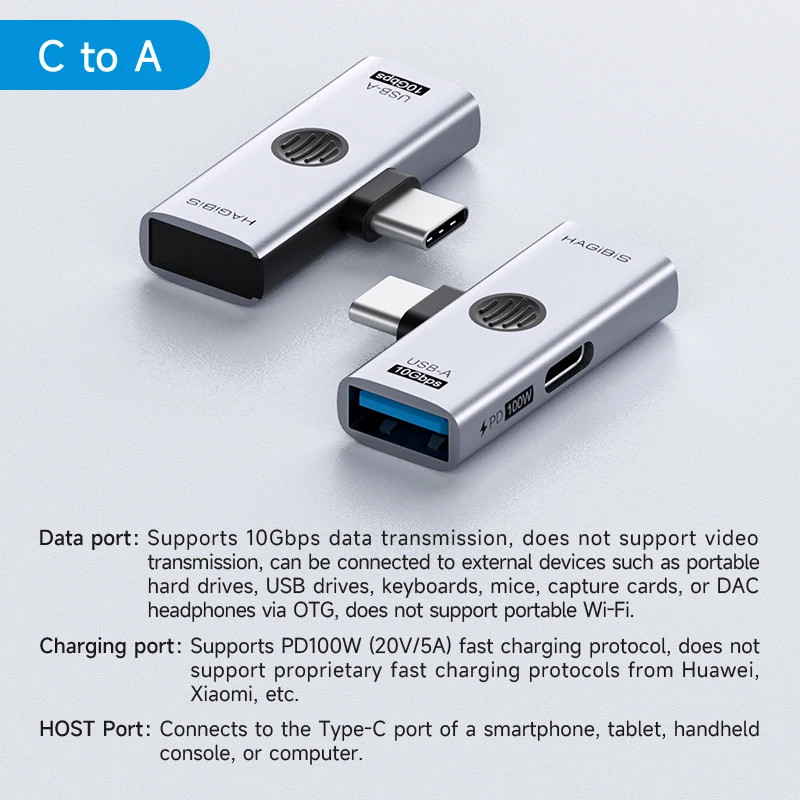
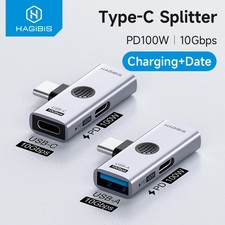
Split one USB-C port into two: dedicated 100W charging port plus high-speed data port. Connect flash drives, keyboards, mice, card readers, and more while charging.
✈️ Ultra-Portable Design
Compact aluminum construction fits easily in any bag or pocket. Plug-and-play operation with no drivers needed. Durable build for daily use.
📊 Technical SpecificationsBrandHagibisInput InterfaceUSB Type-C MaleOutput Ports1x USB-C PD (100W) + 1x USB-C Data (10Gbps) OR 1x USB-A Data (10Gbps)Data Transfer SpeedUp to 10Gbps (USB 3.2 Gen 2)Power DeliveryUp to 100W (actual output slightly lower due to adapter consumption)MaterialAluminum Alloy ShellCompatibilityUSB-C devices with DP Alt Mode supportCable LengthCompact adapter design (no cable)VariantsType-C to Type-C + PD / Type-C to Type-A + PD📱 Wide Device Compatibility
🖼️ Product Images❓ Frequently Asked QuestionsQ: Can I charge and transfer data at the same time?
Yes! That's the primary function of this adapter. The PD port handles charging while the data port allows you to connect peripherals simultaneously.
Q: Will this work with all USB-C devices?
It works with most USB-C devices, but ensure your device supports USB-C data transfer and Power Delivery for full functionality.
Q: Is the full 100W available for charging?
The adapter supports up to 100W input, but actual output to your device will be slightly lower due to power consumption by the adapter itself. Typically 2-5W less than input power.
Q: Does this support video output?
No, this adapter is designed for charging and data transfer only. It does not support video/display output.
Q: Which variant should I choose?
Choose "C to C and PD" if you need USB-C data connectivity, or "C to A and PD" if you need standard USB-A connectivity for older peripherals.