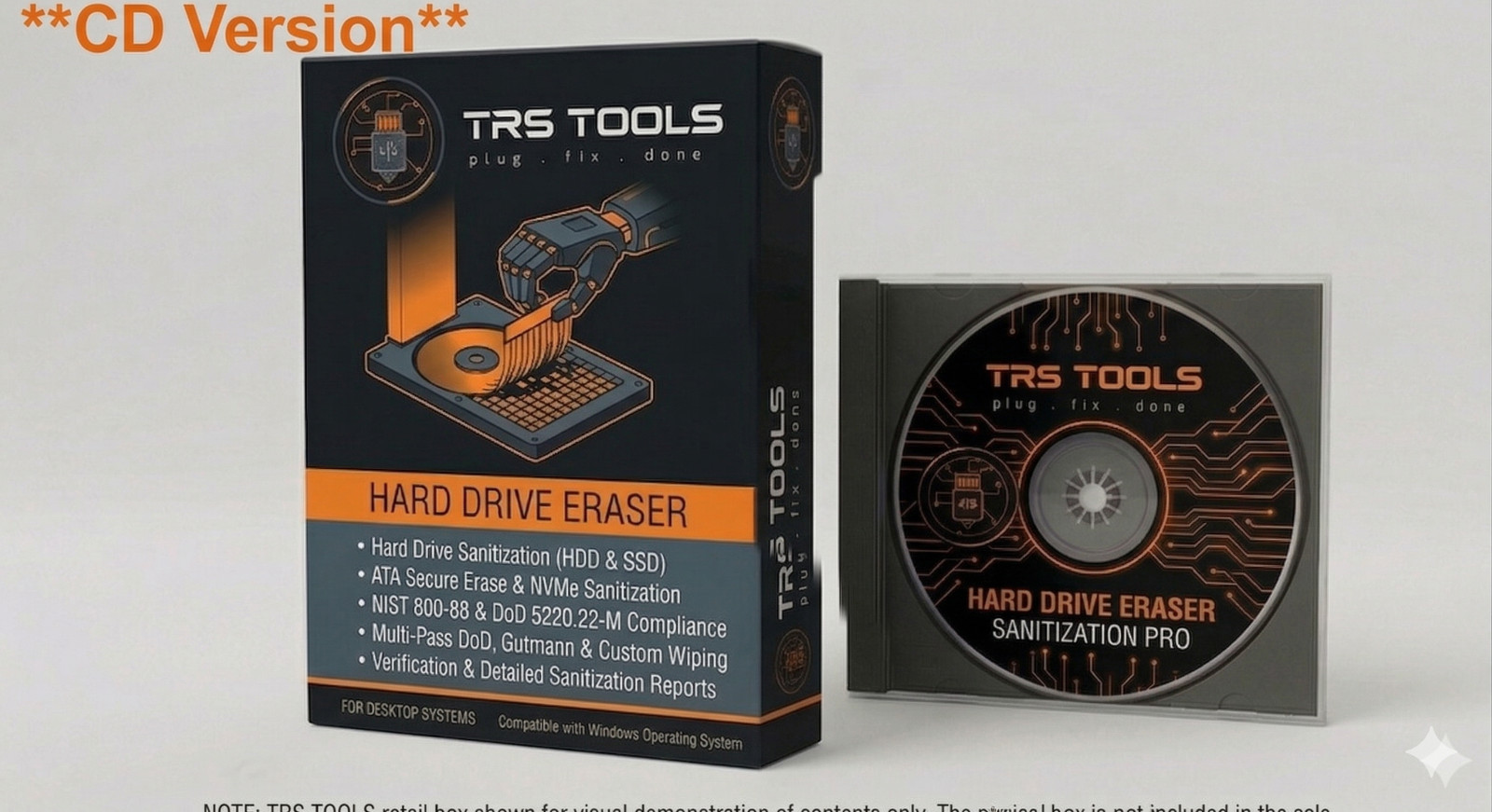
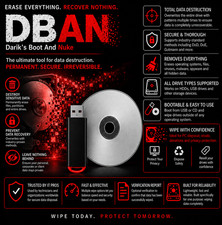
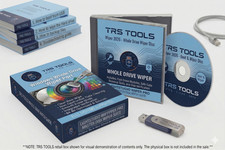
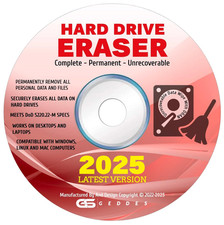
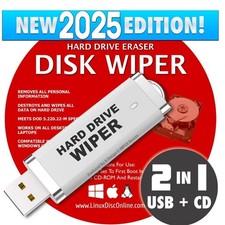
Hard Drive Eraser & Secure Disk Wiper — Bootable USB 2026 Permanent Data Destruction 2026 Ready · Latest Version Hard Drive Eraser & Secure Disk Wiper
Bootable USB — Beyond Any Possible Recovery Permanently and securely erase every hard drive you own before selling, donating, or recycling your PC. Meets Department of Defense DOD 5220.22-M standards. Prepared and tested by a 30-year IT professional — ready to use straight from the envelope. Included is a easy to follow step by step with screen shots, and support avaialble thru messages. One-time · Reuse on unlimited drives Money-Back Guarantee Ships within 24 hours 30-day returns 30-yr IT Expert Support 7 DoD-grade overwrite passes available 0% Data recovery possible after wiping 30 Years of IT experience behind this USB ∞ Hard drives you can erase — no limits Warning: Simply deleting files does NOT protect your data When you delete files or do a factory reset, the data is NOT gone — it's still on the drive and recoverable with free software in minutes. Social Security numbers, bank account details, passwords, tax records, and personal photos can all be retrieved by anyone who gets hold of your old drive. This USB permanently overwrites every sector of the drive so recovery is mathematically impossible. Do any of these apply to you? Selling your PC Wipe your personal data before the new owner takes possession — legally and completely. Donating to charity Protect your privacy before giving a computer away — your data should leave with you, not with it. Business disposal Decommission company workstations and comply with data protection requirements before disposal. IT technicians One USB handles your entire client base. Reusable on unlimited machines — keep it in your toolkit. What thieves can recover from an unwiped drive Social Security & national ID numbers Bank account & credit card details Saved passwords & browser history Tax returns & financial records Personal & family photos Work documents & confidential emails Medical records & insurance info Social media & email login credentials This tool permanently destroys all data on the selected drive. This process is irreversible. Ensure you have backed up any files you wish to keep before running. This tool targets HDD hard drives — for SSDs, additional secure erase methods may be required. How to use it — step by step 1 Back up any files you want to keep Copy documents, photos, and anything important to an external drive or cloud storage. The wipe is permanent — nothing can be recovered once complete. Do this first 2 Plug in the USB and restart the computer Insert the USB into any port. Restart and press F11, F12, or Delete (varies by brand) to open the boot menu. Select the USB drive. The included guide shows the exact key for every major brand. About 1 minute 3 Select your wipe method and start Choose from multiple secure overwrite standards including DoD 5220.22-M (7 passes), Gutmann (35 passes), or Quick Erase. Select the drive and begin. The software handles everything automatically. 5 minutes to set up 4 Wait for completion — then dispose safely The wipe runs unattended. Time varies by drive size and method chosen (a 500GB drive with DoD 7-pass typically takes several hours). When complete, the drive is certified clean and safe to sell, donate, or recycle. Runs unattended Multiple military-grade wipe standards included DoD 5220.22-M US Department of Defense standard. 7-pass overwrite. The gold standard for government and enterprise data destruction. US Gov Standard Gutmann Method 35-pass overwrite algorithm. The most thorough erasure method available — no forensic tool can recover data afterward. Maximum Security Quick Erase Fast single-pass wipe. Ideal for time-sensitive situations or when a high-security standard is not required. Fast Option DoD Short (3-pass) Abbreviated DoD standard — three overwrite passes. Balances thorough erasure with faster completion time for large drives. DoD Compliant Key features Erases data beyond any possible forensic recovery Multiple overwrite standards: DoD, Gutmann, Quick, RCMP Bootable — works independently of the installed OS Supports PATA (IDE), SATA, and SCSI hard drives Autonuke mode — wipes all drives automatically, unattended Trusted by IT professionals, universities, and government agencies Works on laptops, desktops, and servers Reusable forever on unlimited drives — no per-use fees 30Years Prepared and verified by a 30-year IT professional — not a bulk reseller Every USB we ship is personally tested and verified before it leaves our hands. With three decades of IT experience across homes, businesses, and enterprise environments, we know exactly what data destruction means in practice — not just theory. If you run into any issue with booting or setup, message us on and we will personally walk you through it. 30 years IT & data security Every USB personally tested Responds within 24 hrs Real support — not a script Compatible with all major hardware All PC brands Laptops & desktops Servers & workstations PATA / IDE drives SATA drives SCSI drives HP, Dell, Lenovo Asus, Acer, Toshiba Technical specifications FormatBootable USB Drive LicenseGPL Open Source Min processor512 MHz Min RAM512 MB Drive typesHDD (PATA, SATA, SCSI) Internet neededNone — fully offline Number of drivesUnlimited Made inUnited States Frequently asked questions Q Can the data really never be recovered after wiping? Correct. Unlike deleting files or formatting a drive, a multi-pass overwrite replaces every bit of data with random patterns repeatedly. Even with professional forensic hardware used by government agencies, recovery is not possible after a DoD-standard wipe. Q Does this work on SSDs as well as hard drives? This tool is optimized for traditional HDD hard drives (PATA, SATA, SCSI). For SSDs, the drive's wear-leveling technology means not all sectors are overwritten in the same way. For SSD secure erasure, manufacturer tools or hardware-based methods are recommended. If you're unsure what type of drive you have, message us and we'll help you identify it. Q How long does the wipe take? Time depends on drive size and wipe method. A Quick Erase on a 500GB drive takes roughly 1–2 hours. A DoD 7-pass wipe on the same drive may take 8–12 hours. We recommend starting the wipe overnight for large drives. The process runs entirely unattended — just set it and leave it. Q Does it erase the Windows operating system too? Yes — it wipes the entire drive including Windows, all programs, all files, and all personal data. The computer will need a fresh OS installation afterward. This is exactly what you want before selling, donating, or recycling a machine. Q Can I use this on multiple computers? Yes — there are no usage limits. IT technicians use a single USB across dozens of client machines. Keep it in your toolkit and reuse it on every computer you decommission, now and in the future. Q What if I can't get my computer to boot from the USB? Message us on before anything else. With 30 years of IT experience, we have helped customers with every BIOS variant and boot scenario imaginable — HP, Dell, Lenovo, Asus, Acer, older machines, unusual configurations. We respond within 24 hours and will personally walk you through it. 30-day returns + Money-Back Guarantee + 30 years of IT support If the USB doesn't boot or work as described, message us first — we will troubleshoot it with you personally. If we can't resolve it, return within 30 days for a full refund. Every order is also independently covered by 's Money-Back Guarantee. You have nothing to lose. Open Source Software — GNU General Public License (GPL) Disclosure Legally Distributed
This is original open-source software distributed on physical USB media under the GNU General Public License (GPL). We are fully authorized to sell and distribute it — this is not counterfeit or pirated software. Your purchase covers the physical media, preparation, and expert support — not a software license fee. May not be copied or resold. For use only on drives you own or are authorized to erase. Complies fully with 's software distribution policies.
Distributed under GNU GPL v2.0 or later — full terms at [link removed by ]. Seller assumes full responsibility for this listing. All trademarks belong to their respective owners.