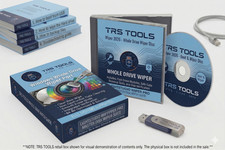
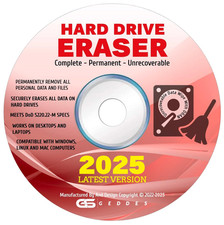
Protect Your Privacy — Hard Drive Eraser USB | Easy Home Use 🔒 Protect Your Private Information Getting Rid of an Old Computer?
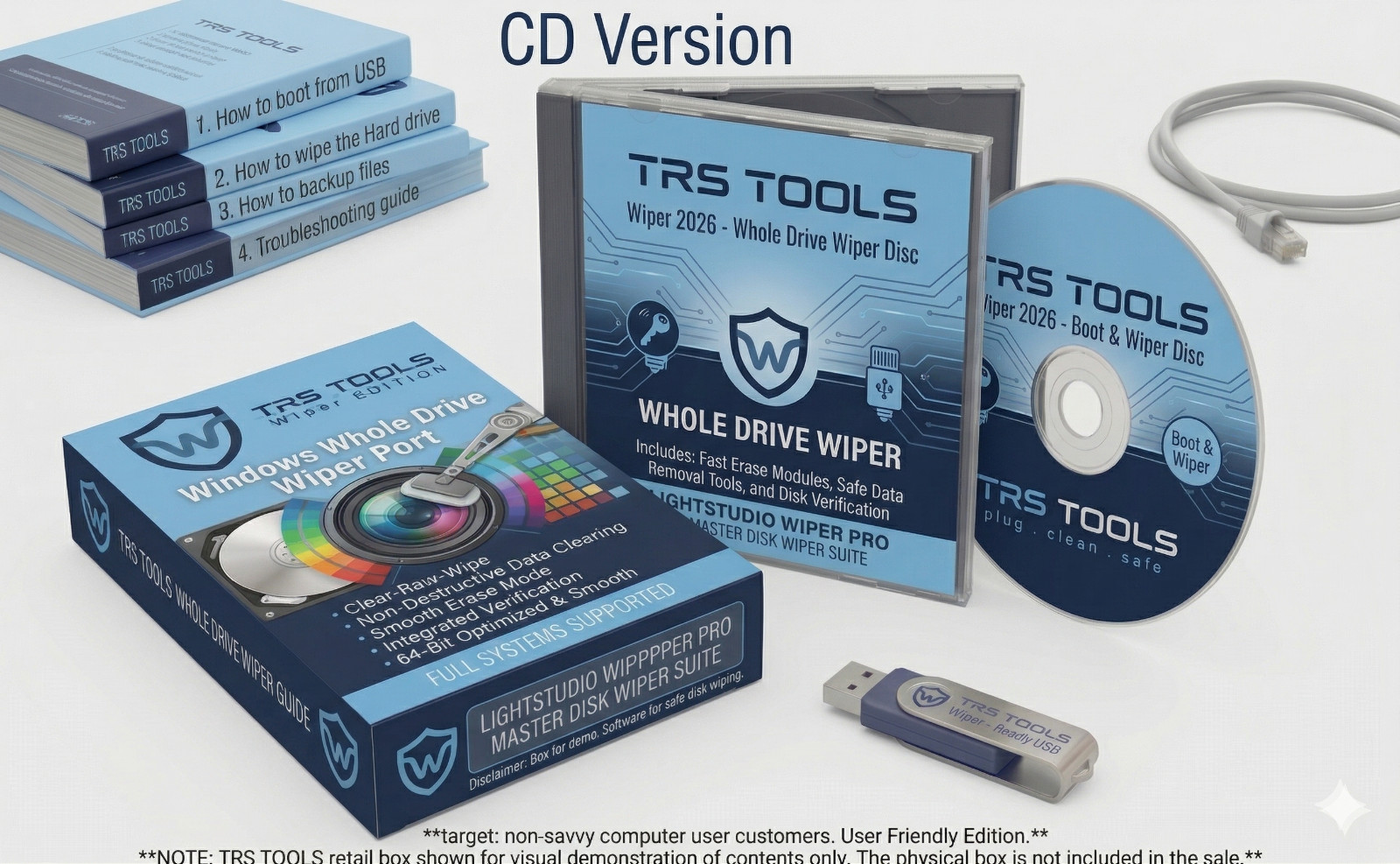
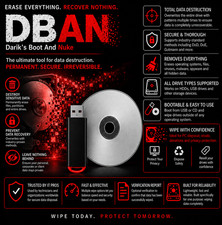
Don't Let Strangers Read Your Personal Files. This simple USB drive permanently erases everything on your old computer's hard drive — so no one can ever recover your passwords, bank details, or personal photos. Ready to use straight from the envelope. Backed by 30 years of IT experience and real human support if you need help. One-time · Use it on any computer, forever Money-Back Guarantee Ships within 24 hours 30-day returns Real human help included ⚠️ Did you know? Deleting files does NOT actually remove them from your computer. When you delete a file, empty the recycling bin, or even do a "factory reset" — the data is still there. Anyone with a free piece of software can recover it in minutes. The only way to truly protect yourself is to overwrite the drive completely. That's exactly what this USB does. 🟢 This USB makes your old data gone forever — completely unrecoverable. Once you run this tool, the data is overwritten with random patterns multiple times over. Not even the FBI or expensive forensic labs can recover it. You can sell, donate, or throw away your old computer with total peace of mind. Does any of this sound familiar? 💻 Selling your old laptop or desktop The next owner should never be able to see your files, photos, or passwords — even if they try. ❤️ Donating to a school, church, or charity A generous act — but your personal data should come with you, not with the computer. ♻️ Recycling or throwing it away Even a computer in a recycling bin can have its drive read. Erase it first — always. 🔌 Returning a work or lease computer Before handing it back, make sure your personal files and browsing history are truly gone. What strangers could find on your unprotected drive Saved passwords & logins Bank & credit card details Social Security number Personal emails & messages Family photos & videos Tax returns & financial records Medical records & insurance Browser history & bookmarks ✗ Without this USB Your data is still on the drive Deleting files, emptying trash, or even factory resetting the computer leaves your personal data recoverable by anyone with a basic free tool downloaded from the internet. ✓ With this USB Your data is gone forever Every part of the drive is overwritten multiple times with random data. Nothing can be recovered — not by a stranger, not by a tech shop, not by anyone. You can safely move on. Important before you start: Save anything you want to keep — documents, photos, contacts — to an external drive or USB before running this tool. The erase is permanent and cannot be undone. Think of it like shredding paper: once it's done, it's done. How to use it — 3 simple steps, no tech skills needed 1 Save anything you want to keep, then plug in the USB Copy your photos or documents to another USB stick or external drive first. Then plug this USB into any port on the computer you want to erase — just like plugging in a phone charger. Takes about 10 seconds to plug in 2 Restart the computer and choose "boot from USB" Restart the PC and press one button when it first starts up (usually F11 or F12 — the guide tells you exactly which one for your brand like HP, Dell, Lenovo, etc.). The computer will start from the USB instead of Windows. About 1 minute — picture guide shows every screen 3 Press start and walk away — it does everything automatically A simple screen appears. Select your hard drive and press start. The tool does the rest completely on its own — no clicking, no watching. Come back when it's done (usually a few hours for a typical computer). Your drive is now completely clean. Runs unattended — just let it go overnight What you get The USB drive — plug it in and it works, nothing to install beforehand A step-by-step picture guide covering HP, Dell, Lenovo, Asus, Acer, Toshiba, and more Works on any Windows PC — old or new, laptop or desktop Multiple erase levels including US Government (DoD) standard — you choose how thorough No internet needed — works completely offline Reuse it forever on as many computers as you want — no limits, no fees Personal support from a 30-year IT professional — just message us on if you need help 30Years Stuck at any point? We'll personally walk you through it. Most sellers ship you something and that's the end of it. Not us. With 30 years of IT experience, we have helped all kinds of people — from complete beginners to business owners — safely erase computers before selling or donating them. If you get confused at the boot screen, or anything doesn't look right, just send us a message on . We respond within 24 hours and we speak plain English, not tech jargon. 30 years IT experience Plain English support Responds within 24 hrs Real person — not a bot Plain-English answers to common questions ? Is it really true that just deleting files isn't enough? Yes, completely true. When you delete a file, Windows just removes it from the list — like ripping the table of contents out of a book but leaving all the pages. Anyone with a free "undelete" program can put the table of contents back and read everything. This USB overwrites the actual pages themselves, repeatedly, until nothing is left to read. ? What about a factory reset — isn't that good enough? Unfortunately no. A factory reset reinstalls Windows but often leaves personal data sitting in unallocated space on the drive where it can be recovered. Consumer Reports, the FTC, and IT security professionals all recommend using a dedicated drive wiper like this one before getting rid of any computer. ? I've never done anything like this before. Can I really manage it? Absolutely. The guide is written for people who aren't computer experts, with pictures of every single screen you'll see. The hardest part is pressing one key at startup to choose the USB — and the guide tells you exactly which key for your brand. If at any point you're unsure, just message us and we'll guide you through it step by step. ? How long does it take? It depends on the size of your hard drive. A smaller older computer might take 2–4 hours. A larger modern hard drive with the thorough setting can take overnight. The good news is it runs completely on its own — just start it before bed and it'll be done in the morning. No babysitting required. ? Will the computer still work afterward — can I sell it with Windows on it? The erase removes everything including Windows. That's actually a good thing for selling — buyers prefer a blank drive they can set up fresh, and it's standard practice. If you want to include Windows, a clean reinstall from a USB or DVD is a separate step. Not sure how to do that? Message us — we can point you in the right direction. ? What if something goes wrong or I can't get it to work? Message us on — please do this before leaving any response. With 30 years of IT experience, we can almost always solve the problem. If for any reason we can't help, you get a full refund. You're completely protected either way. You are completely protected — zero risk If you have any trouble, message us first — we'll help personally. If we can't resolve it, return within 30 days for a full refund, no questions asked. Every order is also covered by 's own Money-Back Guarantee. Between our 30 years of IT support and 's protection, you cannot lose. Open Source Software — GNU General Public License (GPL) Disclosure Legally Distributed
This is original open-source software distributed on physical USB media under the GNU General Public License (GPL). We are fully authorized to sell and distribute it — this is not counterfeit or pirated software. Your purchase covers the physical media, preparation, and expert support — not a software license fee. May not be copied or resold. For use only on drives you own or are authorized to erase. Complies fully with 's software distribution policies.
Distributed under GNU GPL v2.0 or later — full terms at [link removed by ]. Seller assumes full responsibility for this listing. All trademarks belong to their respective owners.