Specifications
- Support vehicle-mountedNo supportAntenna TypeInternal
- USB InterfaceUSB 2.0Bluetooth VersionBluetooth 5.3
- High-concerned chemicalnonePackageNo
- Model Number5.3Bluetooth StandardBluetooth v5.3
- OriginMainland China
Description
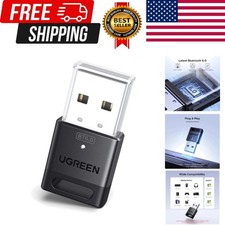
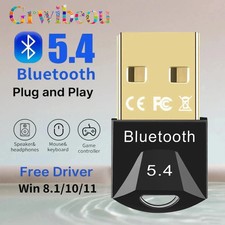
Plug and play: The Bluetooth adapter is only compatible with Windows systems and does not support other systems. Windows 11/10/8.1 does not require driver installation. Note: Windows 7, Linux, and MacOS systems are not supported.
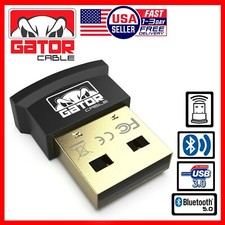
Mini size: A very compact Bluetooth stick that can be placed on a laptop or PC without removing it. The compact size will not interfere with other USB ports. Convenient to carry and does not take up space.
Kyper Bluetooth dongle supports up to 5 different types of Bluetooth devices to be connected simultaneously without interfering with each other, such as Bluetooth mouse/keyboard/phone/headphones. If the same type of Bluetooth audio device (such as speakers/headphones) is connected, only one device can play music.
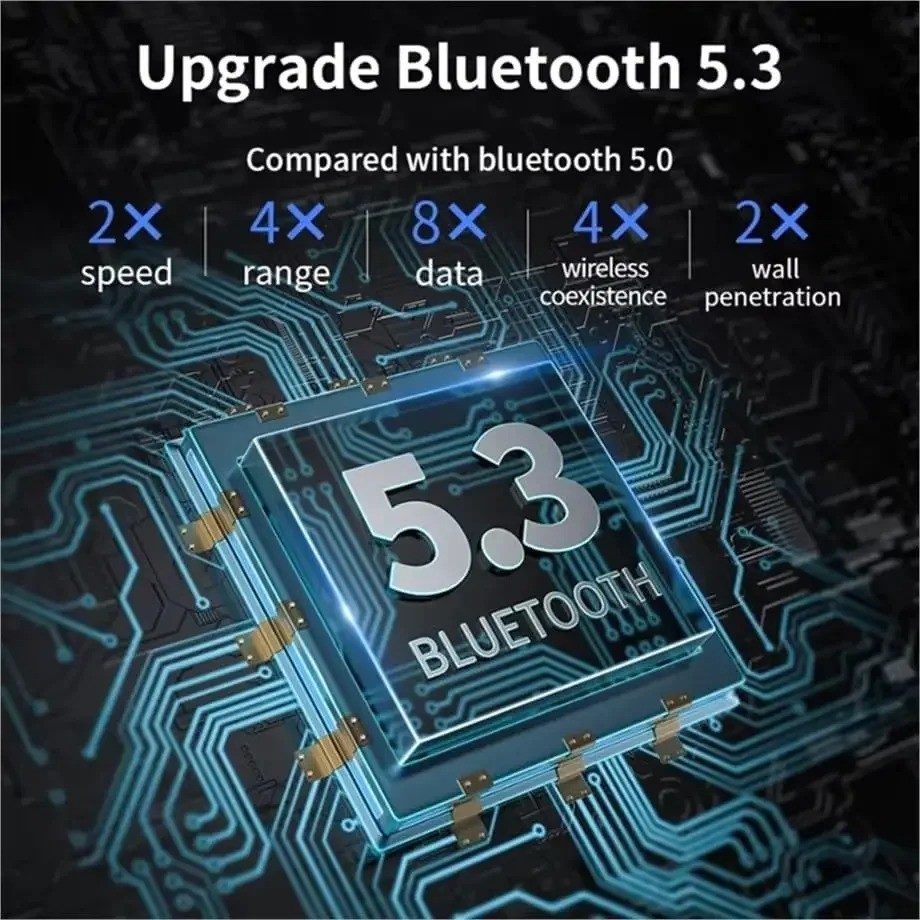
Upgraded Bluetooth 5.3 Adapter: This PC compatible Bluetooth adapter adopts the upgraded Bluetooth 5.3 BR+EDR technology, greatly improving the stability of data transmission speed, reducing the possibility of signal interruption and power consumption.
Note: Cannot be used directly on PS3, PS4, PS5, Switch, or Xbox consoles, but is suitable for game controllers. The transmission range will be affected by physical obstacles, wireless interference, and walls.
What should I do if the Bluetooth adapter doesn't seem to work? Ensure that no other Bluetooth devices are installed on the computer. If so, please disable all existing Bluetooth devices in the Device Manager, then insert the adapter and try again.
class="extend--iframe--to7hHIV" style="box-sizing: border-box; -webkit-tap-highlight-color: transparent; outline: 0px; margin: 0px; padding: 0px; height: 3655.33px; position: absolute; top: 0px; visibility: hidden; width: 1212px; z-index: -1;">