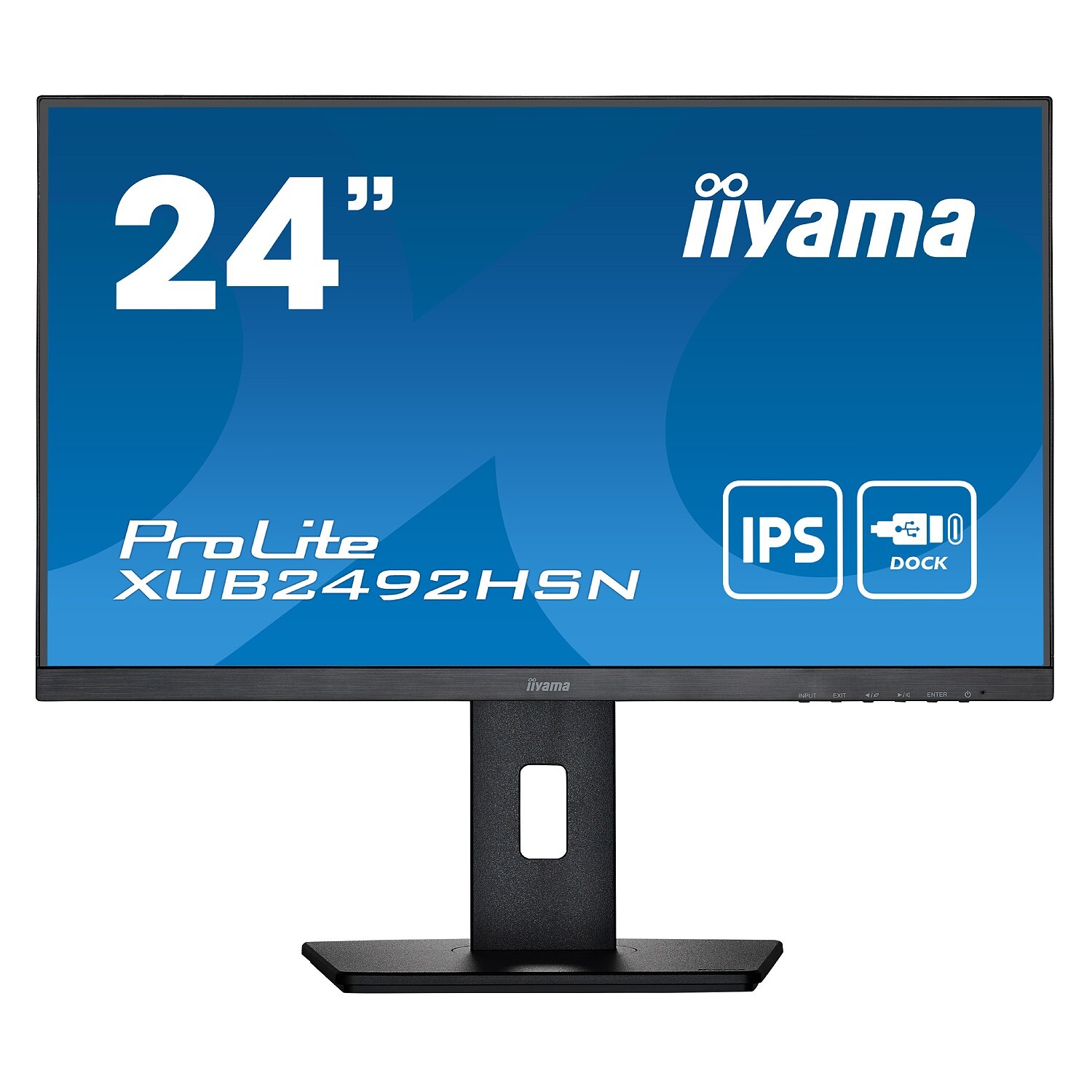
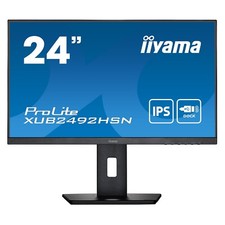
Display TypeFlatDisplay ResolutionFull HDMonitor ApplicationHome/BussinesScreen Size23.8"Monitor Refresh Rate75HzPanel TypeIPSMonitor Ratio16:9Monitor Brightness250 cd/m2Static Contrast1:1000Response Time, ms4ms (GTG)Built-in SpeakersIntegrated SpeakersMonitor ConnectionsHDMI\DisplayPort\USB Type-C\Headphone\RJ45 (LAN)Monitor FeaturesFlicker Free\Eye Protection\HDCPMechanical MovementsTilt\Swivel\Height Adjustment\PivotColorBlackVesa Type, mm100x100Dimensions539.5 x 343 (493) x 209.5mmInformationUSB-C DOCK
The dock allows you to connect your laptop with a single cable to the monitor to both make sure it is charged and connected to a wired network and signal from the laptop is sent to the monitor. A second monitor can be connected to the DisplayPort (MST) output to create a multi-monitor set-up. With additional USB-ports, your mouse, keyboard or webcam can also be connected to the monitor. All thanks to a single cable connecting your laptop* to the USB C dock in the monitor.
*Functions vary depending on your laptop USB-C support.
IPS TECHNOLOGY
IPS displays are best known for wide viewing angles and natural, highly accurate colours. They are especially suited for colour-critical applications.
FLICKER-FREE + BLUE LIGHT
The ultimate solution for the comfort and health of your eyes. Flicker-free monitors with the blue light reducer function substantially reduce the strain and fatigue caused by flickering and blue light emittance of regular monitors.
HAS (150MM) + PIVOT (ROTATION BOTH SIDES)
With a height adjustable stand you will create an ergonomic work posture and position that meets all health and safety requirements. This will not only prevent any health issues but will also increase your productivity. The pivot function allows the screen to rotate from landscape to portrait orientation. This functionality can be useful if the application requires more height than width.
SPEAKERS AND HEADPHONES
Playing with friends? Use the integrated high-quality speakers. Don’t want to disturb anybody? Plug your headset into the headphone socket and turn the volume up.