 When you click on links to various merchants on this site and make a purchase, this can result in this site earning a commission. Affiliate programs and affiliations include, but are not limited to, the eBay Partner Network. When you click on links to various merchants on this site and make a purchase, this can result in this site earning a commission. Affiliate programs and affiliations include, but are not limited to, the eBay Partner Network.
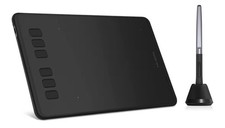
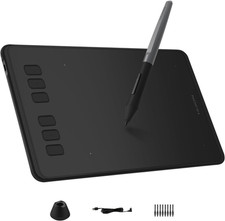
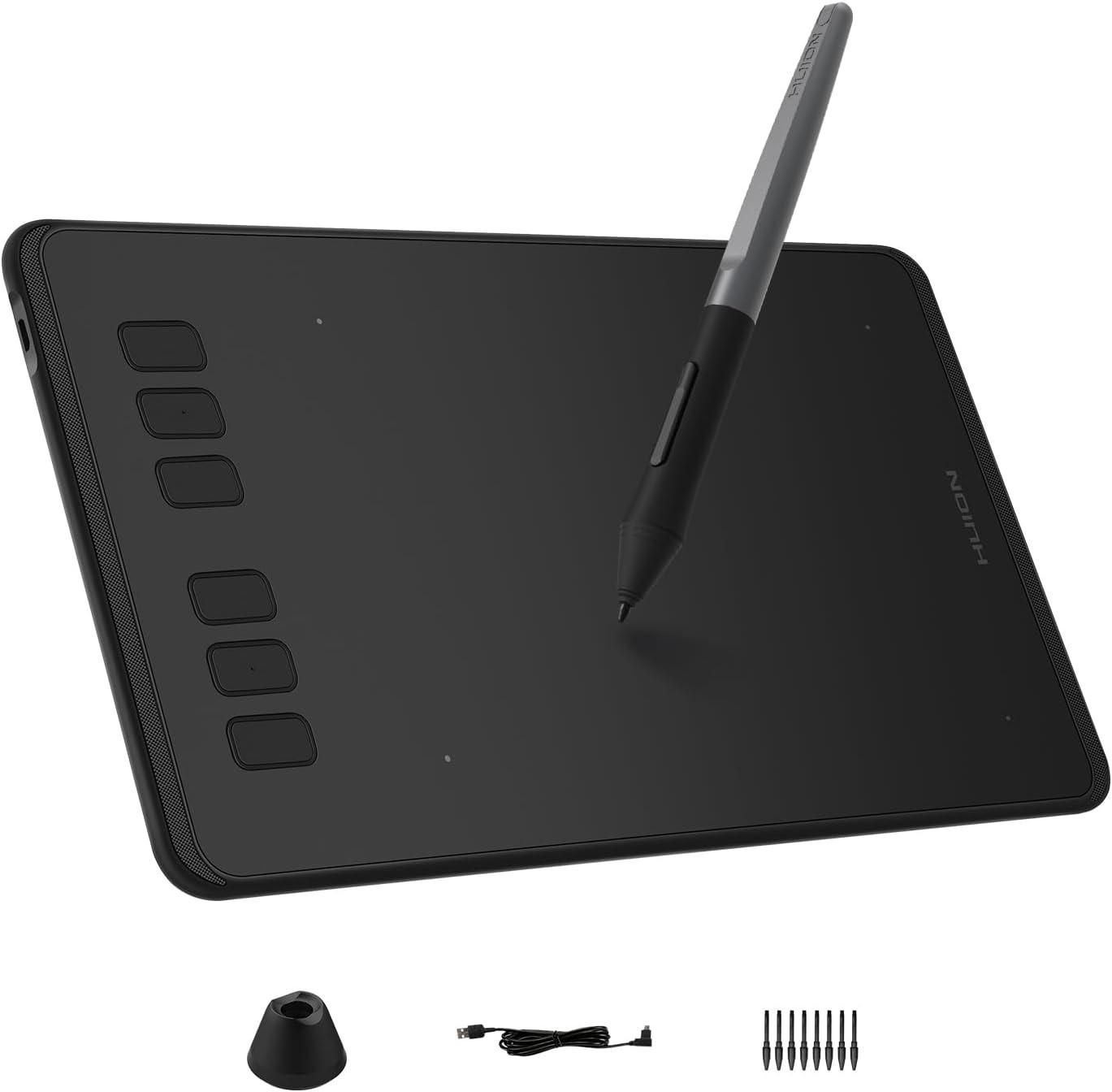
Product description The video showcases the product in use.The video guides you through product setup.The video shows the product being unpacked. H640P drawing tablet Multi-OS Compatibility Inspiroy H640P drawing tablet is compatible with Mac (MacOS 10.12 or later),PC (Windows 7 or later),Linux(Ubuntu) and select Android smartphones/tablets (OS version 6.0 or later). The slim & compact design takes less desk space and makes it easy to carry between home, work and school. It can be easily packed in your laptop bag and connected to Android smartphone for on-the-go creation. Please note: H640P does NOT suppoer iOS system. Available In Left Inspiroy H640P graphics tablet is also available for left-handed users. Simply change the rotate setting in driver and filp the tablet, then you’re ready to go. Works With Hundreds of Apps It can be used with most pen-enabled creative software as well as many online learning applications and platforms on PC and Mac. So Simple To Set Up Step 1 Plug the USB cable into you Inspiroy H640P drawing tablet and computer. *The OTG adapter included is for Android phones/tablets connection. Step 2 Download and install the Huion driver in your computer. *For Mac: installing the driver, require Security & Privacy settings. Step 3 Restart your computer and follow the user manual to set up the shortcut keys, pen buttons and working area, then you're ready to go. How to change pen nibs 1. Take out the nib via the nib extractor at the bottom of pen holder. 2. Open the pen holer and find the replacement nibs inside. 3. Insert the nib. - For Creators
Inspiroy H640P is a creative editing tablet designed to speed up content creation whether it’s illustration, animation, graphic design or photo editing. - For Students
Learning goes digitally. Huion tablets and pen can help students to draw angles, write formulas, sketch and diagram sentence easily and efficiently in ways they can’t with a keyboard and mouse. - For Teachers
In the classroom, teacher can use digital pen and tablet to explain concepts visually, annotate digital content & illustrate at ease without turning back to class to write on whiteboard or chalkboard. - For Work
Digital pen technology is designed for paperless office. You can use the tablet & pen for eletronic signature, annotations & presentation in video conference and more to replae paper-based workflows. - For OSU Playing
The battery-free pen is perfect for fast and precise aims. No more mouse drifts. The Huion driver allows you customize your tablet to your preference, making it suitable for any play style. - Customize Your Workflow: The 6 customizable press keys on Huion H640P drawing tablet for pc let you assign your most-used commands—like undo, zoom, brush switch, or save—so you can keep your hands on the tablet and your mind on the art. Whether you're a digital painter switching brushes, or a comic artist zooming in and out, these keys keep your workflow smooth and uninterrupted. Plus, the Huion driver lets you save different shortcut profiles for different apps, so you never have to reconfigure when switching software.
- Professional Pen Performance: Huion H640P drawing pad for computer comes with the battery-free PW100 stylus that's always ready when inspiration strikes. With 8192 levels of pressure sensitivity, every light sketch, or bold stroke responds naturally to your hand—just like a real pen. The 5080 LPI resolution and 233 PPS report rate deliver lag-free, precise strokes, so you can draw confidently without second-guessing your cursor. The pen side buttons help you switch between pen and eraser instantly.
- Compact and Portable: Huion H640P computer graphics tablet features a compact, ultra-portable design at just 0.3 inches thin and 0.61 lbs light, so it slides easily into your backpack—perfect for sketching in coffee shops, taking notes in class, or editing on the go between home and studio. The 6x4 inch active area offers enough room for natural pen movements while fitting comfortably on crowded desks, or lecture hall seats.
- Stable Compatibility: Huion H640P graphic drawing tablet works seamlessly with Mac, Windows, Linux PCs, and Android smartphones/tablets (OS version 6.0 or later). Left-handed friendly, and you just need to flip the tablet and adjust the settings in the driver. Please note: H640P does NOT support iPhone/iPad.
- Move Beyond the Mouse: Huion Inspiroy H640P is a pen tablet that replaces your mouse for more natural, precise control. Freehand draw, take notes, or even play OSU—everything you do with a mouse, you can do better with a pen. The precise tip makes it ideal for detailed photo editing, graphic design, or signing PDF. Meanwhile, the ergonomic pen grip helps you avoid the strain that comes from hours of using a mouse.
- One Device, Endless Possibilities: H640P is not only a digital drawing pad, but also a writing pad for note-taking, a signature pad for documents, and a track pad for everyday navigation. It works well with most creative softwares like Photoshop, SAI, Medibang Paint, as well as many other applications and platforms for online education or remote work like OneNote, Microsoft Whiteboard, Zoom, etc.
- Gifts for Beginners and Professionals: For beginners, H640P digital art tablet is an easy way to ditch the mouse and start drawing naturally—just plug it in, and pick up the pen. For professionals, it's a portable companion that fits into a laptop bag for sketching on the go, editing between meetings, or even setting up a secondary workstation at home.
 |
|