4X4 USB 3.0 PERIPHERAL SHARING SWITCH PROVIDES A CONVENIENT MEANS TO SHARE FOUR
- About Us
- Payment Info
- Shipping Info
- Customer Support
- response
Iogear GUS432 2x4 USB 3.0 Peripheral Sharing Switch Brand: IOGEAR UPC: 0881317512567 Mfr Part #: GUS434
General InformationUSB 3.0 Peripheral Sharing Switch
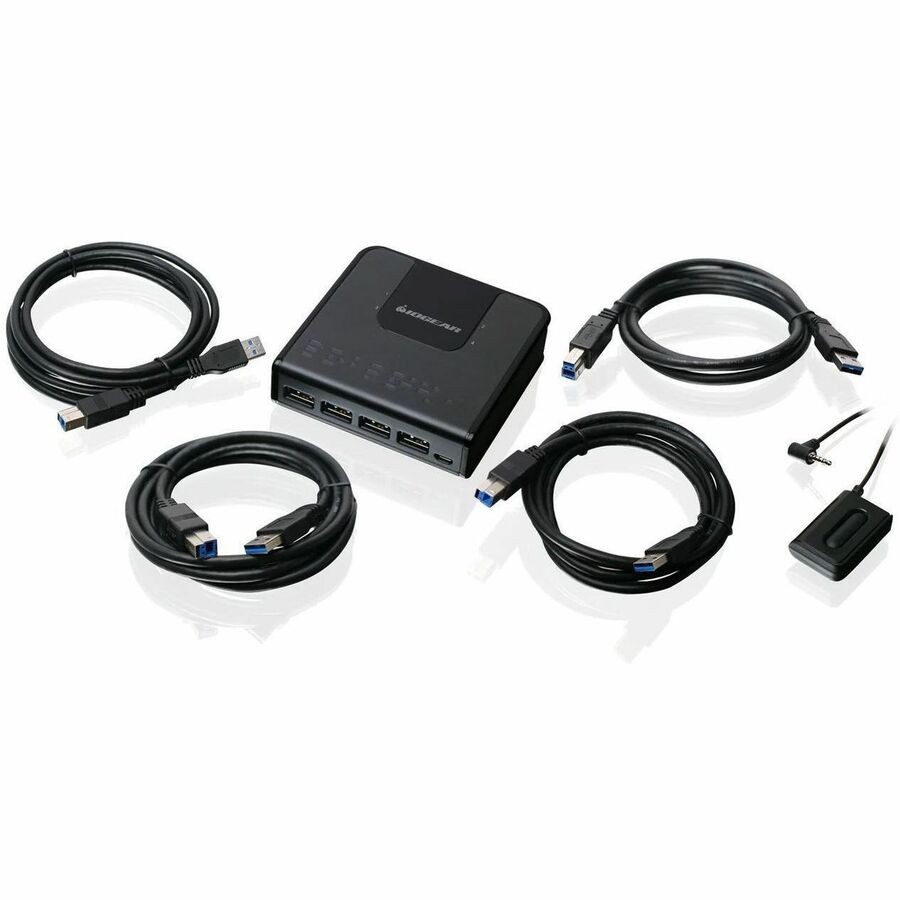
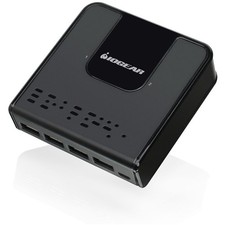
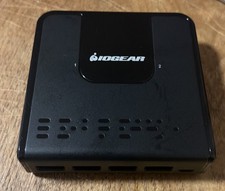
IOGEAR's 4x4 USB 3.0 Peripheral Sharing Switch provides a convenient means to share four USB devices between four different computers. A simple press of the button changes the connection of four USB devices such as keyboard, mouse, printer, portable hard drives, etc. from one computer to another.
The GUS434 saves costs by allowing a single set of peripherals to be shared by four computers. Perfect for small office / home office users, the IOGEAR USB 3.0 Peripheral Sharing Switch creates a space saving, convenient and productive work environment.
USB 3.0 Compliant
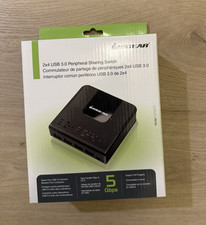
USB 3.0 compliant with a data transfer rate of up to 5Gbps, the 4x4 USB 3.0 Peripheral Sharing Switch works well with high-bandwidth devices such as hard drives, high-resolution webcams, etc. Connect a keyboard and mouse to the GUS434 and use it as a simple USB dock or limited KM switch, to serve as a simple means of controlling four computers with a single control center.
USB 2.0 / USB 1.1 Compatible
The 4x4 USB 3.0 Peripheral Sharing Switch is also compatible with older USB devices.
For a 2 computer version see 2x4 USB 3.0 Peripheral Sharing Switch
More from the Manufacturer
Technical InformationHost Interface:USB 3.0 Type B
Physical CharacteristicsForm (Approximate):4.80 oz
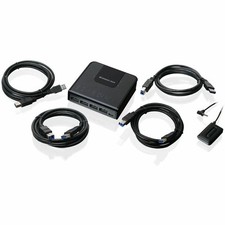
4x4 USB 3.0 Peripheral Sharing Switch4 x USB 3.0 Cables1 x Selector Button1 x Quick Start Guide1 x Warranty CardPlatform Supported:PCPlatform Supported:MacPlatform Supported:LinuxCountry of Origin:China
Store Policies
Welcome to the NothingButSavings store! To make your purchase as easy as possible, NothingButSavings requires payment via PayPal at the time of purchase. We have outlined all of our store policies below, however if you have any questions, please do not hesitate to contact us at any time.
Check-Out Now! Click the Pay Now button at the top of this listing to immediately proceed with our checkout and payment process. Please note that the Pay Now button is ONLY available after winning an sale or completing a Buy It Now purchase.
Sales Tax Sales tax is applied for shipments to addresses in applicable States where we are required by law to collect and remit sales tax. Purchases are not tax-exempt merely because we are not required to collect a State's Sales Tax. Your State may require you to pay use tax on your purchase. For more information, please visit your State's Department of Revenue or Sales and Use Tax website.
Shipping For security purposes, NothingButSavings will only ship to the address provided by at the time of the order. If for any reason this address is incorrect, please contact us as soon as possible to see if other arrangements can be made. NothingButSavings accepts no responsibility for incorrect delivery information contained in your account at the time of purchase.
Customer Service If you need to reach us at any time please click here.