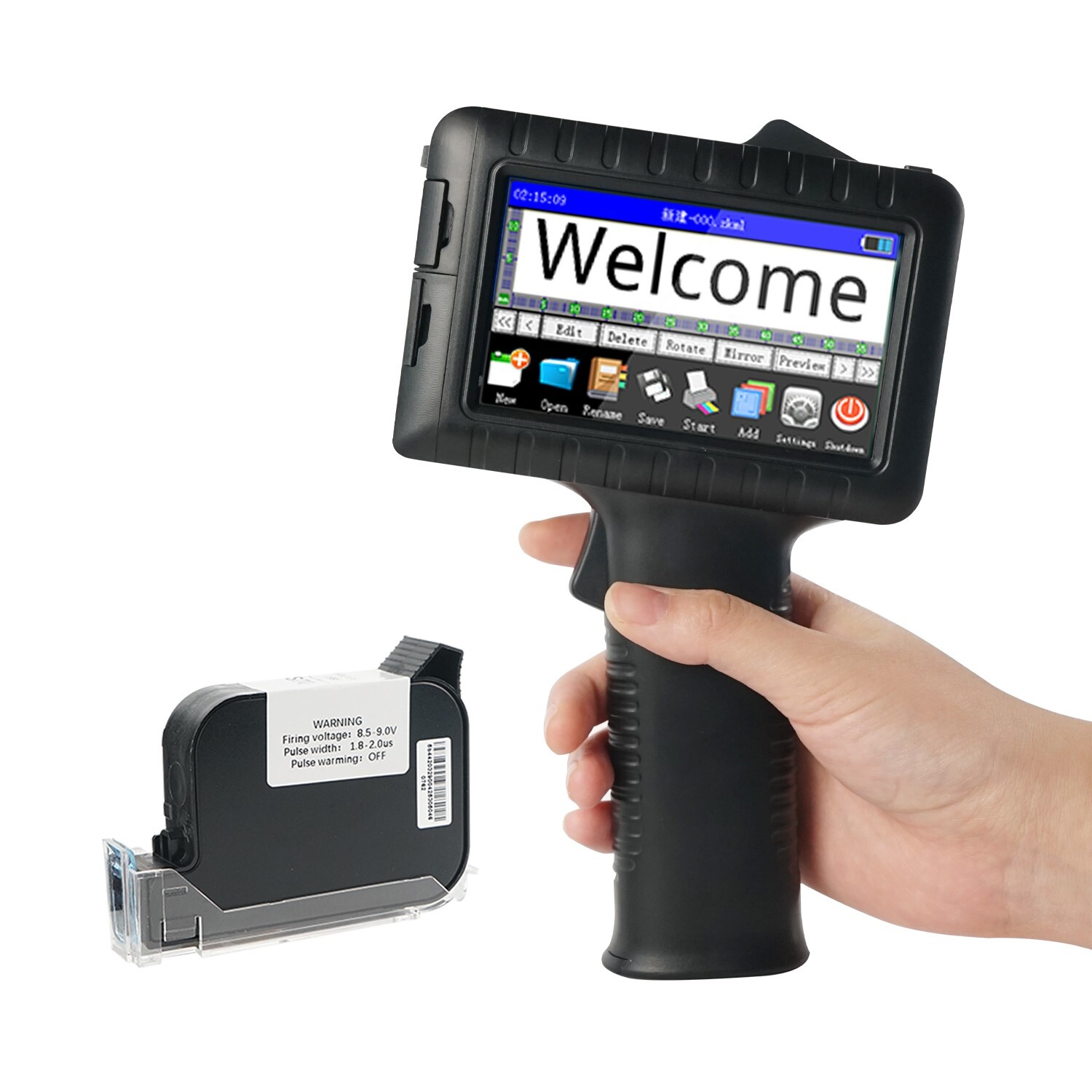
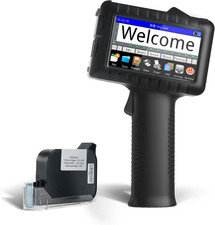
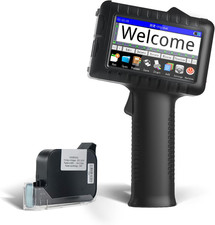
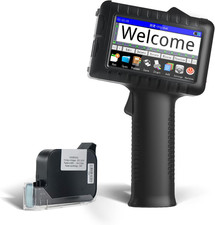
About This Item● Note: Before using the printer, please adjust the Norrle Voltage and Pulse Width in the printer settings according to the value on the cartridge.
● This handheld printer can print a variety of items, including text, QR codes, numbers, barcodes, labels, dates, times, serial numbers, symbols, graphics, logos, and more. It supports a print height range from 2mm to 12.7mm, and 5 date formats and 4 time formats.
● The handheld printer is versatile and can print on flat, curved, and irregular surfaces, including wood, cardboard, glass, stone, steel, metal, plastic, fabric, bottles, aluminum, cables, and pipes. It is ideal for both everyday and industrial printing tasks.
● Equipped with a 42ml black quick-dry ink cartridge, this hand printer ensures fast drying times. Once dry, the ink becomes waterproof, smudge-proof, and fade-resistant, even when exposed to outdoor conditions, ensuring your prints stay sharp and durable.
● With a 4.3-inch touch color screen, this hand printer allows you to adjust the print resolution (300-600 DPI) and supports over 30 languages. Each message can contain up to 2,000 characters. You can easily import content for printing using a USB flash drive.
● This inkjet code printer is powered by a rechargeable 2000mAh lithium battery that fully charges in about 3 hours, providing up to 10 hours of continuous use. The lightweight, compact ABS shell makes it easy to carry and use, perfect for on-the-go printing.roviding up to 10 hours of continuous use. The lightweight, compact ABS shell makes it easy to carry and use, perfect for on-the-go printing.
High Definition Printing
It supports printing barcodes, QR codes, dates, time, batch numbers, text, label, symbols, logo and mores.
Multi-Surface Printing
It supports printing on wood, cardboard, glass, stone, steel, metal, plastic, fabric, bottles, aluminum, cables, pipes and so on.
Support 30+ Language
30+ languages supported, suitable for most countries in the world, as well as for various usage scenarios
Feather-Light Power
Portable hand held inkjet printer for instant labels anywhere—works on job sites, warehouses, and stores.
Capacitive Touch Screen
The highly sensitive capacitive touch screen ensures effortless operation without needing a stylus.
Long-lasting battery
Industrial-grade 8-hour runtime for continuous print.
Fast Drying Ink Cartridges
- One second imaging, three seconds fast drying, smooth printing.
Pre-Use Preparation
- With the protective cover securely closed, shake the cartridge vertically up and down 3-5 times to evenly distribute ink within the nozzles.
- Install and use the cartridge immediately after removing the cover to avoid air exposure.
Ink Cartridge Cleaning and Maintenance Instructions
Nozzle Cleaning
- Lightly spray a small amount of alcohol onto a lint-free soft cloth. Press the dampened area firmly against the cartridge nozzle to cover it.
- Hold the cartridge nozzle-facing downward, wrap it with the cloth, and gently shake horizontally 5 times to dissolve and dislodge clogs.
- Wipe away residual ink from the nozzle surface and ensure it is fully dry before use.
Storage Guidelines
- Always reattach the protective cover after use to minimize air exposure and prevent ink crystallization due to drying.
- Repeat the cleaning steps before long-term storage, ensuring no residual alcohol or moisture remains on the nozzle.
FAQ
1. What should I do if the font appears unclear?
● Set the printer's pulse width and nozzle voltage according to the values in the ink cartridge.
● Adjust the nozzle direction.
● Clean the ink cartridge (prepare alcohol and a clean cloth or lint- free tissue)
2. How high can I print the font? What is the print distance of the printer?
The print font height is 2-12.7mm, and the length is not limited. The distance of the print from the nozzle is 1-3mm.
3. Do I need to print the LOGO to achieve it?
Print the LOGO can use the U disk twinset pictures. Image pixels must not exceed 150*150. U disk supports TXT, CSV, JPG, PNG, and BMP.