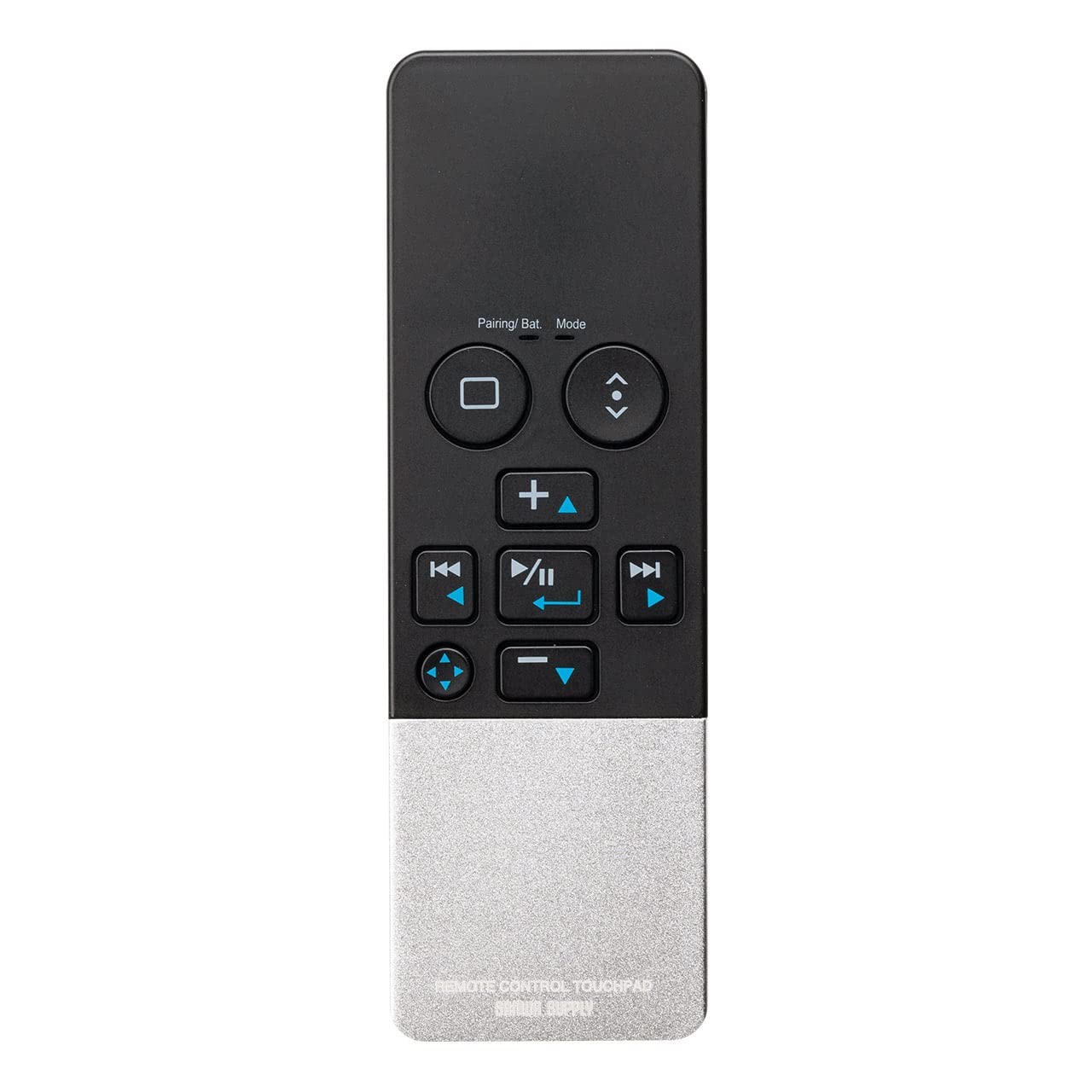
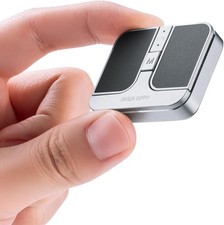
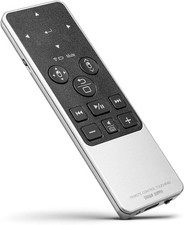
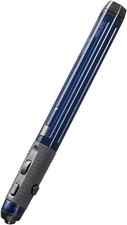
It is a Bluetooth remote control mouse equipped with a touchpad, allowing cursor operation with fingertips You can operate the mouse cursor even during presentations, so it can also be used as a software pointer You can operate your smartphone or tablet while relaxing at home The compact and lightweight design makes the air mouse perfect for carrying around
It is equipped with a home button compatible with all PCs, smartphones, and tablets The touchpad allows you to move the cursor by tracing with your finger, enabling operations similar to those of a mouse ※Note: The icons on the touchpad surface are not related to the operation, so it does not matter where you tap
You can switch and operate between three modes: Touchpad mode, Scroll mode, and Cursor mode The mode setting can be confirmed by the LED display below the "Mode" label, with no LED indicating Touchpad mode, blue LED indicating Scroll mode, and red LED indicating Cursor mode
In touchpad mode, you can move the mouse cursor, double-click, and click just like with a regular PC touchpad ※We do not support gestures with two or more fingers In scroll mode, it only operates for scrolling up, down, left, and right Convenient for page scrolling on smartphones and tablets In cursor mode, it operates the same as the arrow keys on a keyboard Useful for slide feeds in PowerPoint, page feeds in e-books, etc
The remote control keys are equipped with media operation keys that are convenient for watching videos, allowing you to perform operations such as play/stop, mute, volume up/down, and fast forward/rewind It features a new mute button that displays the screen keyboard when pressed and held ※Screen keyboard display is only usable with Windows
It can connect with various devices via Bluetooth connection The side switch allows you to switch between 3 OS systems according to the device being used Can switch between Windows, Mac, iOS, and Android
Adopts USB charging, eliminating the need for battery replacement, and can be used for approximately 45 hours with about 3 hours of charging The LED indicator below the battery mark shows the battery status Red light on/charging, off/charging complete, blue flashing/battery low A power ON/OFF switch is installed on the bottom to prevent battery drain ※ Some models may not be compatible
Warranty Period: 1 year from the date of purchase