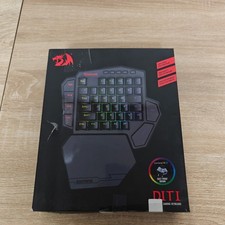
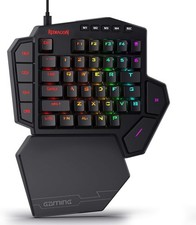
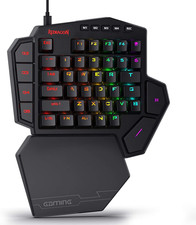
K585 DITI Wired One-Handed RGB Mechanical Gaming Keyboard, 42 Keys Type-C Profes For Sale
When you click on links to various merchants on this site and make a purchase, this can result in this site earning a commission. Affiliate programs and affiliations include, but are not limited to, the eBay Partner Network.
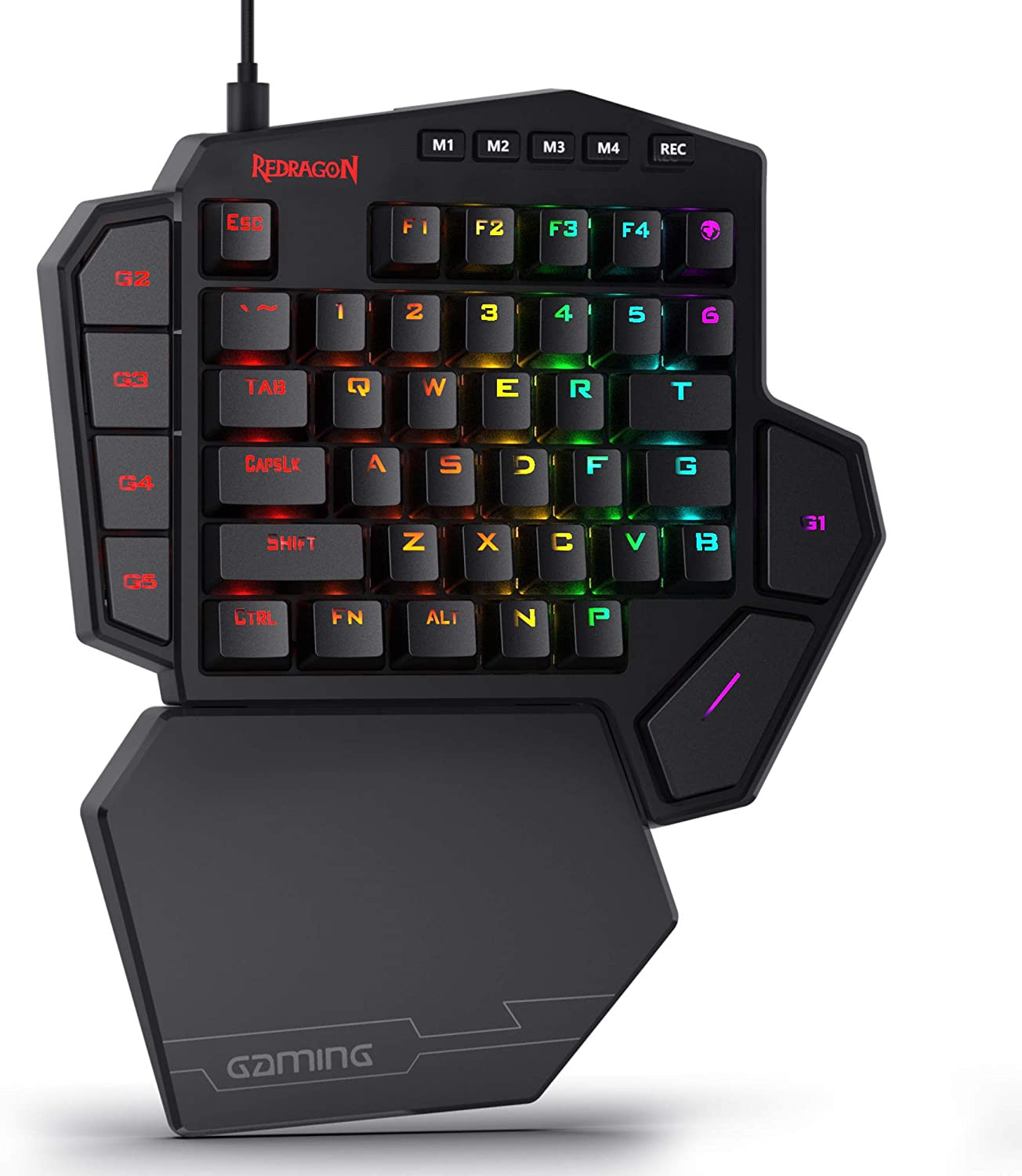
Slim and Tactical - The K585 keyboard gets rid of those extra keys and keeps the most useful ones in a slim & portable package. All of your keyboard action keys are in one convenient place. No need to worry about misclicked keys.
Upgraded Hot-Swap - The upgraded socket is now available on Redragon one-handed keyboard, with more ways to mod, and more fun. The iconic Redragon Blue Switches deliver audible clicky with clear tactile response, original mechanical feel.
Play to Win - With 7 programmable macro keys, binding multiple commands and activating them instantly is simple and quick. Assign single or multiple keystrokes to any macro key to save precious time in the middle of battle.
Light it Up in Your Way - 5 RGB backlit modes are selectable with 16.8 Million Colors. Glorious & amazing lighting effects let the light of victory wreak havoc in the dark.
USB Pass-Through Port - Positioned for uninterrupted game play and ready for your mouse, headset adapter, or other USB device.
Form & Function - Ergonomically designed with a detachable wrist-rest section connected by magnets, the wrist-rest offers great support to make use more comfortable.
Product description
Specifications:
Keyboard Weight: 0.61 kg
Keyboard Dimensions: 10.3×8.5×2 inches
Key Switch: Redragon Blue Switch
USB Connector: USB 2.0
Keyboard Connectivity: Wired
Matrix: 42 Keys (Full Rollover)
Onboard Macro Key: 7
Wrist-rest Part: YES
Height Adjustable: No
Package List:
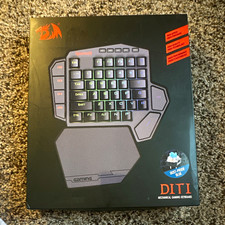
1 x Redragon K585 mechanical keyboard
1 x Typer-C Cord
1 x User manual
Please Notice: RGB backlit and keys macro can be set via software, please download it from redragonshop-software.
Troubleshooting for keyboard connect
Please replace the USB cable and make sure it is properly and fully connected to the keyboard. Try using a different USB port, and avoid using a fast-charging cable to connect the keyboard. Then, press and hold Fn + Esc for 3 seconds to reset the keyboard.
Troubleshooting for key issues
Please replace the keyboard with the spare switch provided, and press and hold Fn + Esc to reset.
Troubleshooting for keyboard software
Please make sure you have downloaded the correct software and are using a wired connection.