 When you click on links to various merchants on this site and make a purchase, this can result in this site earning a commission. Affiliate programs and affiliations include, but are not limited to, the eBay Partner Network. When you click on links to various merchants on this site and make a purchase, this can result in this site earning a commission. Affiliate programs and affiliations include, but are not limited to, the eBay Partner Network.
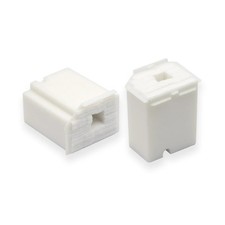
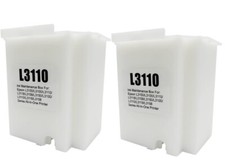
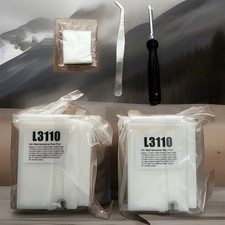
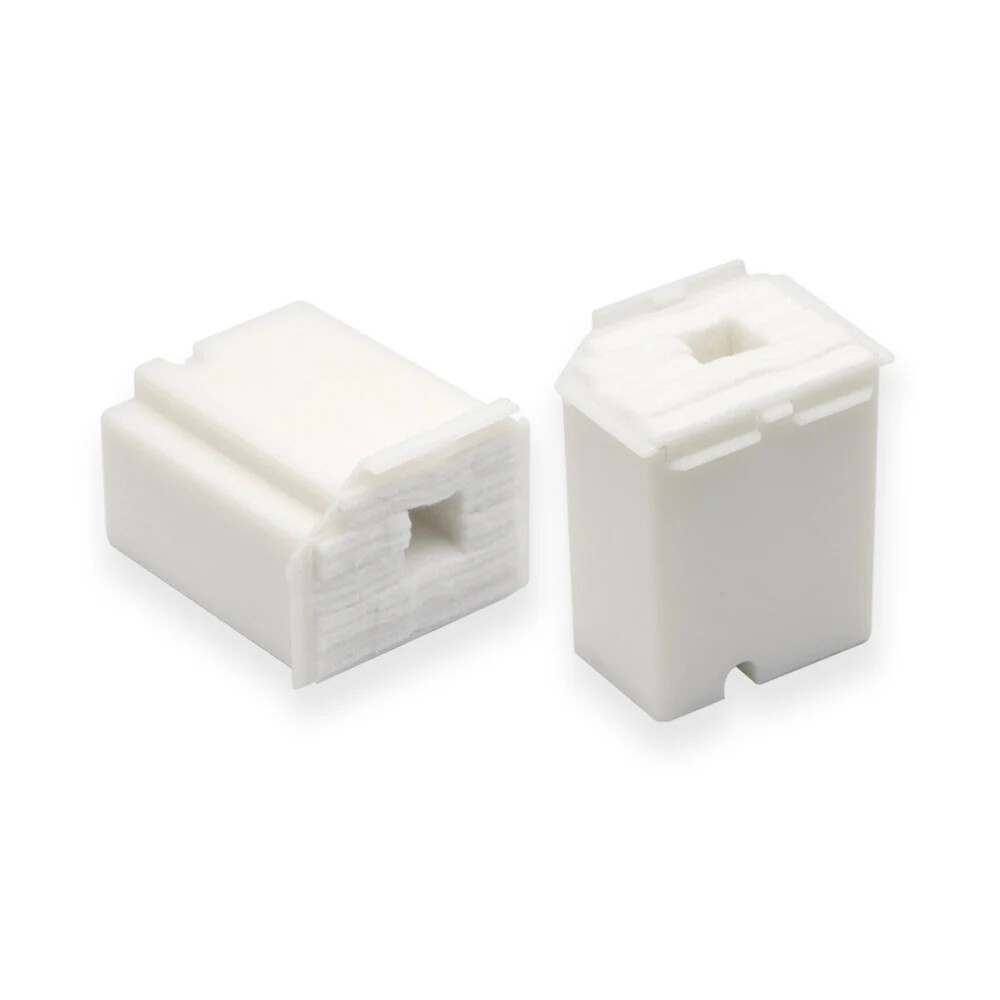
L3110 Waste Ink Pad (Ink Absorber Sponge), 2-Pack, Compatible with Epson EcoTank ET-2800 ET-2803 ET-2720 ET-2711 ET-4700, L-Series L1110 L1210 L3110 L3116 L3150 L3156 L3210 L3250 Printers This 2-pack of L3110 Waste Ink Pad (Ink Absorber Sponge) is a reliable, budget-friendly choice for Epson EcoTank and L-Series printers. Compatible replacement for Epson L3110 waste ink pads. Compatible printer models: Epson EcoTank ET-2800, ET-2803, ET-2720, ET-2711, ET-4700; L-Series L1110, L1210, L3110, L3116, L3150, L3156, L3210, L3250. Absorbs and safely holds the waste ink your printer flushes out during head cleaning and maintenance cycles, protecting the printer from leaks and overflow. Package includes: 2 x waste ink pads. Prevents waste-ink overflow and the 'maintenance box at end of service life' error, keeping your printer running without costly downtime. To make sure you order the right item, compare the number L3110 with the waste ink pad you are replacing, or check your printer model against the list above. Note: this is a compatible, non-OEM product; brand and model names are used for compatibility reference only. Features - Compatible Models: Works with Epson EcoTank ET-2800, ET-2803, ET-2720, ET-2711, ET-4700; L-Series L1110, L1210, L3110, L3116, L3150, L3156, L3210, L3250. Please check your printer model and cartridge number before ordering.
- Part Number: Compatible replacement for Epson L3110 waste ink pads. Match this number with the one on your old waste ink pad or in your printer manual.
- Pack Contents: 2 x waste ink pads.
- Protects Your Printer: Absorbs and safely holds the waste ink your printer flushes out during head cleaning and maintenance cycles, protecting the printer from leaks and overflow.
- Quick Setup: Swaps in about a minute: open the maintenance cover, slide out the full box, insert the new one and close the cover. The printer recognizes it and the waste-ink warning clears.
- Avoid Downtime: Prevents waste-ink overflow and the 'maintenance box at end of service life' error, keeping your printer running without costly downtime.
 |
|