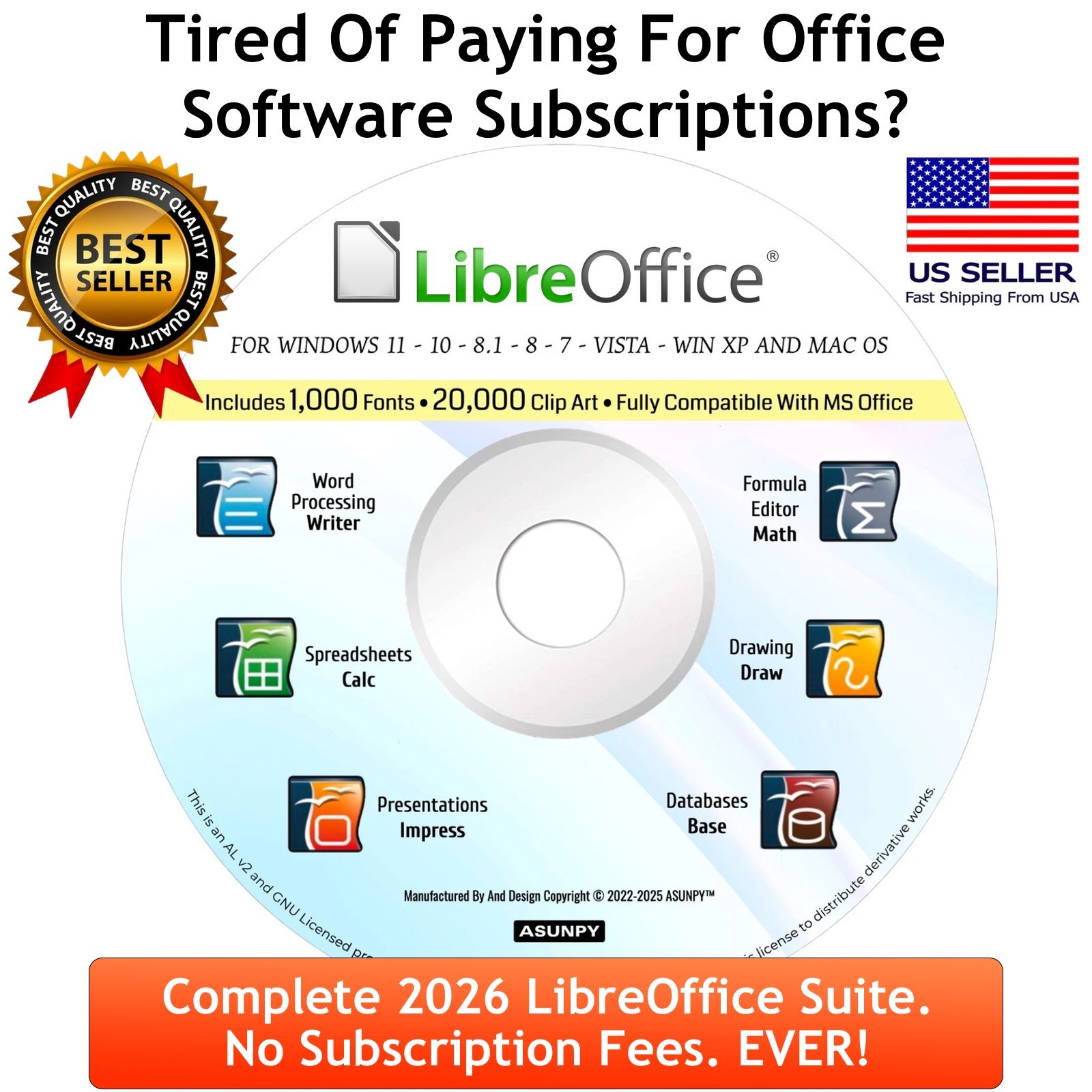
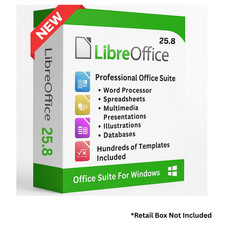
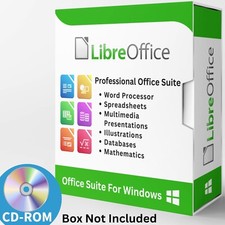
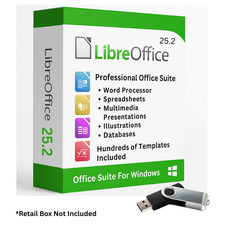
Boost your efficiency with this Libre Office Deluxe Edition, a comprehensive office solution tailored for all your document, spreadsheet, presentation, and database tasks. This LibreOffice Deluxe DVD delivers a robust office software suite, complete with clear, step-by-step setup guides to get you started in no time.
With the Deluxe Version you will get some Great Extras not available with the Standard Edition.
- Includes 1,000 fonts (available for personal and commercial use)
- Over 20,000 Clip-Art Images to make your documents come to life
- EXTRA BONUS Software.
Whether you’re drafting reports, organizing budgets, designing captivating slideshows, or managing databases, OpenOffice equips you with essential tools.
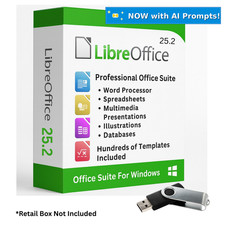
What’s on the USB Drive?
- Complete Libre Office Suite installation instructions
- Reusable, portable USB drive for setup across multiple devices
Office Suite Highlights:Writer – Streamlined Word Processing
Craft, edit, and style documents effortlessly with Writer, a versatile word processor. It supports tables, spell-check, customizable formatting, and advanced layouts, making it ideal for letters, resumes, or in-depth reports.
Calc – Powerful Spreadsheet Tools
Perfect for budgeting, data analysis, and complex computations, Calc offers robust spreadsheet features like formulas, charts, pivot tables, and formatting options. Manage finances, track data, or organize lists with ease.
Impress – Dynamic Presentation Creator
Build engaging slideshows and professional presentations with Impress. Equipped with templates, animations, and transition effects, it’s perfect for business pitches, classroom lectures, or personal projects.
Draw – Flexible Graphics & Diagram Tool
Create detailed flowcharts, vector graphics, diagrams, or simple sketches with Draw. It’s ideal for technical illustrations, network layouts, or custom visuals to enhance your documents and slides.
Base – Comprehensive Database Solution
Base simplifies database creation and management, enabling you to design forms, generate reports, and handle structured data. With SQL support and compatibility with other systems, it’s a versatile tool for data organization.
Math – Precision Formula Editor
Tailored for students, researchers, and engineers, Math allows you to craft and edit complex mathematical equations. Easily integrate formulas into your documents, presentations, or reports for professional results.
Below you will find a full list of document and other compatibility:
Word Processing (Writer):
.odt, .ott, .doc, .docx, .dot, .dotx, .rtf, .txt, .csv, .html, .htm, .xhtml
Spreadsheet (Calc):
.ods, .ots, .xls, .xlsx, .xlt, .xltx, .csv, .dif, .slk
Presentation (Impress):
.odp, .otp, .ppt, .pptx, .pps, .ppsx, .pot, .potx, .swf, .pdf
Database (Base):
.odb, .mdb, .accdb
Graphics & Drawing (Draw):
.odg, .otg, .svg, .png, .jpg, .jpeg, .wmf, .emf, .tif, .tiff, .bmp, .gif, .eps
Formula Editor (Math):
.odf, .mml
Additionaly, you are able to export in these file formats:
.pdf, .xml
This office suite is designed to work with both Mac and Windows-based computers, ensuring compatibility with a wide range of systems.
ATTENTION : This item is NOT A COUNTERFEIT LISTING. We are legally authorized, licensed and permitted to distribute this original software as per the Apache License V2 and the GNU/GPL License, which gives us the explicit permission for resale and distribution by the intellectual property owners and developers. ALL TRADEMARKS AND BRAND NAMES LISTED ARE OWNED BY THEIR PROSPECTIVE OWNERS. PROOF OF AUTHORIZATION WILL BE GLADLY PROVIDED. This item complies with all current Policy requirements and rules.