Linux Mint 22.3 MATE Edition Listing Linux Mint 22.3 MATE Edition
Premium Bootable USB Flash Drive
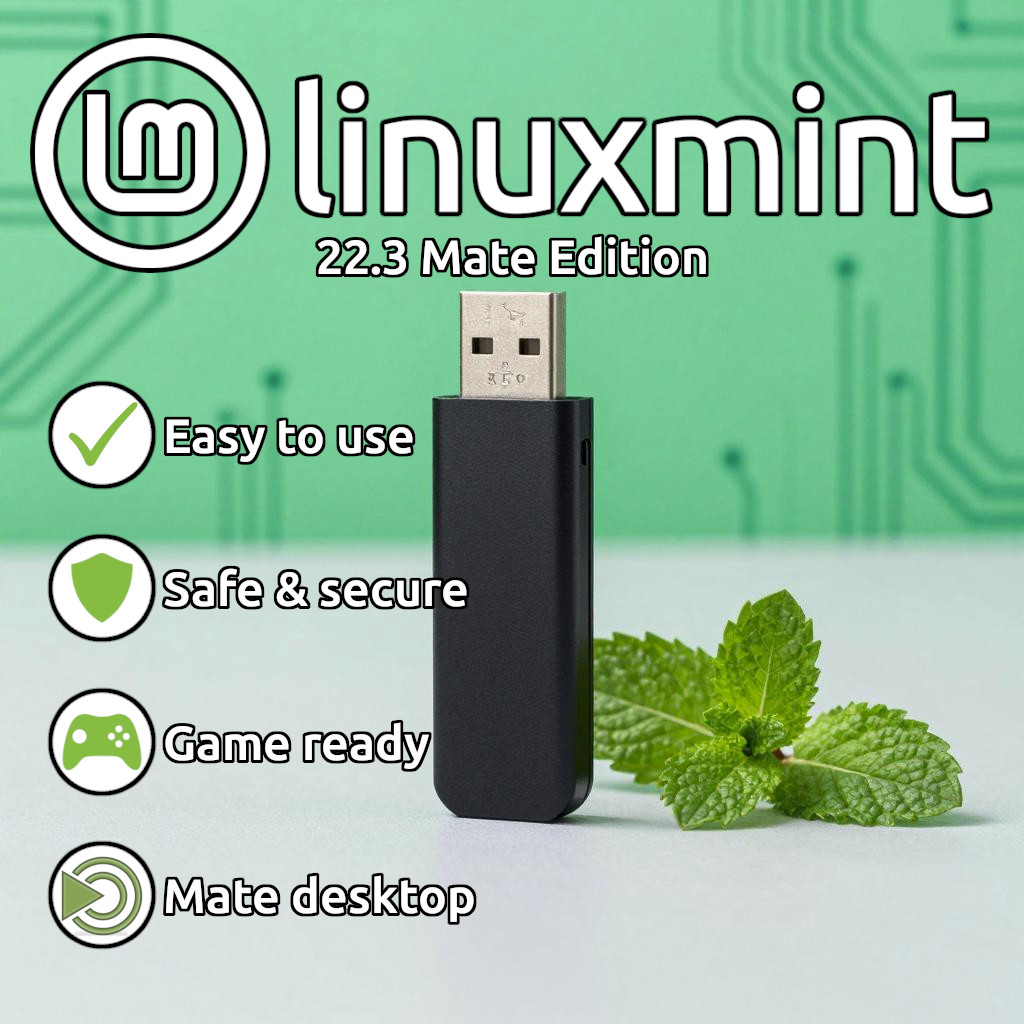
Get a ready-to-use bootable USB flash drive preloaded with the latest Linux Mint 22.3 "MATE" Edition (64-bit). This plug-and-play drive allows you to try Linux Mint safely without affecting your current operating system, or install it directly onto your computer to replace Windows or macOS.
📦 BONUS INCLUDED: Every order comes with a physical, printed installation guide featuring easy, step-by-step instructions to walk you through the entire process seamlessly! ⚠️ Please Read Before Purchasing:
- This is not a digital download. You will receive a physical USB flash drive shipped directly to your door.
- Model, color, brand, and capacity of the USB drive may vary based on current supply and manufacturing availability. All drives are brand-new, high-quality, and fully tested before shipping.
Why Choose Linux Mint 22.3 MATE? Classic & Stable Layout Intuitive traditional desktop layout that is incredibly stable, reliable, and user-friendly. Full Office Suite Comes pre-installed with LibreOffice (Word, Excel, PowerPoint compatible). Complete Security Built-in firewall, no mandatory tracking, and highly resistant to viruses. Out-of-the-Box Ready Includes Firefox, media players, and access to thousands of free apps. How to Use & Install (Quick Overview)
Full, detailed instructions are included in your physical printed guide!
- Plug it in: Turn off your computer completely. Insert the Linux Mint USB drive into an open USB port.
- Access the Boot Menu: Turn your computer back on and immediately tap your system's Boot Menu key repeatedly (Common keys: F12, F11, F9, Esc, or F8). Select the USB Drive from the list and press Enter.
- Test or Install: Linux Mint will load into a "Live Environment" where you can test your hardware safely. To permanently install, double-click the "Install Linux Mint" icon on the desktop.
System Requirements
- RAM: 2GB minimum (4GB or more recommended for smooth performance).
- Storage: 20GB of free disk space minimum (100GB recommended).
- Architecture: Requires a 64-bit processor (Intel or AMD).
- Compatibility Note: Modern Macs using Apple Silicon (M1/M2/M3) are not supported.
Fast Shipping | Fully Tested Before Delivery | Secure Packaging