What is this?
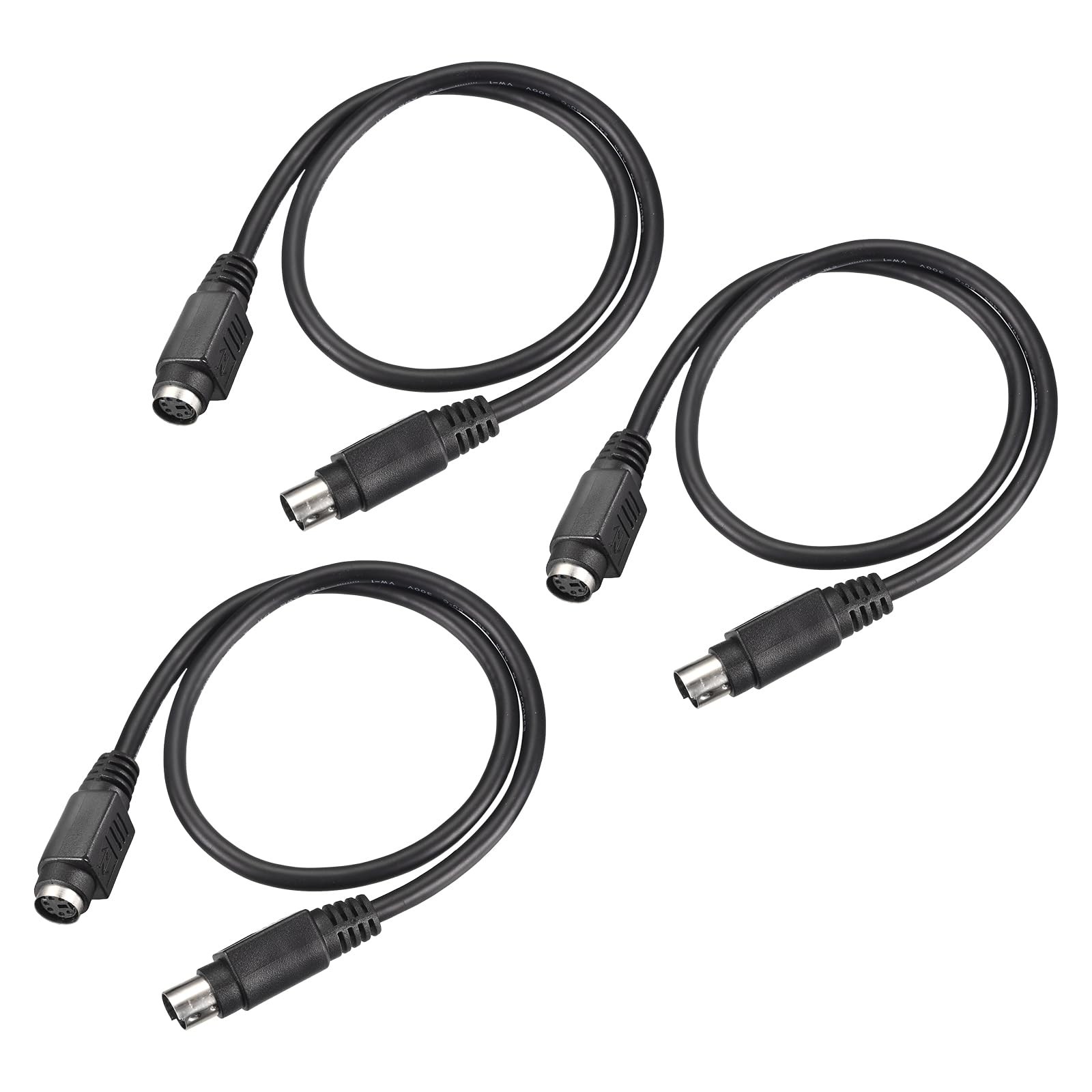
PS/2 6-pin cable is designed to extend the connection between your mouse or keyboard and computer, widely works with PS/2 scanners, speakers, DVD players, and various devices and systems equipped with a PS/2 port.
What will I get?
Color: Black
Style: Male to Female
Length: 0.5meters / 1.64 Feet
Pin Count: 6 Pin
Material: Copper Core with PVC Jacket
Package Content: 3Pcs x PS/2 Male to Female Cable
Are there any advantages?
Mini Din 6 pin cable features copper core conductors inside a flexible PVC outer sheath, delivering steady signal transmission and strong durability against bending and pulling, keeping your peripherals running smoothly over long-term daily use.
How to use it?
Align the notch on the connector with the PS/2 port on your device, gently push in until it clicks securely, then connect the other end to your computer in the same way, no additional drivers or tools needed.
What should I notice?
Please confirm both devices have matching PS/2 ports and verify the required cable length and connector type before ordering to ensure compatibility with your setup
PS/2 6-pin cable is designed to extend the connection between your mouse or keyboard and computer, widely works with PS/2 scanners, speakers, DVD players, and various devices and systems equipped with a PS/2 port.
Color: Black; Style: Male to Female; Length: 0.5meters / 1.64 Feet; Pin Count: 6 Pin; Material: Copper Core with PVC Jacket; Package Content: 3Pcs x PS/2 Male to Female Cable
Mini Din 6 pin cable features copper core conductors inside a flexible PVC outer sheath, delivering steady signal transmission and strong durability against bending and pulling, keeping your peripherals running smoothly over long-term daily use.
Align the notch on the connector with the PS/2 port on your device, gently push in until it clicks securely, then connect the other end to your computer in the same way, no additional drivers or tools needed.
Please confirm both devices have matching PS/2 ports and verify the required cable length and connector type before ordering to ensure compatibility with your setup.