 When you click on links to various merchants on this site and make a purchase, this can result in this site earning a commission. Affiliate programs and affiliations include, but are not limited to, the eBay Partner Network. When you click on links to various merchants on this site and make a purchase, this can result in this site earning a commission. Affiliate programs and affiliations include, but are not limited to, the eBay Partner Network.
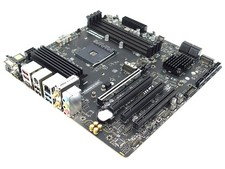
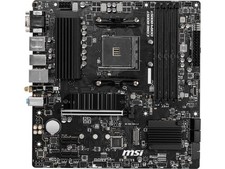
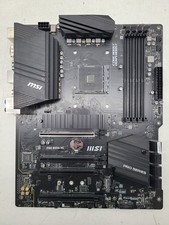
For sale is oneMSI PRO B550M-VC WIFI for parts or repairKnown issues with the board: - CPU debug light won't turn off
- Two tone high low high low alarm in BIOS (watch video for cpu light and siren) AMI Code: "Low CPU fan speed, voltage level issue" The CPU and cooler used don't recreate this problem with my other board.
- All hardware temps are 64c in bios, all temps drop to normal ranges once windows boots
- 90 seconds to boot to windows, probably related to the CPU error. Takes too long, abnormal
- Other than the above issues, the board boots to windows and operates normally. All of the hardware temps drop to normal ranges in HWinfo once windows is booted. It worked fine browsing and playing games. I didn't attempt any hardware benchmarking tests
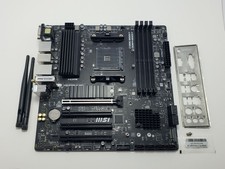
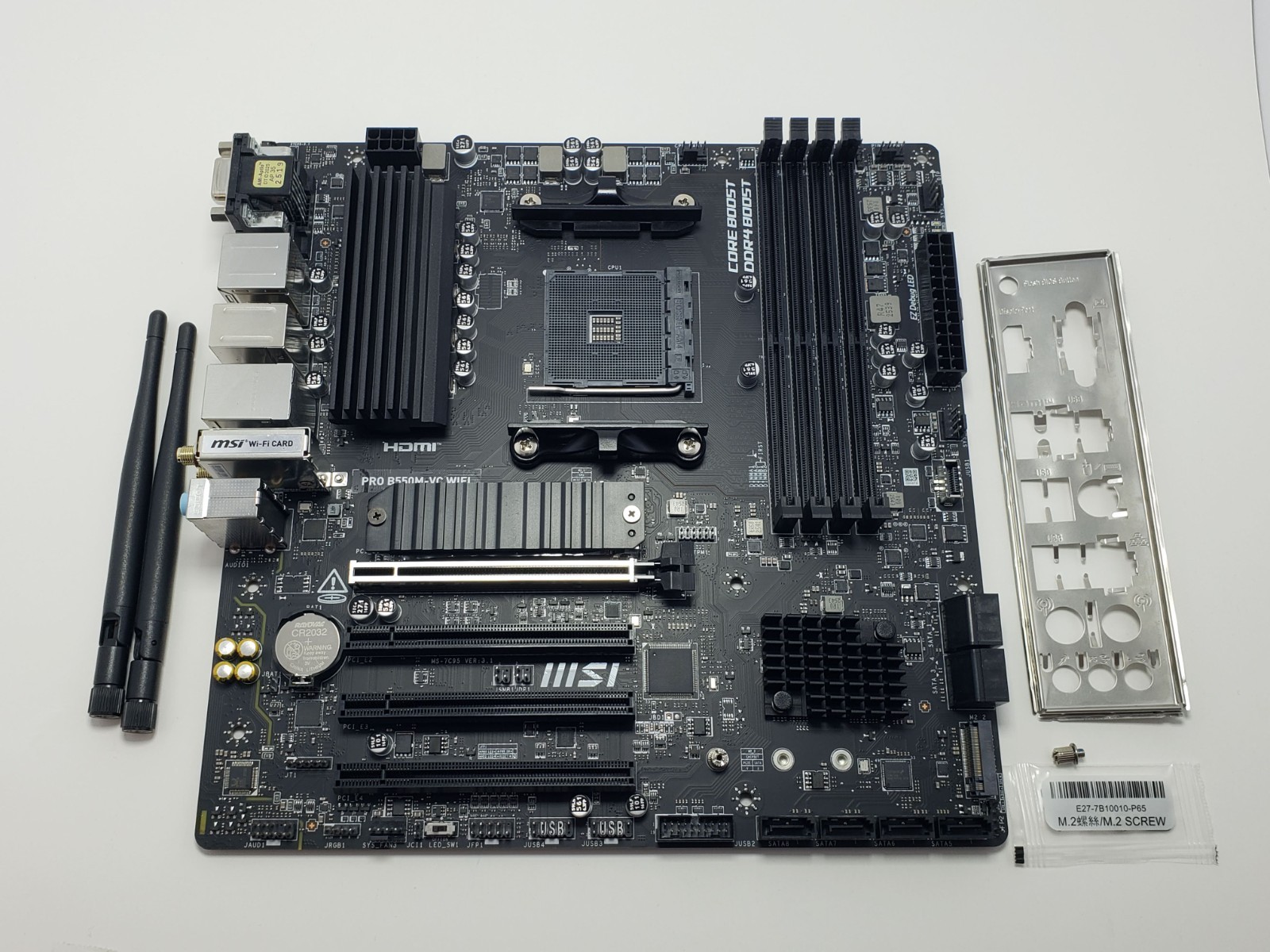
I bought this board here on , used it for about a week, attempted numerous troubleshooting steps to try and get the board to work properly, but I wasn't able to fix it. I'm really not sure how to fix whatever is going on with the board, despite it working well for the time I used it.Selling as is for parts or repair, not accepting returns for this item. Open to offers. Detailed troubleshooting steps listed below.If you have any questions, please feel free to send me a message, happy to helpMy CPU, GPU, RAM, and other components work great with my current board with none of the issues I had with this board, so my parts being the problem has been ruled out. Other board users noted that my same CPU (Ryzen 5 5600G) might not work optimally with this board, even though it is officially supported by the BIOS. There's a chance that the issues will go away with a different CPU, but I doubt it. I'm not sure what's causing the problems with the boardPhysical Condition:The board is in great physical condition. Clean with no obvious visual issues. Board components look good, wasn't able to see anything that looked abnormal. Box is damaged and slightly bent What you get: - MSI PRO B550M-VC WIFI for parts or repair
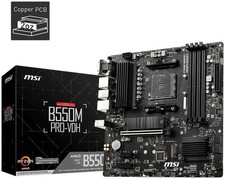
- The box (slight damage shown above in pic)
- Wifi antennas
- IO shield
- Extra m.2 screws and standoff
- Quick start guide
What I tried to fix the board: (I spent days trying to fix the problems, nothing I tried fixed it) - Flashed bios to the most recent version: 7C95vHG2
- Confirmed that my CPU pins weren't bent. Inspected the socket, looks undamaged and clean. Confirmed that my CPU cooler wasn't too tight. Sufficient thermal paste.
- Confirmed that CPU 8 pin, 24 pin ATX and CPU cooler fan is plugged in
- Inspected motherboard, it's in good condition. No obvious shorts or damaged components.
- Tried one ram stick in slot 2, one stick in slot 4, swapping the sticks, no ram (dram light turns on, replace ram and the dram light turns off and CPU light persists)
- CMOS reset numerous times, tried a new CMOS battery
- Tried older versions of the bios, and the earliest bios version compatible with my cpu
- Turned on memory fast boot, switched CPU fan to PWM. Turned off memory fast boot, no difference.
- Turned off CPU over temp alarm in BIOS, that fixed the siren but all other issues persisted
- Confirm XMP is on in BIOS with correct memory speed. Secure boot is on in UEFI boot mode. Turned off XMP in bios also didn't fix anything.
- Confirmed that the BIOS boot drive is MBR not GPT
- Tried booting without m.2. Tried with m.2 is slot 2, tried booting without m.2. No differences, didn't fix any issues.
- Replaced the CPU cooler to rule out the fan being the problem, didn't solve the problems.
Please don't hesitate to send me a message if there's anything I can do help! Happy to provide any additional information you might need. It's my intention to provide you with exceptional customer service and a good buying experience :) Thanks for looking  |
|