🔥 SAVE BIG ON LINUX MEGA PACKS 🔥
🛒 VISIT MY store LINK HERE 🛒
🚚 Ships Worldwide in Tamper Proof PackagingMX-LINUX OS
ALL LATEST VERSIONS
KDE, XFCE, FLUXOX
64-BIT & 32-BIT
USB & DVD COMBOS
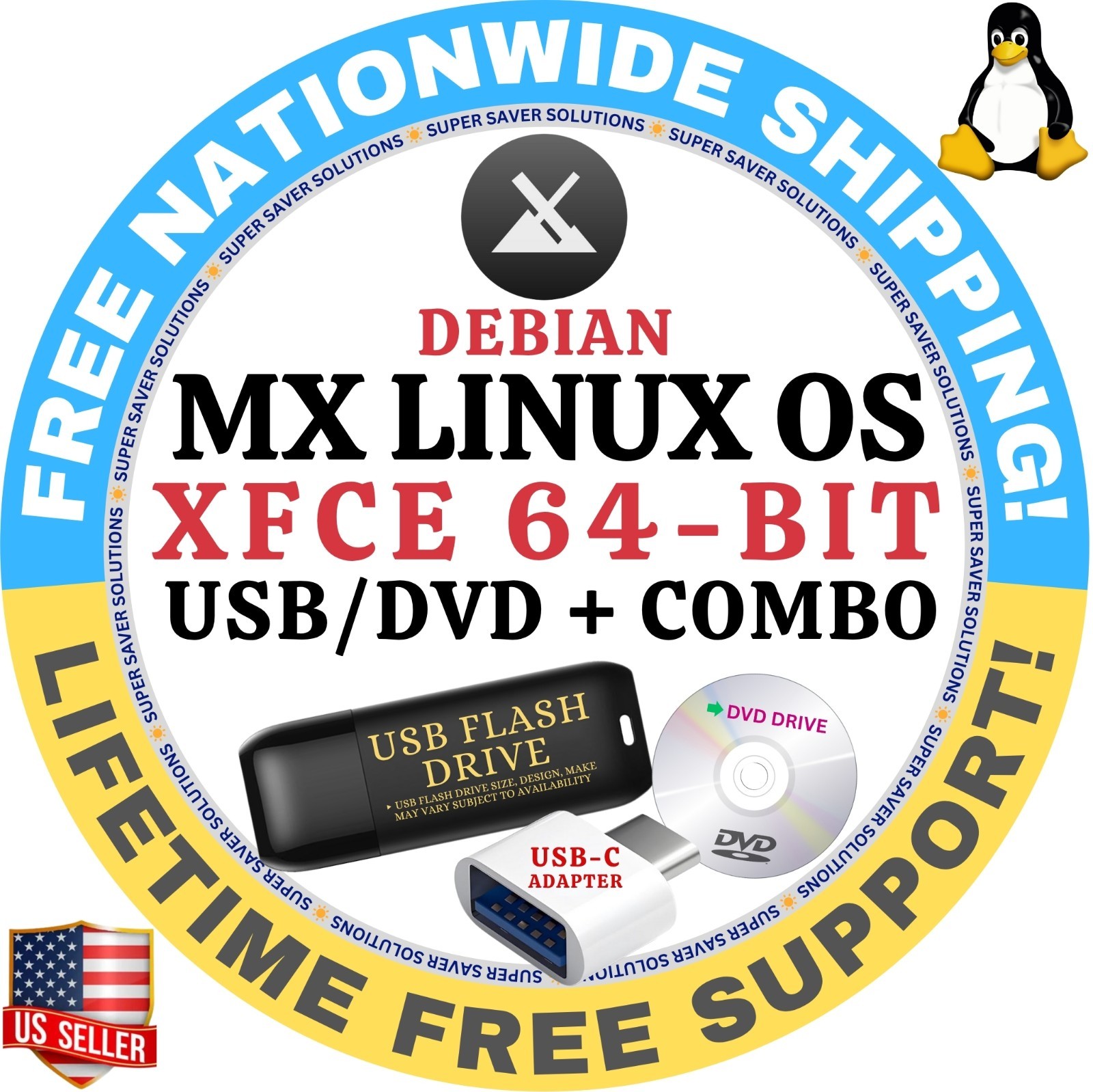
MX Linux is a cooperative venture between the antiX and MX Linux communities. It is a family of operating systems that are designed to combine elegant and efficient desktops with high stability and solid performance. MX’s graphical tools provide an easy way to do a wide variety of tasks, while the Live USB and snapshot tools inherited from antiX add impressive portability and remastering capabilities.✅ Three are different desktop options available to choose from:1. Build XFCE
- x64, with a standard 64 bit kernel and hardware support from Debian Stable. Suitable if your PC is a few years old.
- 386, containing a 32 bit PAE kernel from Debian Stable, suitable for systems that are 32 bit only.
- x64 “ahs”, an “Advanced Hardware Support” release for very recent hardware, with 5.16 kernel and newer graphics drivers and firmware. 64 bit only. Works for all users, but especially if you use AMD Ryzen, AMD Radeon RX graphics, or 9th/10th/11th generation Intel hardware.
2. Build KDE
- x64 KDE, with the debian stable kernel and ahs repos enabled.
3. BuildFLUXBOX- x64 Fluxbox, featuring the 64 bit 6.1 Debian stable kernel and a customized fluxbox environment- 386 Fluxbox, featuring the 32 bit 6.1 Debian stable kernel and a customized fluxbox environment
✅NEED IT FAST? SELECT FASTER SHIPPING (3-6 BUSINESS DAYS) OPTIONS WITH TRACKING AT THE CHECKOUT.
‼️ Free Shipping takes up to 7-10 business days to deliver & comes with no tracking. This is how I pass on these unbelievable discounts to you for my time & service.
☑️ HOW TO BOOT LINUX OS FROM USB OR DVD?
✅STEPS FOR WINDOWS PC & CHROMEBOOKS
1. Turn-off your computer
2. Insert the USB/DVD into any available USB port/DVD drive.
3. Switch on your computer
4. Press the key that allows your computer to boot to an alternate device (ESC on many HPs, F12 on many Dells, F8 on many custom builds, yours may vary, see your computer's documentation)
5. At the Book-up screen, select Boot from USB Interface or Boot from DVD option, press enter.
6. Wait for OS to load, then follow on-screen links for initiate OS.
7. Wait for system to boot into Linux OS. Done! Enjoy!
✅STEP FOR APPLE MACS DEVICES
1. Turn-off your computer
2. Insert the USB into any available USB port
3. Switch on your computer
4. Press the Option keyon your keyboard to go the boot menu
5. Select EFI Book
6. Follow on-screen links for initiate OS.
7. Wait for system to boot into Linux OS. Done! Enjoy!