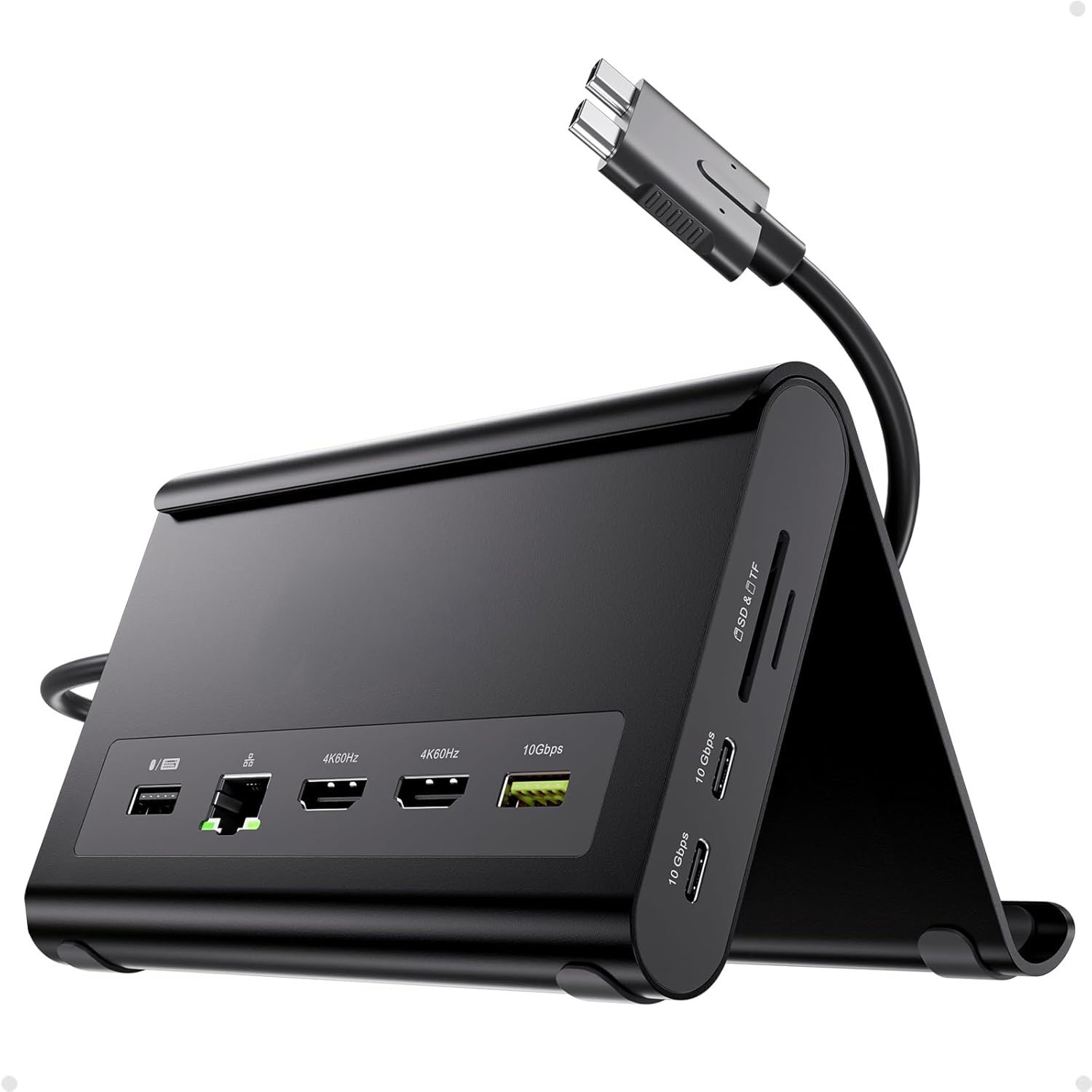
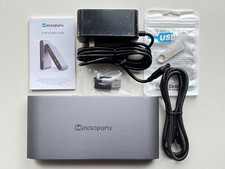
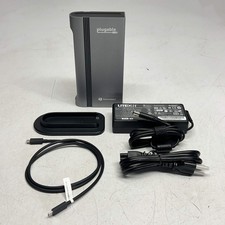
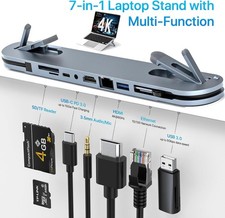
This MacBook Pro docking stationwith dual monitors functions as both a docking stand for the M5 model and aholder for laptops, tablets, or smartphones. Features include: two 4K@60Hz HDMIports, two USB-C ports with 10Gbps transfer speed, one USB-A port with 10Gbpstransfer speed, one USB-A port with 2.0 transfer speed, SD and TF card slots, a3.5mm audio jack, and Gigabit Ethernet (RJ45). It also supports a 100W PowerDelivery input.
A genuine MacBook Pro dockingstation M5 experience featuring crisp 4K@60Hz output. This MacBook docksupports dual monitor output, allowing up to two 4K@60Hz displays. Whetherengaging in movie viewing, participating in meetings, or multitasking, it managesall tasks with ease.
This Mac docking station supportsdual monitors and is specifically designed for MacBook Pro and MacBook Airmodels from 2016 to 2026, including those equipped with Intel processors and M1to M5 Pro/Max and M4/M5 base chips. It is not compatible with M1, M2, or M3MacBook models with base chips for dual display configurations. Additionally,it is not suitable for MacBook Neo A18 Pro, Windows, or Chrome devices.
This MacBook docking stationprovides two 10Gbps USB-C ports, one 10Gbps USB-A port, and an additional USB-A2.0 port for seamless mouse and keyboard connectivity. It supports charging via100W Power Delivery (adapter required) and ensures stable wired GigabitEthernet connection. This device is an ideal MacBook Pro dock for power usersseeking speed, reliability, and comprehensive connectivity solutions.
Enhance your workflow with thisMacBook Pro M5 dock stand. It elevates a closed-lid MacBook to improve airflowand ergonomics or secures phones and tablets to optimize space. Note: Place thelaptop on the stand and remove any protective case. For clamshell mode with anexternal display, connect a PD adapter to the PD port and a mouse to a USB 2.0port to activate the screen.