 When you click on links to various merchants on this site and make a purchase, this can result in this site earning a commission. Affiliate programs and affiliations include, but are not limited to, the eBay Partner Network. When you click on links to various merchants on this site and make a purchase, this can result in this site earning a commission. Affiliate programs and affiliations include, but are not limited to, the eBay Partner Network.
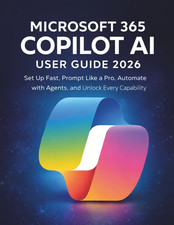
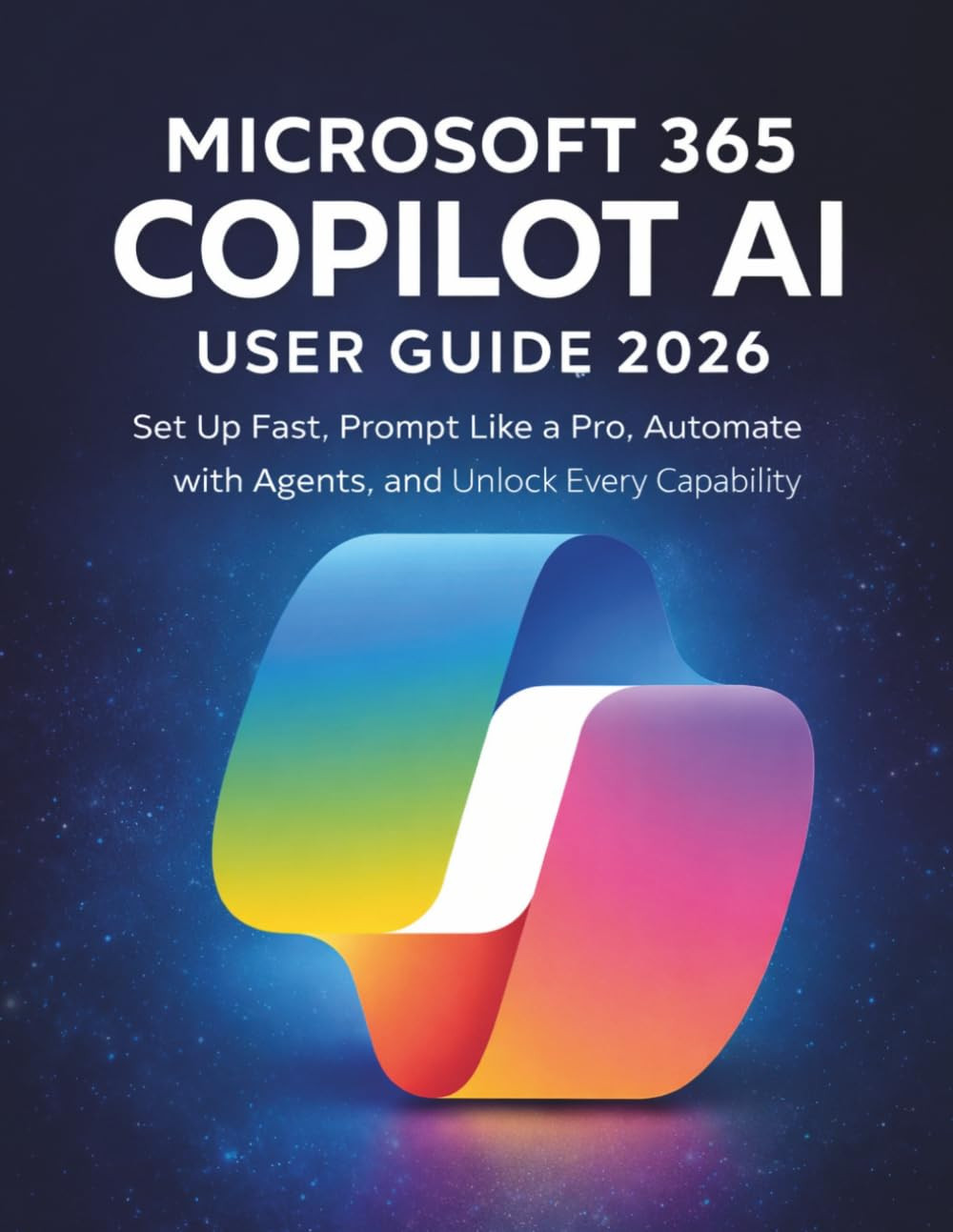
Microsoft 365 Copilot AI User Guide 2026: Set Up Fast, Prompt Like a Pro, Automate with Agents, and Unlock Every CapabilityFEATURES Microsoft 365 Copilot is sitting inside your Word, Excel, Outlook, and Teams right now and most people using it are getting a fraction of what it can actually do, because no one explained the parts that matter.This guide gives you the complete picture: what each license tier actually includes, how to write prompts that produce useful results every time, and how to use the tools most users have never touched including Researcher, Analyst, Agent Mode, and custom agents that work autonomously on your behalf. - The licensing map that ends the confusion a clear feature-by-feature breakdown of Copilot Chat, Copilot Pro, and Microsoft 365 Copilot so you know exactly what you have access to before spending time on features that were never yours to use
- A four-element prompt framework you can apply immediately the Role, Task, Context, and Format structure that consistently produces specific, usable results instead of generic responses that need three rounds of correction
- App-by-app guidance for Word, Excel, PowerPoint, Outlook, and Teams with honest assessments of where each performs strongly, where it falls short, and the workarounds that save you from dead ends
- Step-by-step coverage of Agent Mode in Word, Excel, and PowerPoint the 2026 capability that lets Copilot work through multi-step editing goals across entire documents and decks, not just one prompt at a time
- A practical guide to Researcher and Analyst the reasoning agents that handle complex multi-step research and advanced data analysis that standard Copilot Chat simply cannot do
- Everything you need to know about Copilot Notebooks, Pages, and the Library the persistent workspace layer that most users ignore entirely and that transforms Copilot from a chat tool into a project-level thinking partner
- A complete walkthrough of building custom agents with Agent Builder including how to ground them on your own files and folders so they respond with knowledge specific to your work
- Structured troubleshooting for the most common failure patterns five root causes behind poor Copilot results, and the exact steps to fix each one without guesswork
- A security and privacy chapter that explains what Copilot does with your data, how Microsoft Purview DLP protects sensitive information in prompts, and what your IT team controls versus what you control
This guide is for working professionals, team leads, small business owners, and individual subscribers who are already using Microsoft 365 and want results that justify the tool not a surface-level overview of features they could find in a help article.SCROLL UP AND GRAB YOUR COPY. Publisher Independently published Publication date April 8, 2026 Language English Print length 78 pages ISBN-13 979-8255568765 Item Weight 9.1 ounces Dimensions 8.5 x 0.18 x 11 inches 11.0 inches x 8.5 inches x 0.18 inches. Weight: 9.1 oz  |
|