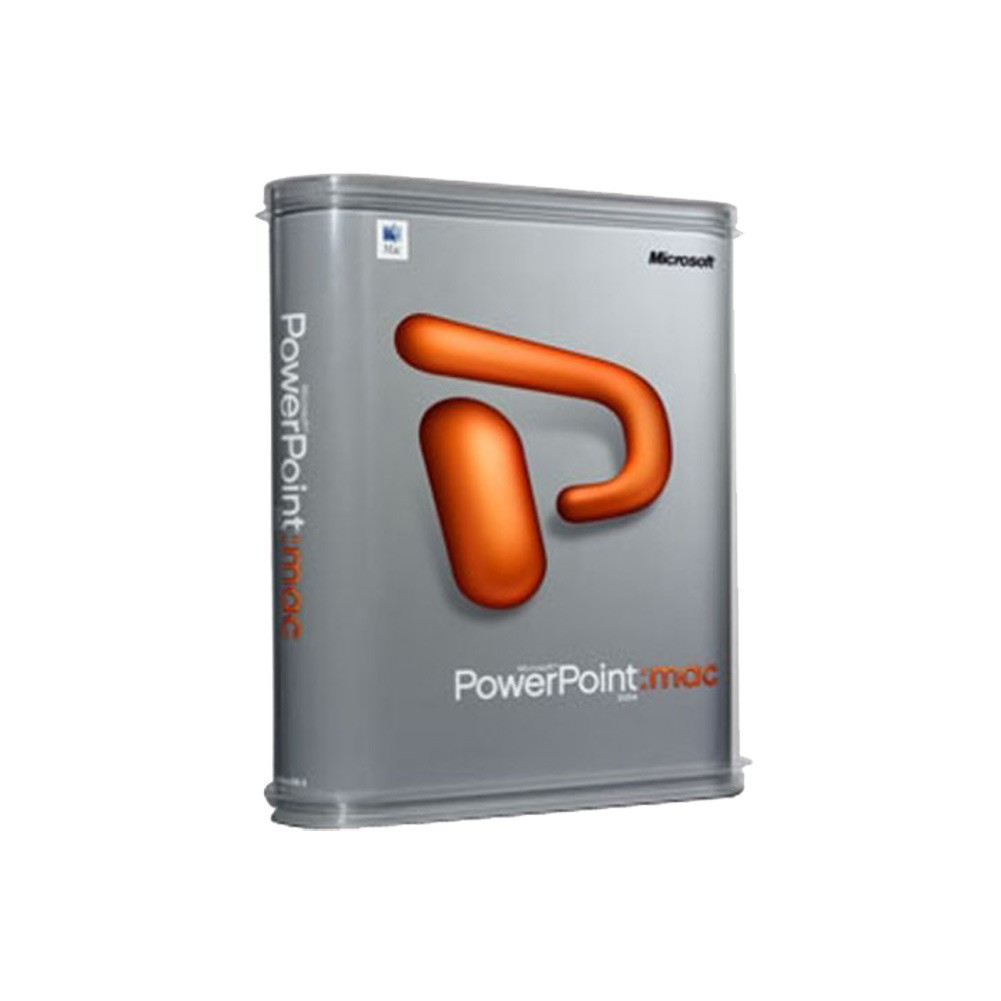
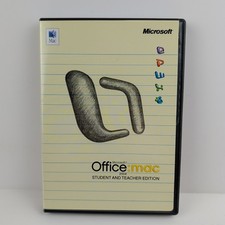
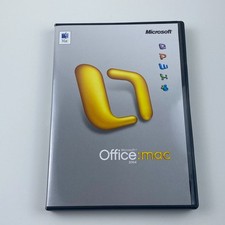
Incorporate rich movies, animations and transitions into your presentations with Microsoft PowerPoint 2004 for Mac. Keep the show running like a pro with features such as the on-screen timer, notes, navigation and more.
- About Us
- Payment Info
- Shipping Info
- Customer Support
- response
Microsoft Powerpoint 2004 for Mac OS X Brand: Microsoft UPC: 0805529749924 Mfr Part #: D4700266
Manage your time, talents, and reputation!Product InformationIncorporate rich movies, animations and transitions into your presentations withMicrosoft PowerPoint 2004 for Mac. Keep the show running like a pro withfeatures such as the on-screen timer, notes, navigation and more. Showbusiness with a twist....Or with a zoom, sling and swish. Bring down the housewith dynamic new animations and transitions inspired by Mac users. Learn moreabout these and other presenter-friendly options in Microsoft PowerPoint 2004for Mac, designed to keep you on track and your audience transfixed.
New Features
Presenter Tools
Keep your presentation well timed, and make adjustments on the fly as you respond to your audience with the tools in the presenter?s view window. Stay in control with an on-screen clock, athumbnail view of the entire show, and note panes.New Template Designs
Spice things up with a new look ? choose from more than 100 new design templates.
Animation and Transitions
Keep your audience interested with striking animations, smoother transitionsand more than 100 new templates. Experiment with new 3D transitions and vivid custom animations to make your presentations richer and more dynamic.
Font Formatting Improvements
Quickly set font spacing, size and transparency with the new Format Font dialog box.
Key Features IncludeExpanded Clip Gallery
Get creative with the updated illustrations and new clip art available in theexpanded Clip Gallery.
Jazz up your presentation with animation effects available in PowerPoint
Looking to add some pizzazz to your presentation? To ignite your creativeimagination, take a look at the animation effects available in MicrosoftPowerPoint. On the Slide Show menu, click Custom Animation, and then click AddEffect. You might be inspired to create an attention-grabbing slide show thatwill captivate your audience, reinforce your point, and stave off the BIG YAWN.Because animations are special visual effects that you can add to text or otherobjects, such as pictures or charts, you might be tempted to add at least oneanimation effect to every slide in your presentation. But, an importantguideline for creating effective presentations is to use animation effectssparingly. Instead, think of ways you can grab your audience's attention byeffectively using visual effects in key areas of your presentation: the opening,the key point, and the closing.Types of animation effects
The animation effects in PowerPoint are grouped into three categories?Entrance, Emphasis, and Exit. Within these categories, the animation effects arefurther grouped into descriptive subcategories? Basic, Subtle, Moderate,and Exciting.
- Entrance effects - Apply these effects to determine how text or another object enters the slide. For example, you can make a bulleted list of text fly onto the slide one bullet point at a time as you discuss each one.
- Emphasis effects - Apply these effects to emphasize key items. For example, after a bullet text flies in, you can make the previous ones transparent or change to another color so that the current bullet text stands out.
- Exit effects - Apply these effects to determine how text or another object leaves the slide. For example, make the bullet text fly off the slide after you've discussed it.
- Apply animation effects - You can set and define your animation effects in the Custom Animation dialog box (On the Slide Show menu, click Custom Animation).
- Apply preset animations - In addition to applying animation effects through the Custom Animations dialog box, you can apply predefined animation effects by pointing to Preset Animations on the Slide Show menu.
- New entrance and exit animation effects - The following is a list of new entrance and exist animation effects in PowerPoint 2004 for Mac.
- Circle
- Diamond
- Plus
- Wedge
- Pinwheel
- Expand
- Contract
- Faded Swivel
- Faded Zoom
- Center Revolve
- Color Typewriter
- Compress
- Stretchy
- Ease In
- Ease Out
- Rise Up
- Sink Down
- Curve Up
- Curve Down
- Boomerang
- Light Speed
- Grow & Turn
- Ascend
- Descend
- Bounce
- Credits
- Flip
- Float
- Fold
- Glide
- Magnify
- Wheel
- Sling
- Swish
- Thread
- Spinner
- Unfold
- Whip
Macintosh Requirements
To run Microsoft PowerPoint 2004, your computer must meet the following minimumrequirements:
- Operating System: Mac OS X version 10.2.8 to 10.6.8
- Memory: 256 MB of RAM.
- Hard Disk*: 500 MB of available hard-disk space
- Drives: CD-ROM drive.
- Display: Monitor that can display 1024 x 768 or higher resolution displaying thousands of colors.
*The hard disk should be in Mac OS Extended (HFS+) format, the default format for Mac OS X.
Store Policies
Welcome to the NothingButSavings store! To make your purchase as easy as possible, NothingButSavings requires payment via PayPal at the time of purchase. We have outlined all of our store policies below, however if you have any questions, please do not hesitate to contact us at any time.
Check-Out Now! Click the Pay Now button at the top of this listing to immediately proceed with our checkout and payment process. Please note that the Pay Now button is ONLY available after winning an sale or completing a Buy It Now purchase.
Sales Tax Sales tax is applied for shipments to addresses in applicable States where we are required by law to collect and remit sales tax. Purchases are not tax-exempt merely because we are not required to collect a State's Sales Tax. Your State may require you to pay use tax on your purchase. For more information, please visit your State's Department of Revenue or Sales and Use Tax website.
Shipping For security purposes, NothingButSavings will only ship to the address provided by at the time of the order. If for any reason this address is incorrect, please contact us as soon as possible to see if other arrangements can be made. NothingButSavings accepts no responsibility for incorrect delivery information contained in your account at the time of purchase.
Customer Service If you need to reach us at any time please click here.