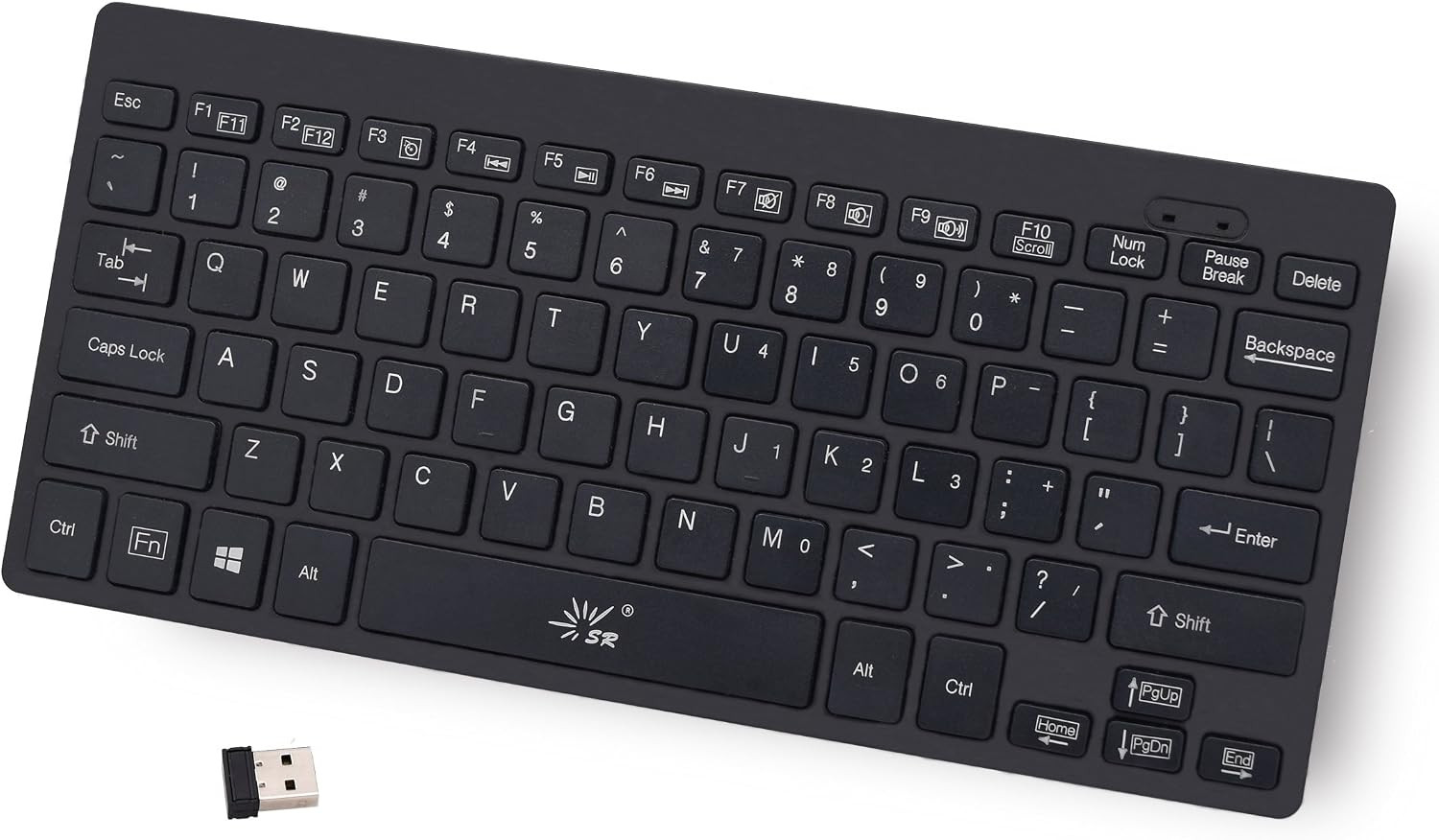
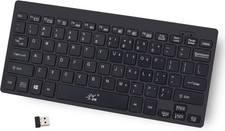
Product description Supplement : FN+↑=Page up / FN+↓=Page down / FN+←=Home / FN+→=End
If keyboard fall connect future.Two ways of matching codes.
Method 1
1.Unplug all Mini receivers from the device
2.Make sure the battery is put in
3.Reinsert the configured USB receiver
4.Press "ESC+K" 10seconds OR Press "ESC+←" 10seconds
5.The light in the upper right corner does not flash. it is on all the time, the code matching is successful.
===========================
Method 2
1.Put off all your receivers on your computer.
2.Put into batteries.
3.Try to press "ESC"+"=" more than 3 seconds.then left light is on.
4.Put into the K801 keyboard USB receiver.
Then can use
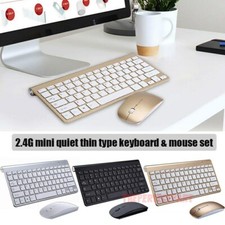
- Compatible Devices: PC, Mac, PS3, Xbox360, Windows 8 7 XP Vista
- FN+Multimedia composite key
- Thin and Fashion
- 2.4GHz wireless (Include one USB receiver)
- Plug and play