 When you click on links to various merchants on this site and make a purchase, this can result in this site earning a commission. Affiliate programs and affiliations include, but are not limited to, the eBay Partner Network. When you click on links to various merchants on this site and make a purchase, this can result in this site earning a commission. Affiliate programs and affiliations include, but are not limited to, the eBay Partner Network.
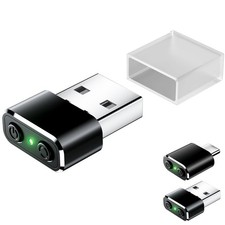
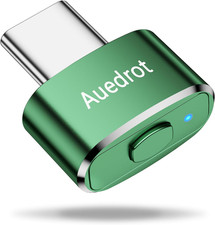
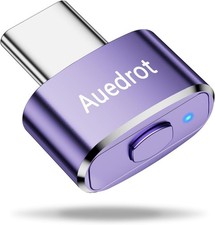
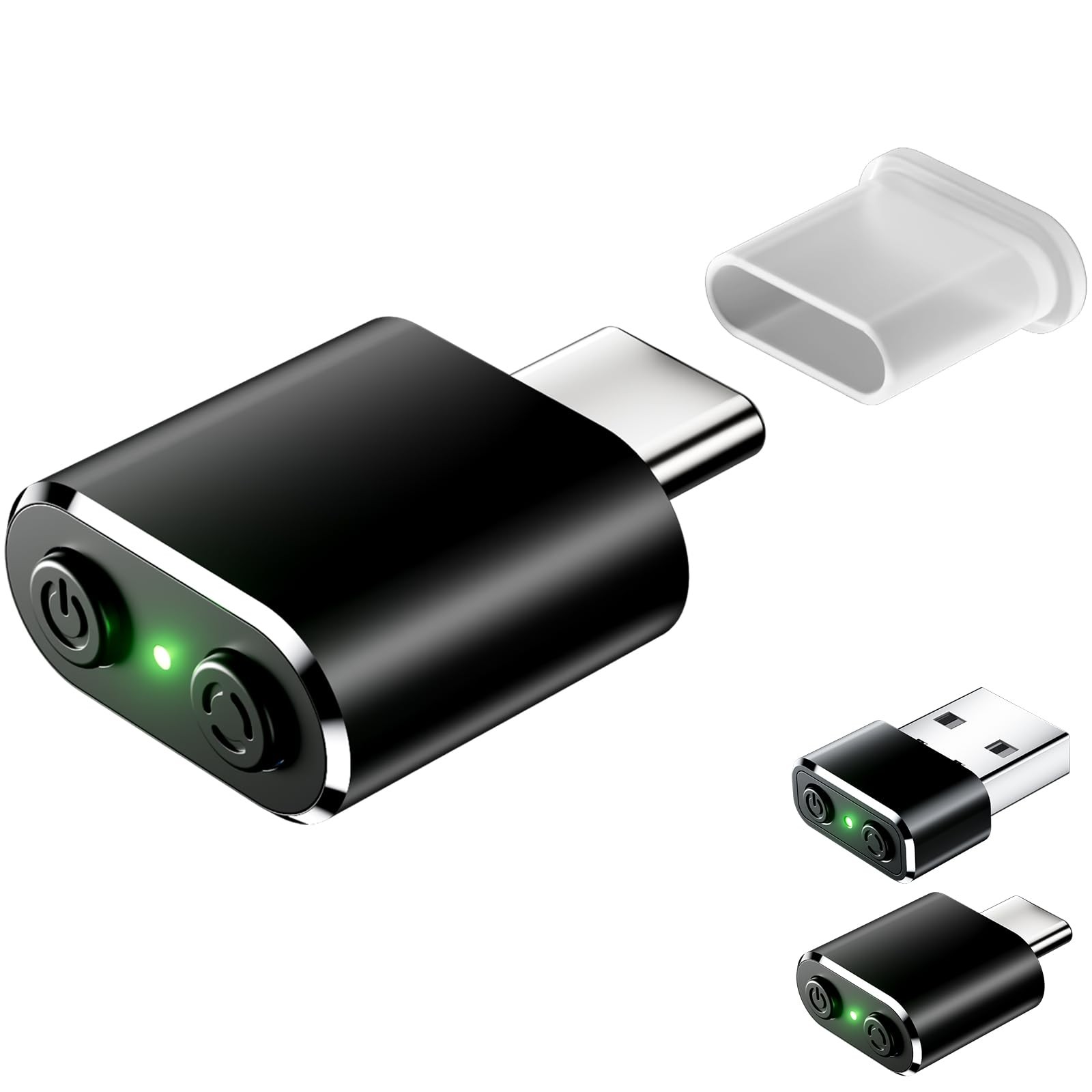
- Dual-Button Design: "ON/OFF Switch" and "Mode Selection" — The switch button allows you to easily control the operation of the mouse mover. When you need to keep your computer active, simply turn on the switch. When not in use, turn off the switch, eliminating the need to repeatedly plug and unplug the mouse mover, which helps avoid damage to the USB ports of your computer and laptop. The mode button enables you to select the jitter state of the mouse pointer.
- Working Indicator Light — Press the switch button once, and the mouse mover will start working with the indicator light turning green. Press the switch button again, and the mouse mover will stop working, and the indicator light will turn off.
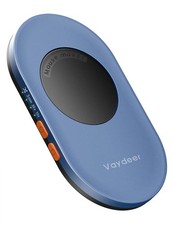
- Three Mouse Pointer Jitter Modes for Personalized Movement — By pressing the jitter button, you can access three different jitter modes. Each mode provides a unique movement pattern for the mouse cursor, allowing you to customize how your computer stays active. Whether you prefer a gentle, moderate, or more active cursor movement, this feature gives you the flexibility to choose according to your specific requirements.
- 100% Undetectable and Memory Function — Designed not to interfere with the normal operation of other computer programs and work activities, this automatic mouse shaker will be recognized as a "2.4Ghz USB Optical Mouse" when first connected to the computer. So there's no need to worry about it being identified as an unknown or unsafe device, unless your computer doesn't allow access to the mouse. This mouse shaker has an exclusive memory function: when you turn on the computer next time, it will continue to run the trajectory set last time.
- Compact and Portable for On-the-Go Use — The mouse mover is designed to be extremely compact and portable. It can easily fit into your pocket, backpack, or briefcase. Whether you're on business trips to various places or working in different locations, you can take it with you to ensure that your computer stays active without the hassle of large devices.
 |
|