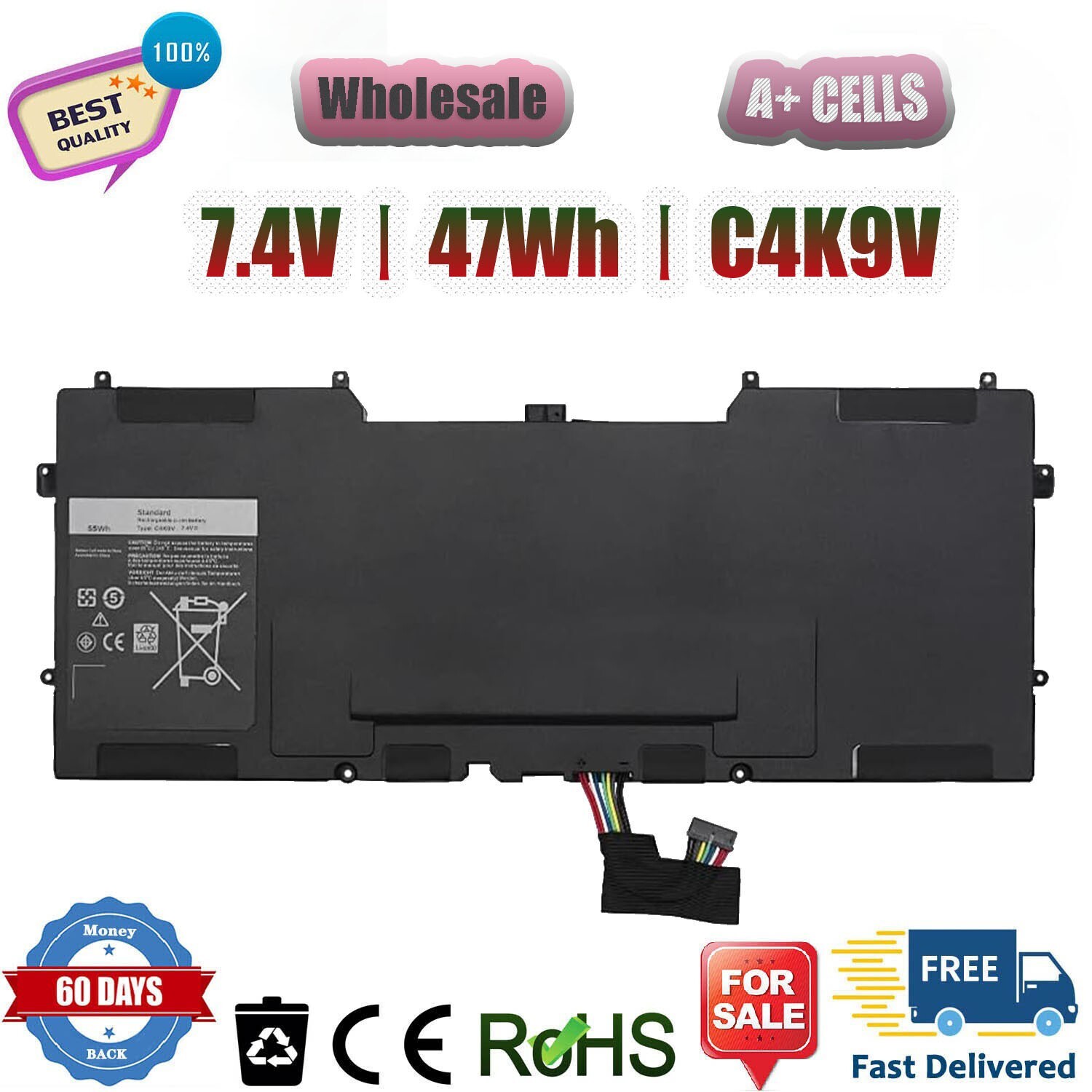
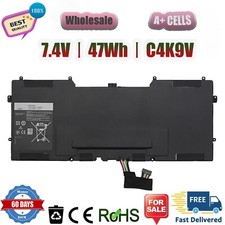
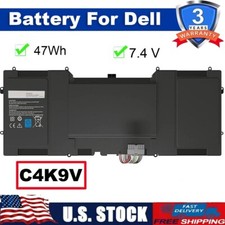
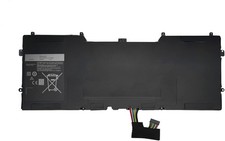
Condition: Brand New - Grade A cells,100% Compatible and high quality,the best replacement battery for your laptop.
Battery type: Li-ionC4K9VRechargeable Battery
Voltage: 47Wh/7.4V
Condition: Brand New , 'A' grade cells,100% Compatible!
100% New Components are made by our factory- never refurbished, recycles, or used.
100% Compatible and high performance - Guaranteed to meet the specifications of your original device at a reduced price.
Certification: CE FCC RoHS
Color: black as pictures
Operation time: approx 2.5-3.5 hours
Package including: 1PCS *Battery (in packing carton box)
After-sales service: 60-day free trial and 3-years warranty
Offer 100% Satisfied Customers Service ( we will reply all your emails within 14 hours and We are able to solve all your problem within 48 hours)
Local USA Warehouse Stock (3-8 Days Delivery) (Plz contact us if do not delivery within 12 days,we offer full refund or resend for free)
Buy With Confidence: Offer Free returns, Free replacement, Full refund (If there is some problem with our items)
We stand behind our quality products, We offer a 60 days hassle-free money back guarantee or replacement (buyer's choice)!
Buy With Confidence:Provide competitive products, Offer Free returns, Free replacement, Full refund (If there is some problem with our items)
- Compatible for Dell Laptop Models:(Please Use "Ctrl + F" to find your laptop model)
C4K9V, 3H76R, 489XN, PKH18,Y9N00
For Dell XPS 12 9Q33 -L221X 13 9333 Ultrabook 13
For Dell XPS 13 13-L321X 13-L322X XPS L321X L322X Series.
Note:
Please check carefully about your laptop model name/battery part number/battery shape and size to make sure you purchase the correct battery.
How to confirm that the battery is suitable for your laptop?
Method 1: Use System Information to find your laptop model
Step 1: Press Windows + R to open Run window.
Step 2: Input "msinfo32" in the empty box and click OK to open System Information.
Step 3: Keep in the System Summary section, and you will find the System Model item in the right pane.
Method 2: Remove Battery from Laptop to find your laptop battery part number
Step 1: Switch off the laptop and unplug the power cable in case of electric shock
Step 2: Remove the back panel with the screwdriver. You should to this with care avoiding any harm to the laptop components.
Step 3: Disconnect the cable connected to the battery and then take out the battery. After that, you can check the specifications of your battery.