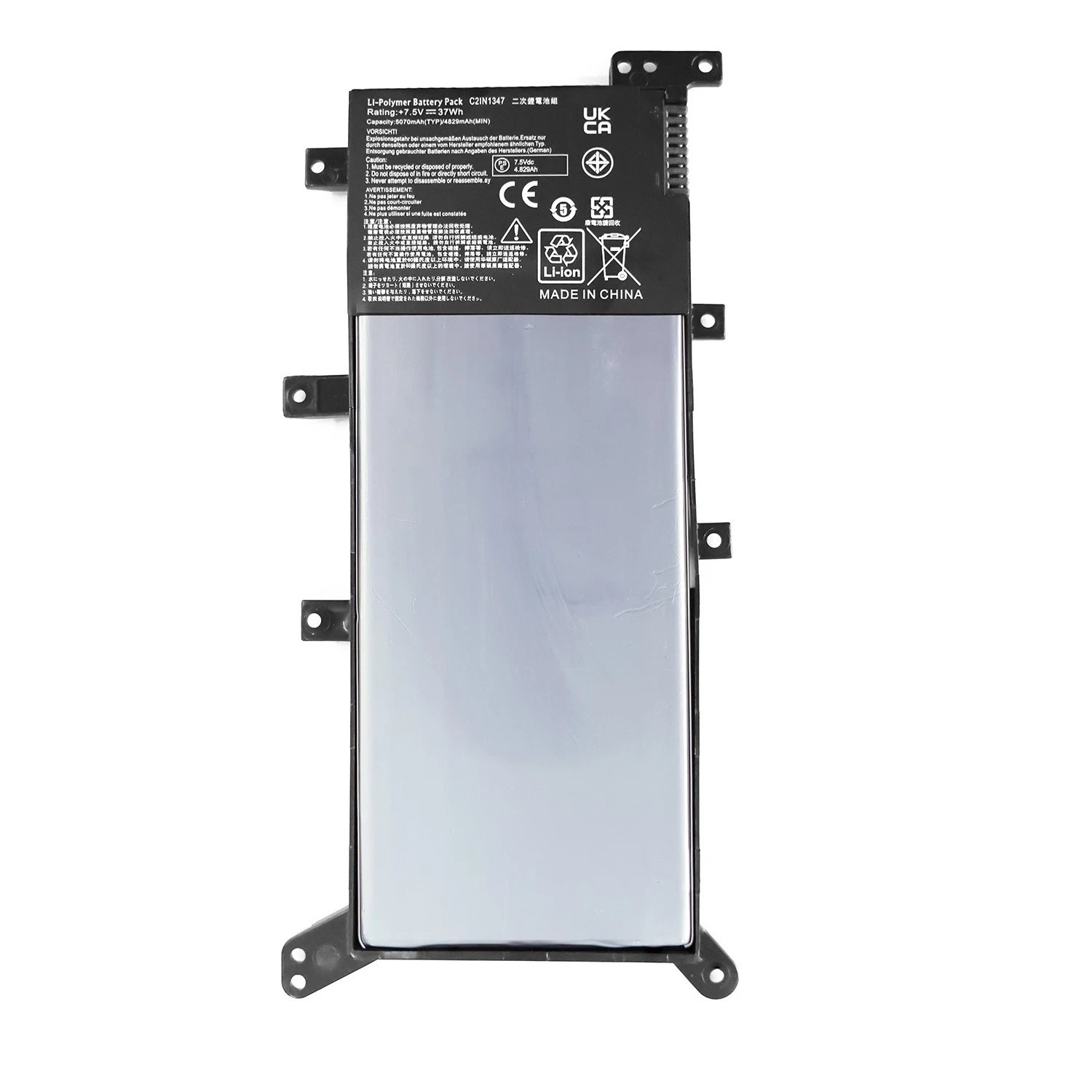
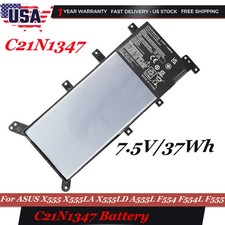
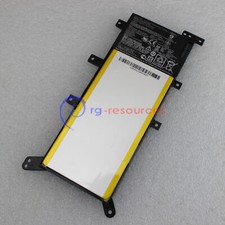
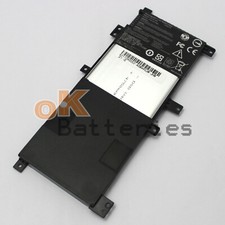
Specifications:
Condition: Brand New - Grade A cells,100% Compatible and high quality,the best replacement battery for your laptop.
Battery type: Li-ionC21N1347Rechargeable Battery
Voltage: 37Wh/ 7.5V
Condition: Brand New , 'A' grade cells,100% Compatible!
100% New Components are made by our factory- never refurbished, recycles, or used.
100% Compatible and high performance - Guaranteed to meet the specifications of your original device at a reduced price.
Certification: CE FCC RoHS
Color: black as pictures
Operation time: approx 1.5-2.5 hours
Package including: 1PCS *Battery (in packing carton box)
Compatible Part Numbers:
C21N1347 2ICP4/63/134 PP21AT149Q-1
Compatible Models:
For Asus X551MA X552EA X552EP X552MD X552WE X554 X554L X555 X555L X555LA X555LD X555LN X555LB
For Asus X555LF X555LI X555LJ X555LP X555U X555SJ X555YI X555MA XX283H X555LD4030 X555D
For Asus A555 A555L A556 A556U A555LD4210
For Asus F550 F550JK F554 F554L F555 F555L FL5500 FL5500L FL5600 FL5600L F555LD F550JK F554LA F555U
For AsusF555LA-AB31 F555LA-EH51 F555LA-AS51 f555dg-dm016t f555dg-xo014t
For Asus K555 K555Z K555L K555LD
For Asus R556 R556L R557 R557L R556LD R556LJ
For Asus V405 V405LB VM400C VM410L VM510 VM510L VM590 VM590L VM590Z
For Asus W409L W519 W519L
For Asus Y583 Y583L Y483LD Y58LD Y583LD
For Asus N249 0B200-01000300Note:
Please check carefully about your laptop model name/battery part number/battery shape and size to make sure you purchase the correct battery.
How to confirm that the battery is suitable for your laptop?
Method 1: Use System Information to find your laptop model
Step 1: Press Windows + R to open Run window.
Step 2: Input "msinfo32" in the empty box and click OK to open System Information.
Step 3: Keep in the System Summary section, and you will find the System Model item in the right pane.
Method 2: Remove Battery from Laptop to find your laptop battery part number
Step 1: Switch off the laptop and unplug the power cable in case of electric shock
Step 2: Remove the back panel with the screwdriver. You should to this with care avoiding any harm to the laptop components.
Step 3: Disconnect the cable connected to the battery and then take out the battery. After that, you can check the specifications of your battery.