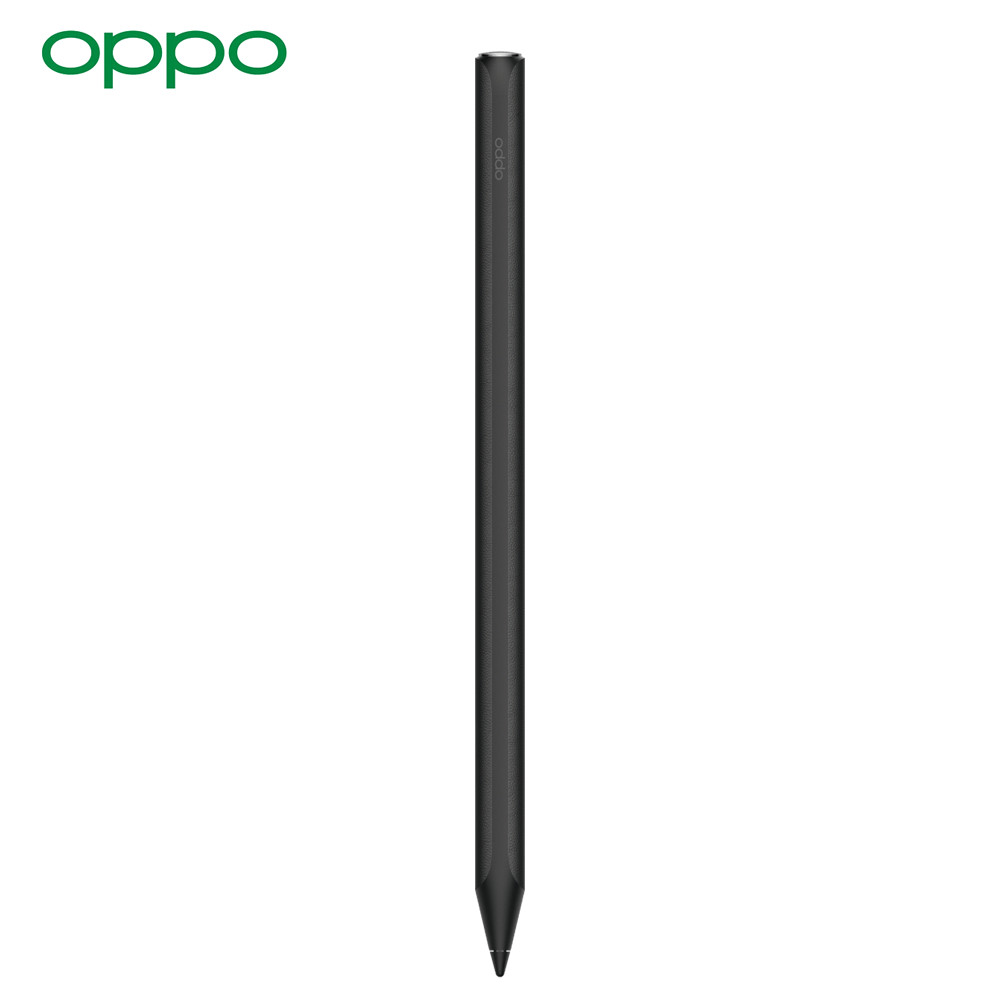
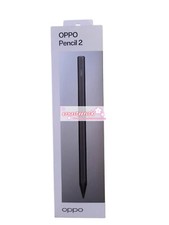
✍️ OPPO Pencil 2 Pro – 16384 Pressure Levels, Haptic response, Ultra-Low Latency
Wireless Charging, Soft Tip, For OPPO Pad 3/4 Pro & OnePlus Pad Pro
✅ Compatible Products OPPO Tablets
OnePlus Tablets
📦 In The Box
📊 Feature Support by App
🔍 Product Overview
The OPPO Pencil 2 Pro is the flagship stylus for OPPO and OnePlus tablets, elevating digital writing with 16384 pressure levels and linear motor haptics.
It features an industry-leading 240Hz sampling rate for near-zero latency, ensuring ink flows instantly under your hand. The soft rubber nib mimics real paper friction without needing a screen protector. With built-in haptic response and pencil sound effects, it recreates the sensory experience of writing with real pens, making it ideal for artists, students, and professionals.
✨ Key Features ⚡ 16384-Level Precision & Zero Latency
- Ultra-Low Lag: Self-developed engine captures strokes at 240Hz with industry-leading responsiveness.
- Extreme Pressure Sensitivity: 16384 levels detect microscopic force changes for lifelike shading.
- Auto-Calibration: Maintains consistent line weight regardless of writing angle or speed.
📳 Haptic & Audio Immersion
- Linear Motor: Simulates realistic vibrations for pencil, pen, and marker brushes.
- Pencil Sound Effects: Authentic scratching sounds sync with on-screen strokes (OPPO Notes).
- Dual Sensory response: Tactile vibration + audio for a truly analog feel.
📝 Paper-Like Writing Without Film
- Soft Rubber Nib: Thickened silicone tip provides optimal friction on bare glass.
- No Skidding: Stable contact even during fast sketching or detailed linework.
- Zero Ink Break: High-precision sensor ensures continuous lines at any speed.
🎨 Ergonomic & Professional Design
- Leather-Texture Body: Matte black finish with faux-leather grip for comfortable long sessions.
- Demonstration Mode: Highlight strokes during presentations for teaching or collaboration.
- Wireless Charging: Snaps magnetically to tablet for power; 14-hour battery life.
⚙️ Technical Specifications
💡 Usage Tips
- Haptic Setup: Enable "Pen Vibration" and "Pen Sound" in tablet settings for full immersion.
- App Optimization: Use OPPO Notes, Cloud Notes, or WPS for best pressure/haptic support.
- Demonstration Mode: Activate during screen sharing to highlight your strokes for viewers.
- Tip Care: Replace the nib when edges flatten to maintain paper-like friction.
⚠️ Important Notes
- Compatibility: Only works with listed OPPO/OnePlus tablets; not backward compatible with older OPPO Pad 2.
- Feature Availability: Haptics/audio currently limited to specific apps (see table below).
- Pressure Levels: 16384-level support depends on app optimization; some apps may use fewer levels.
- Charging: Ensure clean magnetic contact; low battery disables haptics first.