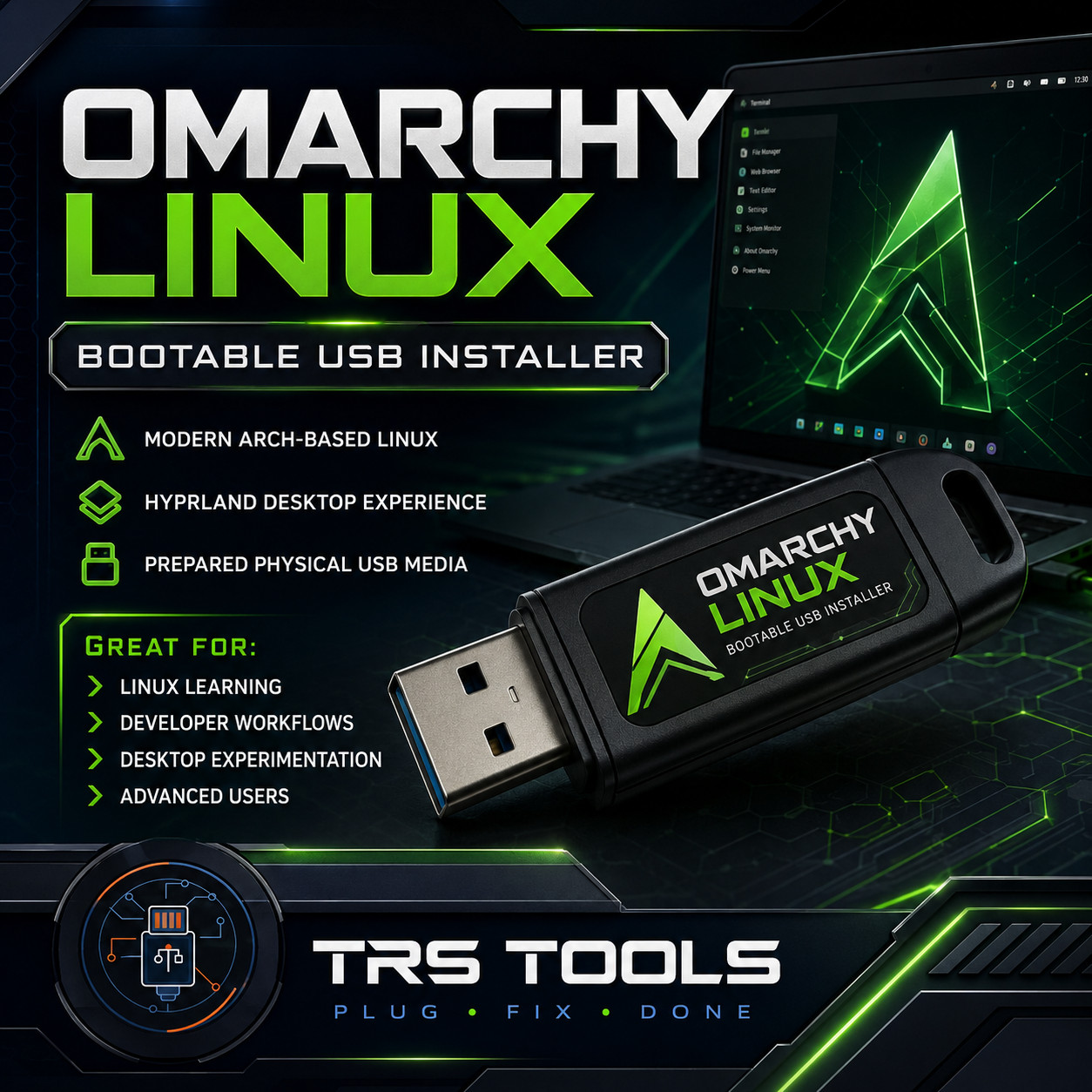
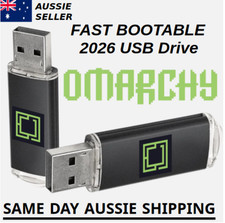
```html OMARCHY LINUX BOOTABLE USB INSTALLER Modern Arch-Based Linux • Hyprland Desktop Experience Prepared Physical USB Installation Media
Experience Omarchy, a modern Arch-based Linux environment built around the Hyprland tiling window manager and designed for productivity, Linux learning, development workflows and desktop experimentation.
BOOTABLE USB • PHYSICAL MEDIA • PREPARED & TESTED IMPORTANT — OMARCHY INSTALLATION MEDIA Omarchy is designed to be installed onto your computer's internal storage. This USB is bootable installation media and should not be confused with a traditional persistent Linux Live USB intended to operate permanently from the flash drive. WHAT IS OMARCHY?
Omarchy is a modern Linux distribution based on Arch Linux with an opinionated desktop environment focused on speed, aesthetics, keyboard navigation, productivity and advanced Linux workflows.
ARCH LINUX FOUNDATION
Modern rolling-release Linux platform HYPRLAND DESKTOP
Modern tiling window environment Keyboard-Focused Workflow
Designed around efficient navigation Modern Desktop Themes
Customizable visual environment Terminal-Oriented Tools
Excellent for Linux enthusiasts Arch Software Ecosystem
Extensive Linux package availability GREAT FOR LINUX LEARNING Explore Arch-based Linux and modern Linux desktop concepts. DEVELOPER WORKFLOWS A keyboard-focused environment ideal for terminal-oriented productivity. DESKTOP EXPERIMENTATION Explore Hyprland, tiling windows, themes and modern Linux interfaces. ADVANCED USERS Ideal for Linux enthusiasts interested in customization and system exploration. SKIP THE DOWNLOAD & USB CREATION PROCESS
Your USB is professionally prepared before shipment so you can begin the Omarchy installation process without having to download the ISO, locate imaging software or create the bootable installer yourself.
NO ISO IMAGING
Required by Buyer BOOTABLE MEDIA
Already Prepared TESTED
Before Shipping HOW IT WORKS 1 Insert the Omarchy USB into your compatible computer. 2 Restart the computer and open the BIOS/UEFI boot menu. 3 Select the USB flash drive as the boot device. 4 Start the Omarchy installation environment. 5 Follow the installation prompts to install Omarchy. 6 Restart and boot into your newly installed Omarchy system. WHAT YOU RECEIVE 1 × BOOTABLE OMARCHY LINUX USB INSTALLER ✓ Prepared physical USB media ✓ Bootable Omarchy installation environment ✓ Printed boot instructions ✓ Basic installation guidance ✓ Product FAQ ✓ PDF copies of documentation included on the USB GENERAL SYSTEM REQUIREMENTS Compatible modern 64-bit x86 PC USB boot capability Available internal storage for installation Access to BIOS or UEFI boot settings Compatible graphics, network and system hardware
Hardware compatibility varies by system. Internet access may be required for updates, additional packages and online services after installation.
INSTALLATION NOTICE
Installing an operating system can modify partitions and data stored on your computer. A full-disk installation may erase the selected storage drive.
FAST SHIPPING SAME-DAY SHIPPING ON QUALIFYING ORDERS
Typical estimated delivery is approximately 2 business days after shipment, depending on destination and carrier performance.
IMPORTANT PRODUCT INFORMATION
This product consists of prepared physical USB installation media. No Microsoft Windows operating system or Windows license is included.
Omarchy and other included open-source software components remain subject to their respective licenses and terms.
TRS Tools provides physical media preparation, testing, documentation, packaging and delivery services.
TRS Tools is an independent seller and is not affiliated with or endorsed by Omarchy, Arch Linux, Hyprland or their respective developers. All product names and trademarks remain the property of their respective owners.
TRS TOOLS Plug • Install • Explore Professionally Prepared Physical Media for Linux Enthusiasts, Developers & Technicians ```