 When you click on links to various merchants on this site and make a purchase, this can result in this site earning a commission. Affiliate programs and affiliations include, but are not limited to, the eBay Partner Network. When you click on links to various merchants on this site and make a purchase, this can result in this site earning a commission. Affiliate programs and affiliations include, but are not limited to, the eBay Partner Network.
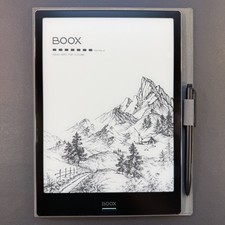
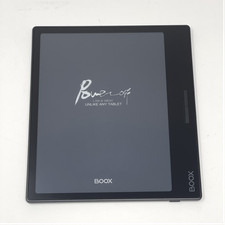
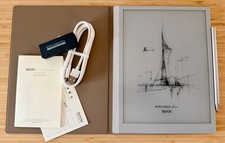
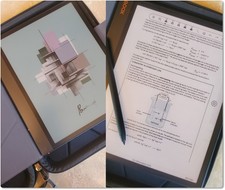
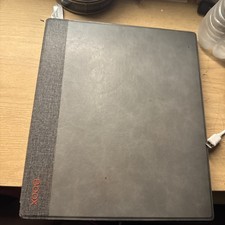
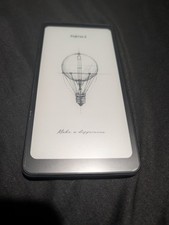
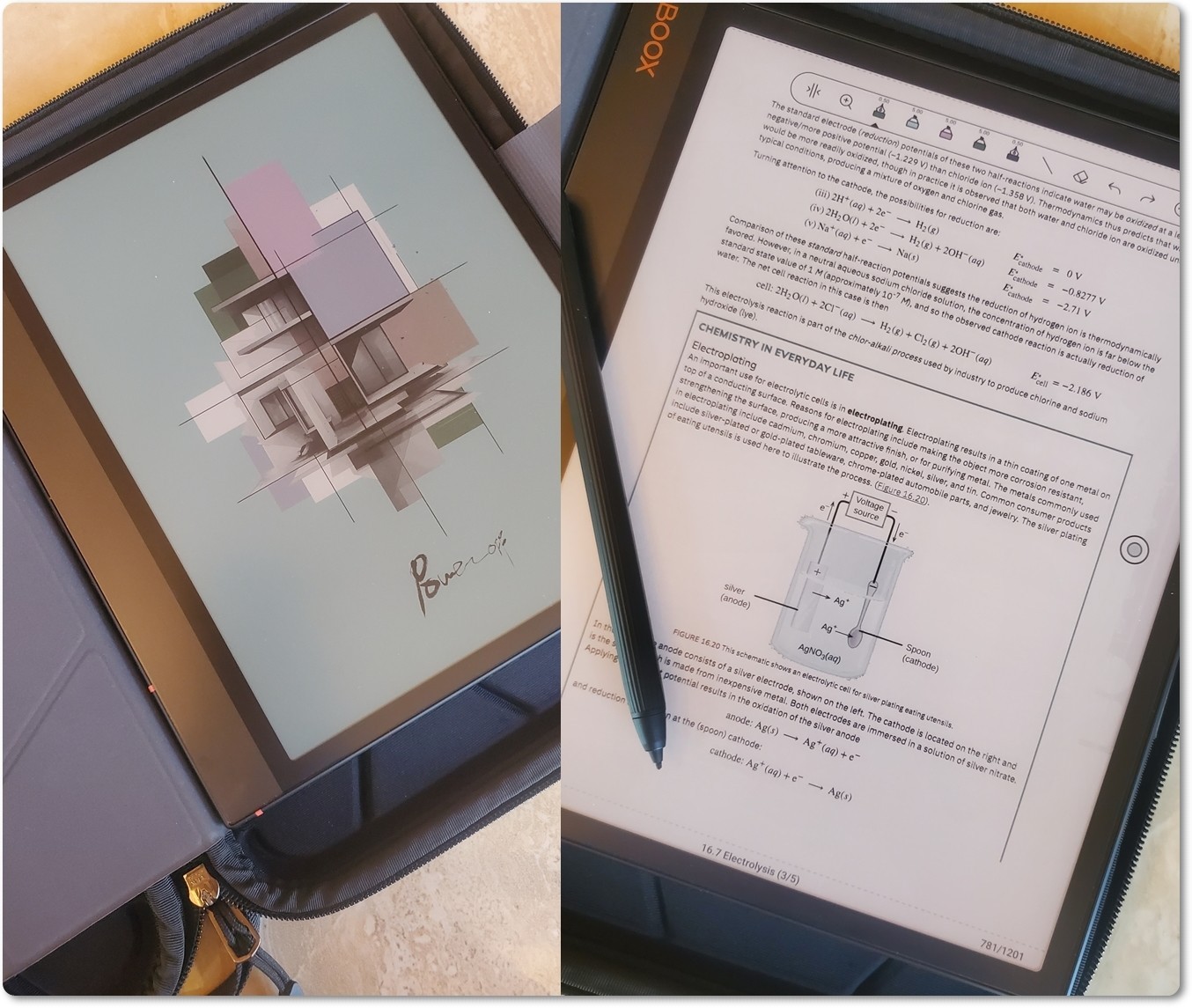
Hello! This Note Air 3 Color is in pristine like-new condition. It has only been gently used. Examples of it in use have been photographed. It will come with a high quality hard shell zip around case, a magnetic folio, quality stylus and extra Logi wireless keyboard. The extras also show no signs of wear. All the extras easily come to $100 in additional value for this bundle. To understand the enormous potential of using a Note Air 3, I'd recommend going to the manual which can be found on the Boox website. The manual is also pre installed on the device itself. Please let me know if you have any questions, cheers! - Write directly on PDFs. Open a PDF textbook, manual, sheet music, article, etc., and scribble notes, circle things, highlight passages in different colors, and save the annotated PDF.
- Split-screen reading + notes. Put a book/PDF on one side and a notebook on the other. This is excellent for studying, meetings, research, Bible study, classes, etc.
- Handwriting-to-text. You can handwrite notes and have BOOX recognize/convert the handwriting into typed text.
- Search handwritten notes. Handwriting recognition can make handwritten material much easier to find later.
- Lasso handwriting and move/resize it. If you wrote something in the wrong place, circle it with the lasso and move, resize, copy, or reorganize it instead of erasing and rewriting everything.
- Layers in notebooks. You can put different material on separate layers—for example, use a template underneath and write/draw over it.
- Custom notebook templates. Besides lined/grid paper, you can use planners, calendars, meeting forms, music staff paper, habit trackers, etc.
- Color highlighting. This is one of the Air3 C's advantages over monochrome e-notes. Highlight a PDF in yellow, write something in blue, mark corrections in red, etc. The colors are subdued on E Ink but much more distinct when the document is exported and viewed on a regular screen.
- Screen-off notes/display. E Ink doesn't need continuous power to hold an image, which makes the device feel more like a piece of paper left on your desk than a conventional tablet.
- Android apps. Kindle, Kobo, Libby, OneDrive, Google Drive, Dropbox and many other Android apps can run on it. BOOX gives you much more freedom than a closed e-reader ecosystem.
- Different refresh modes. You can favor pristine E-Ink quality for reading or switch to faster refresh for scrolling/web use. BSR is one of the reasons the Air3 C feels surprisingly responsive for an E-Ink device.
- Web browsing without staring at an LCD. Websites, Wikipedia, Reddit, news, research, etc. on a reflective E-Ink display can be quite pleasant when you're mostly reading.
- Read in direct sunlight. Unlike an LCD tablet, sunlight makes E Ink easier to see. Outside on a bright day you may not need the frontlight at all.
- Frontlight with adjustable warmth. At night you can shift away from the cooler white illumination toward warmer illumination.
- Record audio while taking notes. Useful for lectures and meetings—you can have an audio recording associated with your notes.
- Scan/insert documents or images and mark them up.
- microSD card support. You can carry an enormous offline PDF/e-book/document library without paying for a higher-storage model.
- USB-C OTG. It can work with certain USB accessories/storage rather than functioning solely as a sealed e-reader.
- Fingerprint unlock. A surprisingly convenient feature on an e-note device.
 |
|