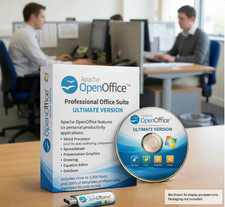
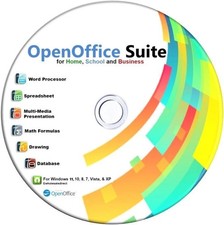
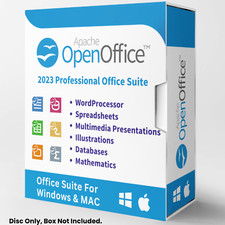
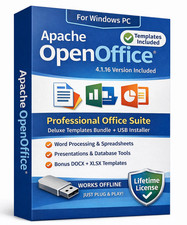
Office Productivity Suite Apache OpenOffice CREATE · CALCULATE · PRESENT Six full applications for documents, numbers, slides, drawings, data and formulas. 6 Applications Included Opens .docx .xlsx .pptx Runs On Older PCs Windows · Mac · Linux Choose Your Media — Buyer's Choice Select USB flash drive for modern laptops with no optical drive, or CD-ROM for traditional desktops. Same software, same guide — your call at checkout.
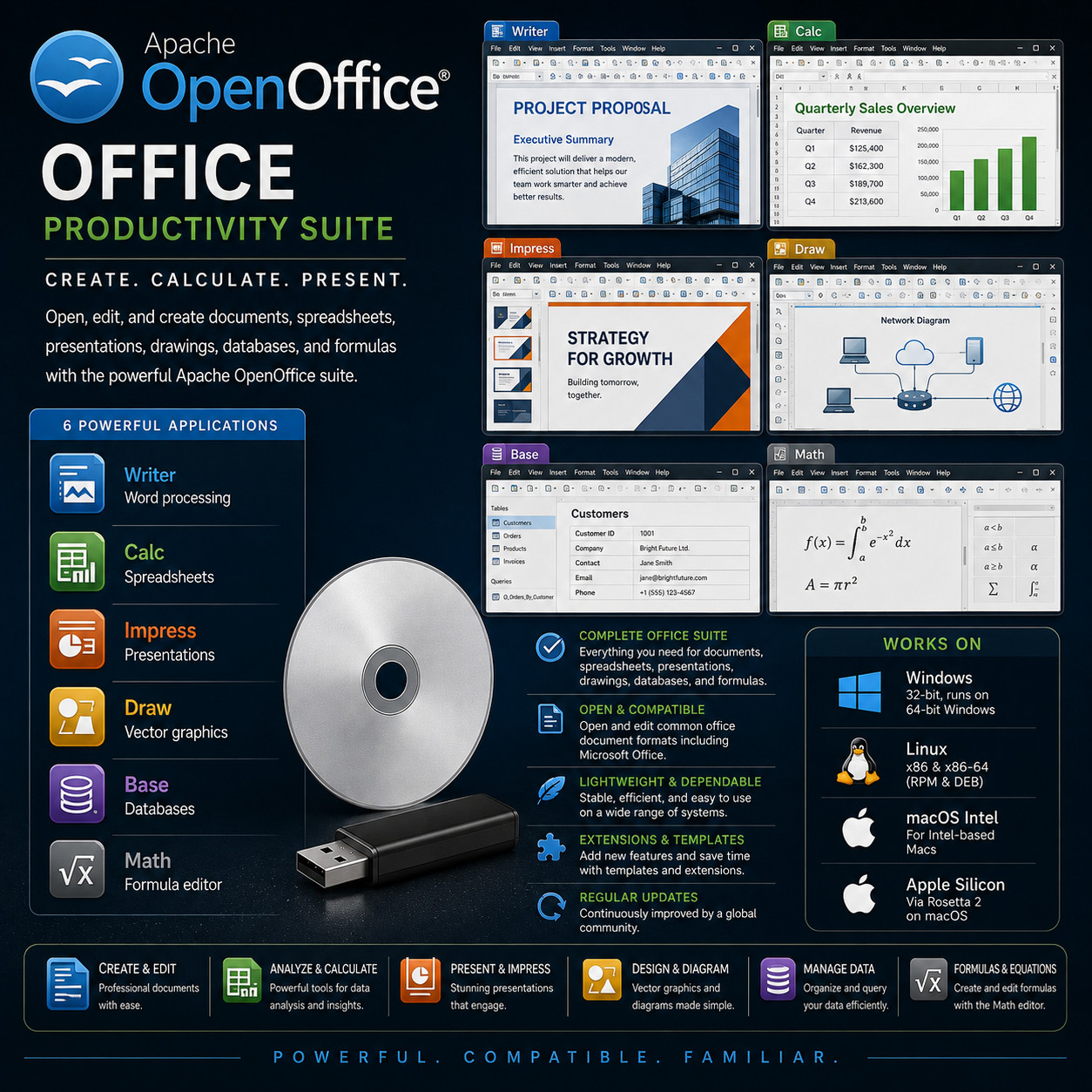
Apache OpenOffice is a complete productivity suite for the work most people actually do on a computer: writing letters and reports, keeping accounts and budgets, building a presentation for Monday morning, drawing a diagram, organising records, and setting out a formula. Six applications are included, they share one consistent interface, and they open and save the common document formats colleagues and clients send you. It installs onto your own computer and runs there — no monthly fee, no sign-in, and no connection required once it's set up.
Why This Edition Stands Out 📀 Choose your media at checkout USB flash drive or CD-ROM — same software, same guide. Pick the format your computer prefers. 🖥️ Windows, macOS & Linux together Installers for all three desktop platforms ship on the same media, including both 32-bit and 64-bit Linux packages in DEB and RPM form. 📦 Six applications, one install Writer, Calc, Impress, Draw, Base and Math all arrive together from a single installer — nothing to add on afterwards, nothing sold separately. 🏷️ One-time purchase Pay once. Install as many times as you like, on as many computers as you like. No recurring fee, no activation server to check in with. 🐢 Kind to older hardware Officially supported from Windows XP right through to Windows 11, with a documented floor of 256 MB of memory — ideal for putting an ageing desktop or laptop back into useful service. 📚 Step-by-step PDF setup guide A screenshot-driven "Read Me First" guide ships on the media — install, a tour of all six applications, and how to open and save the file formats you'll be sent. Six applications in the suite 📄 Writer — word processing Letters, reports, CVs, essays, minutes and full-length books. Paragraph and character styles keep a long document consistent, and a table of contents, index, footnotes, cross-references and page numbering all build themselves as you write. Mail merge turns one letter and a list of addresses into a stack of personalised copies, and any document can be exported straight to PDF. 📊 Calc — spreadsheets Budgets, invoices, stock lists, timesheets and accounts. Hundreds of built-in functions cover maths, statistics, finance, dates and text, with cell references, named ranges and conditional formatting throughout. Summarise thousands of rows into a cross-tabulated report, sort and filter your data, and turn any range into a chart in a couple of clicks. 📽️ Impress — presentations Build a slide deck with master slides, outline view, speaker notes and a slide sorter. Add transitions and animations, drop in charts, images and drawings, and rehearse with timings. Present from the screen, hand the deck over as a PDF, or export it for playback on a machine that hasn't got the suite installed. ✏️ Draw — vector graphics & diagrams Flowcharts, org charts, network diagrams, floor sketches, posters and labels. Connectors stay attached as you move boxes around, so a diagram survives being rearranged. Work with layers, grouping, gradients and 3D effects, then place the finished drawing directly into a document or a slide. 🗄️ Base — databases Keep membership lists, customer records, an inventory or a collection catalogue in a proper database rather than a sprawling spreadsheet. Wizards help you build tables, data-entry forms, queries and printed reports. Base can use its own built-in database engine or connect to an external one over the standard database connection methods. 🧮 Math — formula editor Set out equations properly — integrals, fractions, matrices, summations, Greek symbols and relational operators — by typing markup or picking from the element panel. Formulas drop into a Writer document or an Impress slide as editable objects, which is what makes the suite workable for maths, physics, engineering and chemistry coursework. Plus more inside 🔄 Opens the formats you get sent Designed to open and edit the common office document formats in circulation — .doc, .docx, .xls, .xlsx, .ppt, .pptx and more — and to save back out in them when a colleague needs it that way. 📕 PDF export from every application One button turns any document, sheet, deck or drawing into a PDF that opens anywhere. Options cover page ranges, image quality, and basic security settings. 🧩 Extensions & templates A large library of add-ons and ready-made templates is available to extend what the suite does and to give you a designed starting point instead of a blank page. 🌍 40+ interface languages From English, Spanish, French and German through Russian, Hebrew and Hindi to Chinese, Japanese, Korean, Tamil and Thai — with spelling dictionaries to match. 🗃️ Open, documented file format Documents are saved by default in the OpenDocument Format — an internationally standardised format, so your files stay readable by a range of software for years to come. 🧙 Wizards for the fiddly jobs Guided assistants walk you through letters, faxes, agendas, mail merges, presentations and database forms — useful when you'd rather answer questions than hunt through menus. ⚙️ Macros & automation Record a macro to repeat a fiddly sequence, or write your own in the built-in Basic language and other supported scripting languages to automate a recurring task properly. 🔒 Works entirely offline No account, no sign-in, no cloud storage in the middle. Your documents sit on your own disk, and nothing about your work is uploaded anywhere. Who it's for 🏠 Home & family Letters, household budgets, holiday planners, greetings cards and the annual round of forms — a full suite on the family computer without a subscription attached. 🎓 Students & teachers Essays with proper references, lab data in a spreadsheet, a presentation for the seminar, and equations set out correctly with the formula editor. 🧾 Small businesses Quotes, invoices, price lists, customer records and a pitch deck — produced in-house and exchanged with clients in the formats they already use. 🖥️ Older PCs A modest memory and disk footprint and support stretching back to Windows XP make this a practical way to give a second life to hardware that still works perfectly well. What you receive in the mail
1 × USB flash drive or CD-ROM (your choice at checkout) preloaded with Apache OpenOffice installers for: - Windows — 32-bit .exe installer, which runs on both 32-bit and 64-bit Windows
- macOS — Intel .dmg (runs on Apple Silicon Macs through Rosetta 2)
- Linux — 64-bit and 32-bit packages in both .deb and .rpm form
- Step-by-step setup guide with screenshots — open the "Read Me First" PDF on the media
- Getting-started walkthrough — a tour of all six applications and how to open and save the document formats you'll be sent
Compatibility Requirement Supported Windows Windows XP, Vista, 7, 8, 8.1, 10 and 11, plus Server 2003 and 2012 — a 32-bit installer that runs on 64-bit Windows as well macOS macOS 10.7 Lion or later on an Intel Mac. On Apple Silicon Macs (M1 / M2 / M3 / M4) it runs through Apple's Rosetta 2 translation layer. Linux Kernel 2.6 or higher with glibc 2.5 or higher — 64-bit (x86-64) and 32-bit (x86) packages in DEB and RPM form Memory 256 MB RAM minimum (512 MB recommended); 512 MB on macOS Storage Around 650 MB of available disk space during installation; roughly 440 MB once installed (400 MB on macOS and Linux) Display 1024 × 768 or higher, 256 colours minimum (16.7 million recommended) Internet Not required to install or to use the suite Drive USB port (USB option) or CD-ROM drive (CD option) How it works (3 steps) 1 Plug in your media Insert the USB or CD into any Windows, Mac or Linux machine. 2 Run the installer for your system Windows, macOS, or your Linux package format — the step-by-step PDF walks you through it with screenshots. 3 Open the application you need Start the suite and pick Writer, Calc, Impress, Draw, Base or Math — or just double-click a document you've been sent and it opens in the right one. Owned, not rented No monthly subscription. No account sign-in required to use the suite. No internet connection needed once installed. Your documents live as files on your own computer in an internationally standardised format you can move, back up, archive and reopen years from now — your work stays yours, and stays readable. Frequently asked questions 💿 USB or CD — which should I pick? If your computer has no optical drive (most laptops since 2018), pick the USB. If you have a desktop with a CD/DVD drive, either works — the contents are identical. 📄 Will it open the documents people send me? That's what it's built for. The suite is designed to open and edit the common office document formats in circulation, including .doc, .docx, .xls, .xlsx, .ppt and .pptx, along with .rtf, .csv, .txt and OpenDocument files. Very heavily formatted documents can shift slightly when they move between any two different programs, so it's worth checking the layout of anything you're sending onward. 💾 What format does it save in? By default it saves in the OpenDocument Format — .odt for documents, .ods for spreadsheets, .odp for presentations — which is an internationally standardised format. You can pick a different format in the Save As dialog whenever someone needs the file another way, or set your preferred format as the default. 🍎 Will it run on an Apple Silicon Mac? Yes. The macOS build is an Intel build, and on an Apple Silicon Mac (M1, M2, M3 or M4) it runs through Rosetta 2, Apple's built-in translation layer. If Rosetta isn't installed yet, macOS offers to install it the first time you open the suite. 🪟 It's a 32-bit installer — will it work on my 64-bit Windows PC? Yes. The 32-bit build is the supported Windows release and it installs and runs normally on 64-bit Windows, including Windows 10 and 11. The upside is that the same installer also covers genuinely old 32-bit machines. 💻 Can I install it on more than one computer? Yes — install on as many computers as you like. Unlimited installs. 🔑 Does it need a product key, activation, or account? No. There is no product key, no activation, and no registration of any kind. 🔁 Do future updates cost anything? No. The project releases updates at no cost — you can keep using and updating the suite indefinitely. 📦 We ship as soon as paid Six applications. One suite. No subscription. Everything the day's paperwork asks for, installed on your own computer. Have a question? Please do not hesitate to message us before purchasing.
This listing is for professionally prepared physical media. Your USB or CD arrives preloaded with the software, setup guide, and step-by-step install guide, ready to use. You are paying for the prepared media and the sourcing, organisation, packaging, and shipping that goes into it, not for software licenses.
Condition: brand new prepared USB drive or CD-ROM. Professionally assembled, tested, and verified before shipping.
Important notes: this is a prepared physical USB or CD device, your choice of media at checkout. Includes software released under its applicable licenses, prepared and organised for ease of installation. No product keys or paid software licenses are included or required. For use on systems you own or are authorized to service. The purchase price reflects the cost of the prepared media, the sourcing and organisation of the contents, packaging, and shipping, not a license to the underlying software. Only items shown or described are included. Apache and OpenOffice are trademarks of their respective owner.