 When you click on links to various merchants on this site and make a purchase, this can result in this site earning a commission. Affiliate programs and affiliations include, but are not limited to, the eBay Partner Network. When you click on links to various merchants on this site and make a purchase, this can result in this site earning a commission. Affiliate programs and affiliations include, but are not limited to, the eBay Partner Network.
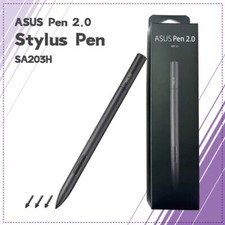
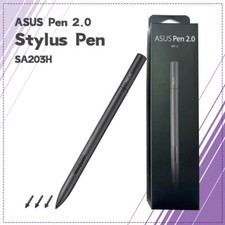
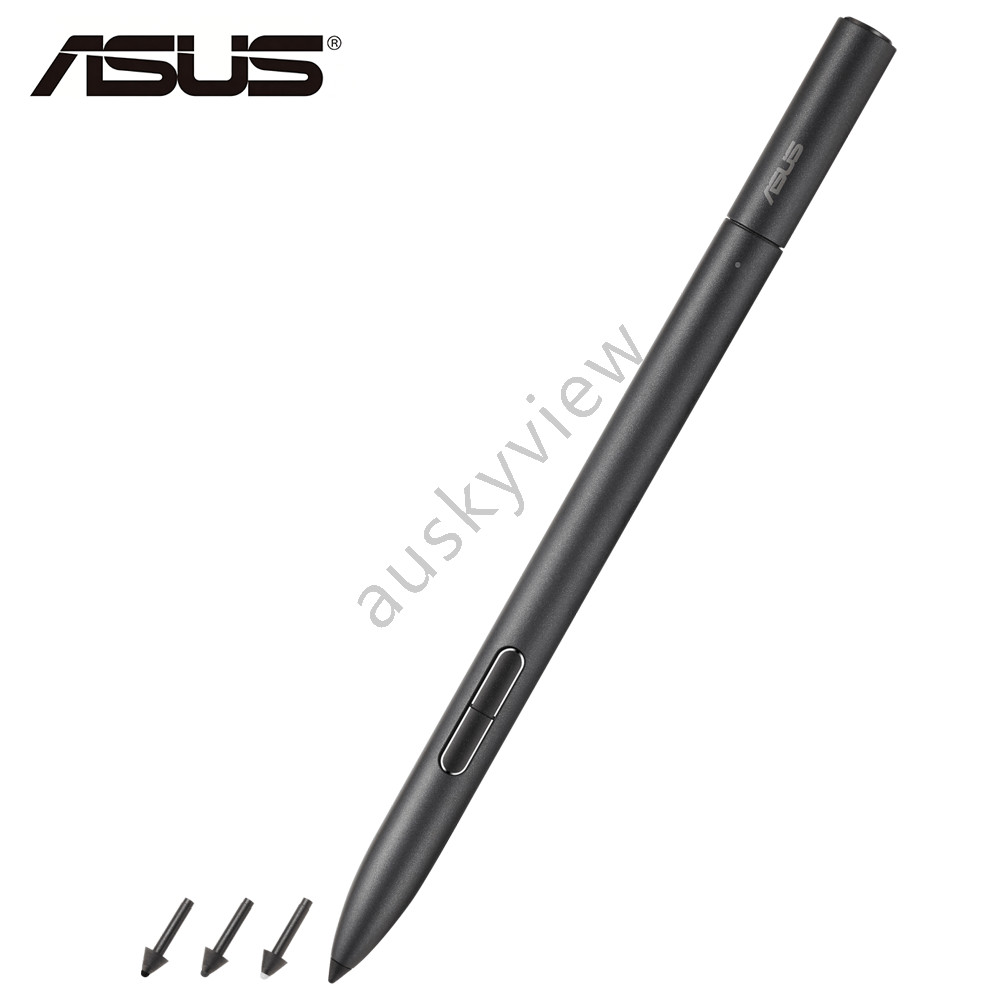
✍️ ASUS Pen 2.0 SA203H MPP 2.0, 4096 Pressure Levels, USB-C Charging, 4 Tips ✅ Compatible Products - ASUS Zenbook Series: UX3402ZA, UX3404VA, UX5401ZAS, UX8402ZA/VE/VA
- ASUS ROG Series: Flow Z13 (GZ301), Flow X16 (GV601), Zephyrus Duo 16 (GX650)
- ASUS Vivobook Series: T3300KA, TP3402ZA, UM3402YA, UM5302TA
- ASUS ProArt / ExpertBook: W7604J3D, B2404, B2402FBA
Note: Only compatible with selected ASUS Windows touchscreen devices. Not compatible with macOS, iOS, Android, or non-touchscreen devices. 📦 In The Box - 1 × ASUS Pen 2.0 SA203H (Main Unit)
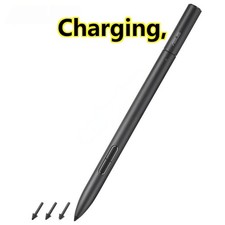
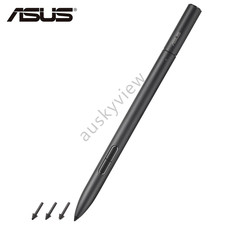
- 4 × Replaceable Pen Tips (2H, H, HB, B)
🔍 Product Overview The ASUS Pen 2.0 SA203H is a precision stylus engineered for creators and professionals using ASUS touchscreen devices. Powered by Microsoft Pen Protocol (MPP) 2.0, it delivers 4096 levels of pressure sensitivity and ultra-low latency for a natural inking experience. With USB-C fast charging (140 hours on a 30-minute charge) and four interchangeable nibs, it is the definitive tool for note-taking, sketching, and annotation. ✨ Key Features ✍️ 4096-Level Pressure Sensitivity - Reproduces delicate lines and broad strokes with precision.
- Detects pen tip forces from 5g to 350g for realistic response.
🔋 USB-C Fast Charging & Long Battery - 30-minute charge provides 140+ hours of use.
- No more frequent charging interruptions during long work sessions.
🔄 4 Interchangeable Nibs - Includes 2H, H, HB, and B tips.
- Swap between hardness levels to match your drawing or writing style.
🎮 Multi-Function Buttons - Top Button: Bluetooth pairing, screenshot, or presentation control.
- Side Buttons: Mouse right-click and eraser functions.
🔗 Bluetooth & MPP 2.0 - Seamless pairing with ASUS Windows devices.
- Low-latency performance for smooth handwriting and sketching.
⚙️ Technical Specifications 💡 Usage Tips - Nib Replacement: Gently pull out the old nib and insert the new one until it clicks.
- Bluetooth Pairing: Hold the top button for 3–5 seconds until the LED flashes blue.
- Charging Check: The LED indicator shows Red (Low Battery), Orange (Charging), and Blue (Bluetooth Connected).
- Application Support: Works best with Microsoft Whiteboard, OneNote, Photoshop, and Clip Studio Paint.
⚠️ Important Notes - Strict Compatibility: This pen is specifically tuned for ASUS devices with MPP 2.0. It will not function on Apple or Android devices.
- Driver Requirement: Ensure your ASUS device has the latest ASUS Pen Driver installed for full functionality.
- Tip Wear: Nibs are consumables. Replace them periodically to maintain optimal friction and sensitivity.
 |
|