Outemu Mechanical Keyboard Switches
3-Pin MX-Style Switches with RGB LED SMD Support ⌨️🎮
Overview
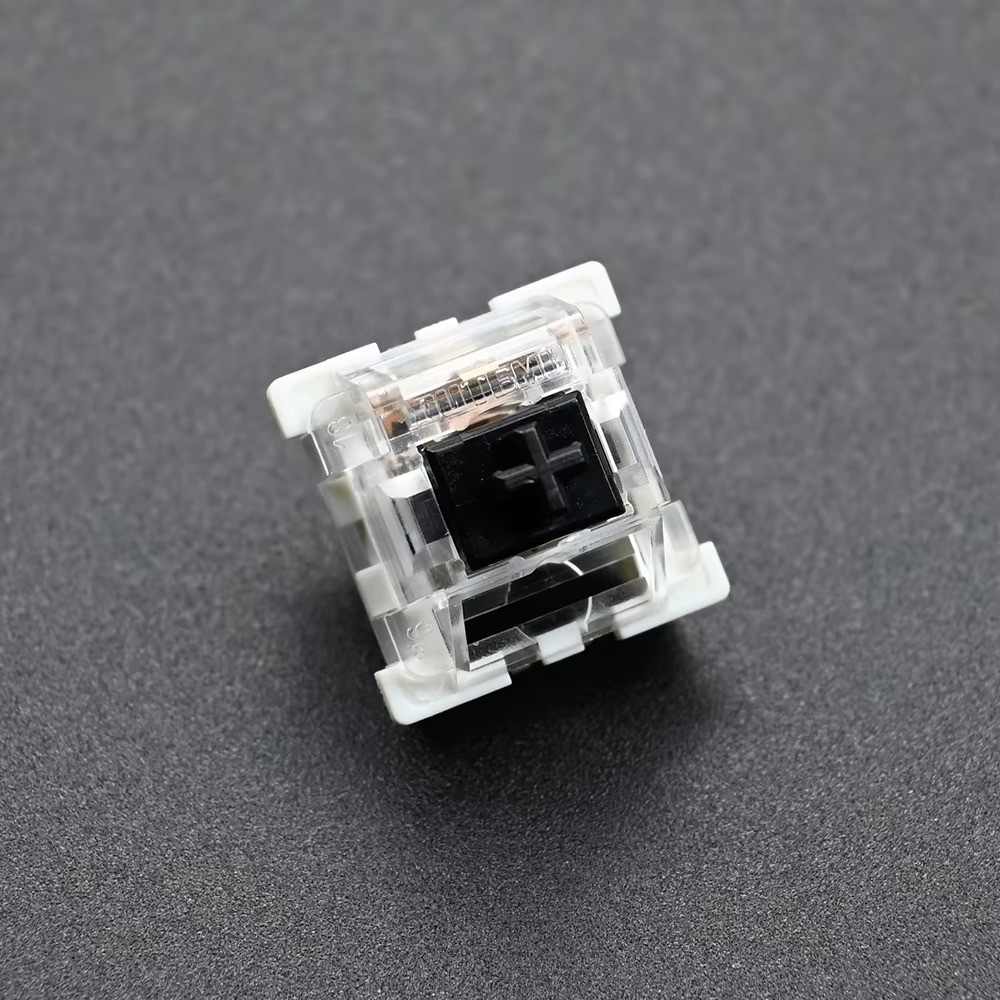
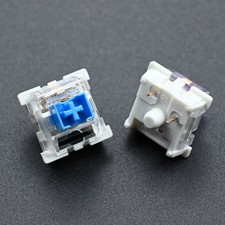
Genuine Outemu mechanical switches in Clicky, Linear, Tactile, and Silent variants. Featuring a translucent SMD housing for vivid RGB backlighting, these 3-pin switches are compatible with standard MX-style keyboards for both hot-swap and solder installs.
FeaturesMultiple Switch Types
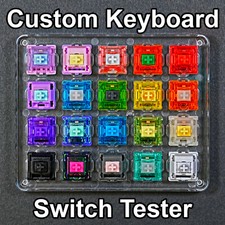
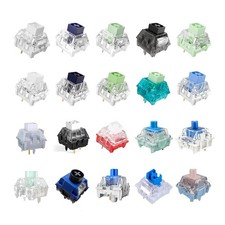
Choose from Blue, Red, Brown, Black, Purple, Green, Orange, Silver, Golden, Silent Gray, and Silent White profiles to match your typing or gaming style.
RGB LED SMD Design
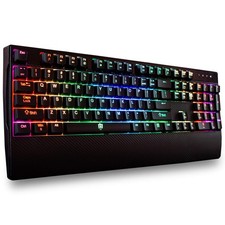
Translucent housing lets your keyboard's RGB lighting shine through for vibrant effects.
Dust-Proof Options
Select dust-proof variants add a protective wall above the stem to keep debris out and extend switch life.
MX-Style Compatible
Works with keyboards supporting standard MX-style 3-pin switches, solder or hot-swap.
Choosing Your Option
Each variation lists a switch color/type and a pack quantity (10, 30, 70, 90, or 110 pieces). All switches within a listed color are identical in construction; only the total piece count changes between quantity options. Please select the exact color and pack size you need before purchase.
SpecificationsAxis Body BrandOutemuPin Type3-PinInterfaceUSB (keyboard side)Compatible WithMX Switch, RGB LED SMD LightingSwitch TypesClicky, Linear, Tactile, SilentOperating Force Range45-70 gfTotal TravelApprox. 4.00mmDust-ProofAvailable on select color optionsNot Compatible WithOptical switches, Low-profile switchesProduct ImagesFAQQ: Are these solder or hot-swap switches?
A: Both. Whether you solder or hot-swap depends on your keyboard's PCB, not the switch itself.
Q: What's the difference between Blue, Red, and Brown switches?
A: Blue is Clicky with tactile+audible response, Red is smooth Linear, and Brown is Tactile without the click sound.
Q: Will these fit optical or low-profile keyboards?
A: No, these switches are not compatible with optical or low-profile switch keyboards.
Q: What if a pin is bent on arrival?
A: Gently straighten the thin pin before inserting it into your keyboard. This is common after transit and easily fixed.