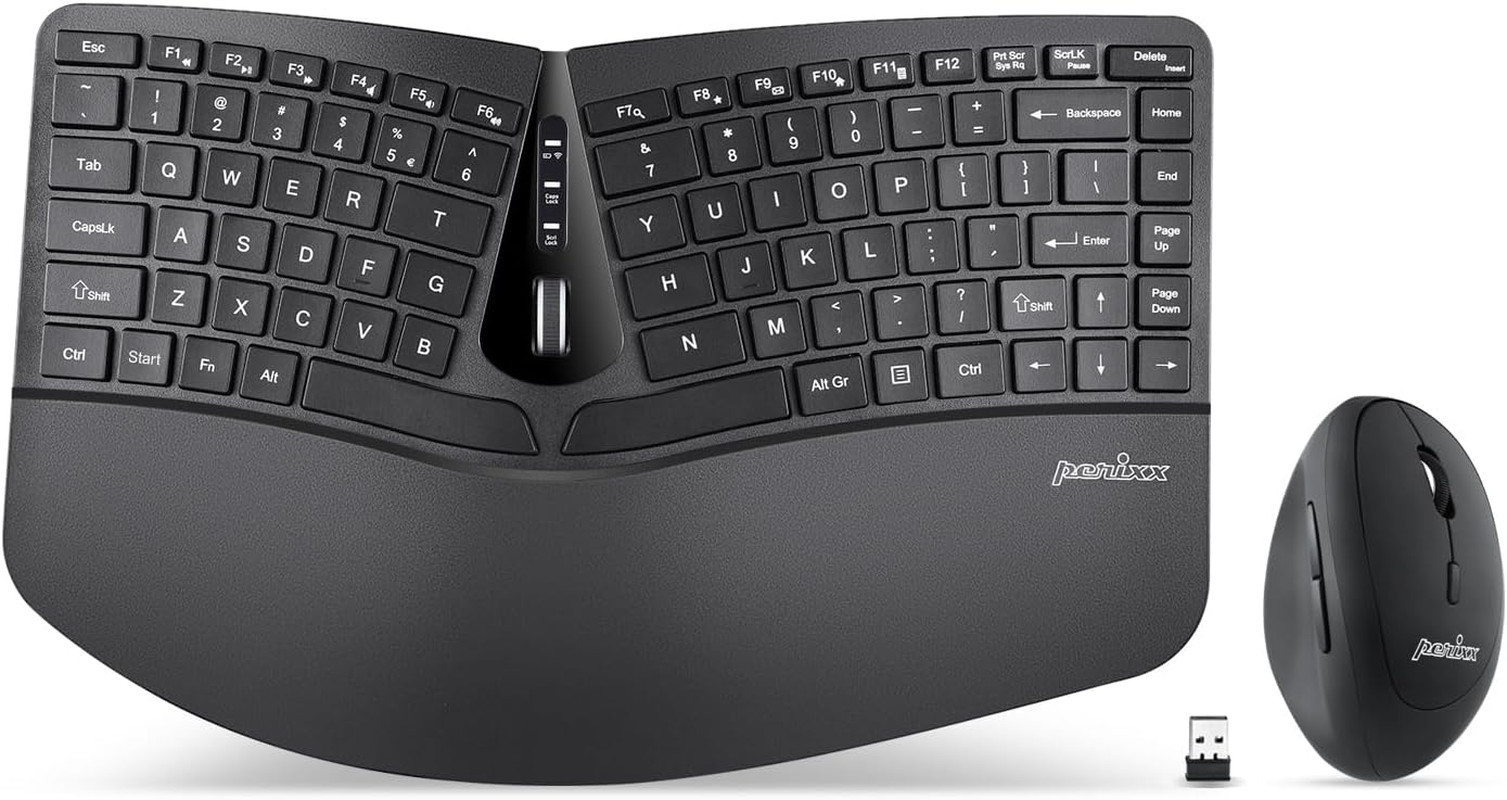
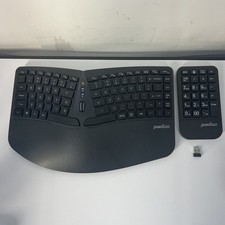
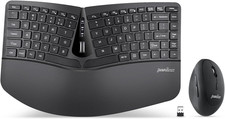
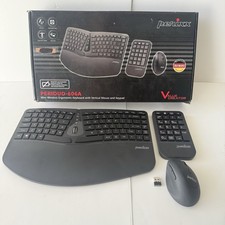
- ALL-IN-ONE COMPACT COMBO - Mini keyboard and mouse value kit with split key design and without number pad area; Portable slim keyboard design with curved keytop geometry with naturally arched shape and integrated adjustable palm rest stand that promotes a neutral wrist position
- WIRELESS CONNECTIVITY - 2.4 GHz wireless technology with approximately 33 feet (10 meters) operating distance; One Nano USB receiver for both mouse and keyboard; You can find the receiver in the receiver compartment located on the backside of the keyboard
- SPLIT-KEY KEYBOARD - A one-piece design that simply separates the keys into two groups for the left and right hand to reduce bending your wrists outward while typing; Designed specifically in order to reduce the pressure from your hands while computing and give you the benefit to type relaxed and effortlessly; Keyboard dimensions: 13.82 x 8.94 x 2.56 inches
- SILENT VERTICAL MOUSE - 5-button mouse with ergonomic design and adjustable DPI resolution (800 / 1200 / 1600); Mouse dimensions: 4.5 x 2.64 x 2.28 inches
- SYSTEM REQUIREMENTS - Windows 7, 8, 10 and 11; Easy installation with Plug and Play feature, Package Includes: 1 Keyboard, 1 Mouse, 1 Armrest, 1 Movable Magnet (for height adjustment), 1 receiver (found in the keyboard) manual, and 12-month limited warranty
Product description Keyboard Specifications:
- Wireless 2.4 GHz Technology
- 7 Multimedia Function Keys
- Keyboard with Built-in Scroll Wheel
- Dimensions: 13.82 x 8.94 x 2.56 inches (35.1 x 22.7 x 6.5 cm )
- Weight: 1.5 lbs (682 g)
- Plug-and-Play Installation
- System Requirements: Windows 7, 8, 10, and later versions
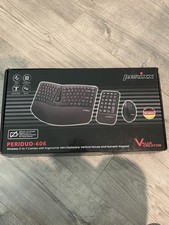
PERIDUO-606 Wireless and Compact Keyboard and Mouse Set
PERIDUO-606 is a wireless compact keyboard and mouse set, featuring a detachable palm rest that can adjust your typing angle, An ergonomic combo for endless comfort, and it is equipped with all the necessary shortcut keys for media control, browsing, and e-mail surfing by using the FN key.
How to Rebind the Keyboard Connection to the Receiver:
- Plug the receiver into the USB port on the computer.
- Insert fully charged batteries into your keyboard.
- Switch the keyboard on.
- Press the "Connect" button for several seconds. If the number lock light keeps flashing for 8 seconds, it means that it's connected.
Features: Compact 3D-split keyboard
A compact, tenkeyless keyboard with a split key design, the keys are separated into two groups for the left and right hand to reduce bending your wrists outward while typing.
Comfort and convenience
The tilt scroll wheel of the keyboard can be tilted 4 ways for page navigation (up, down, left, and right). Additionally, comes with a built-in tilted foot stand to adjust the height to suit your arm positions.
True ability to adjust to your perfect typing angle
It has adjustable feet for those who need to see the keys more easily, and it also comes with a magnetic palm rest extender that can be attached to the bottom of the palm rest. This setting will give you a negative tilt position to give you a neutral wrist position.
Mouse Specifications:
- Silent Click Vertical Mouse
- 5-Button
- Dimensions: 4.5 x 2.64 x 2.28 inches (11.44 x 6.7 x 5.8 cm)
- Weight: 0.18 lb (80 g)
- Adjustable DPI (800/1200/1600)
Vertical Mouse High Resolution Optical Sensor
This set comes with a wireless ergonomic vertical mouse with a high-definition optical sensor with 800/1200/1600 DPI that will provide you comfortable tracking movements to work for long hours, which makes it a perfect combination to increase your productivity every day.
How to Rebind the Keyboard Connection to the Receiver:
- Insert fully charged batteries into your mouse.
- Switch the mouse on.
- Press down on the right mouse button and the scroll wheel at the same time for several seconds.
- Plug the receiver into the USB port on the computer.
Questions & Answers about PERIDUO-606:
Q: Where can I find the receiver?
A: In the receiver compartment inside on the backside of the keyboard.
Q: Why I only have one receiver?
A: The keyboard and mouse share the same receiver, so you only need one receiver to connect both devices.
Q: How to rebind the connection of the keyboard and mouse to the receiver?
A: Please check the keyboard and mouse product description sections above. Under "How to Rebind the Keyboard Connection to the Receiver" and "How to Rebind the Mouse Connection to the Receiver."