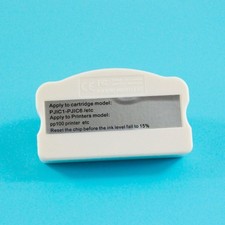
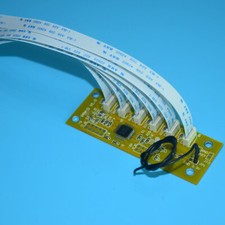
Product name Chip Resetter / Cartridge Chip Resetter / Cartridge Chip Restore Productnumber
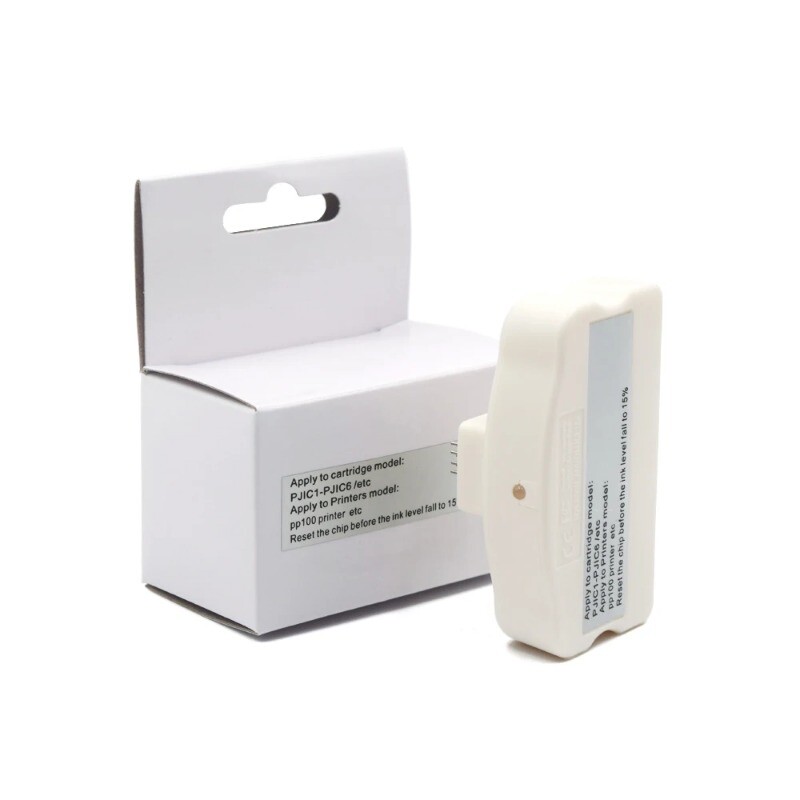
PP100 Cartridge Chip Resetter
Suitable printers
For Epson Discproducer PP-50
For Epson Discproducer Standard 50 Disc Publisher
For Epson Discproducer PP-50BD Blu-ray
For Epson Discproducer Blu-ray 50 Disc Publisher
For Epson Discproducer PP-100II
For Epson Discproducer Standard 100II Disc Publisher
Suitable cartridge number
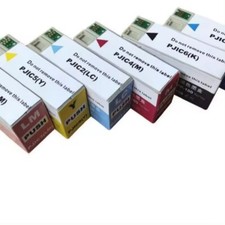
C13S020447 - PJIC1(C) / C13S020448 - PJIC2(LC) /C13S020449 - PJIC3(LM) /
C13S020450 - PJIC4(M) /C13S020451 - PJIC5(Y) / C13S020452 - PJIC6(K)
Feature
Reset chip capacity to reuse,easy operation and saving printing costs
Condition Can reset the original chips only Warranty 1:1 Replace any defective What's in package
1 Piece chip resetter with box packaging
The PP100Cartridge Chip Resetter is used to reset the chip for Epson refillable ink cartridge.Can reset the original chips only.
Reset chip capacity to reuse,easy operation and saving printing costs.
Note:Please reset the chip before the remaining ink falls to 15%.
Use chip resetter to reset the chips,follow these steps:
1.When ink cartridge show the ink level is low,can use chip resetter to reset the ink level.
2.Open the cartridge cover,pull out the ink cartridge from printer.
3.Prepare the chip resetter and cartridge,lay flat the cartridge,chip up.
4.Align the seven pins on the chip resetter with the seven contacts on ink cartridge chip.
5.Press down on the resetter, the LED lights willflash red at first.
6.Keep pressing 3-5 seconds,the LED light willchange from red to green.It indicates you successfully reset the chip.
SHIPPING: BY DHL\FEDEX , VERY FAST !