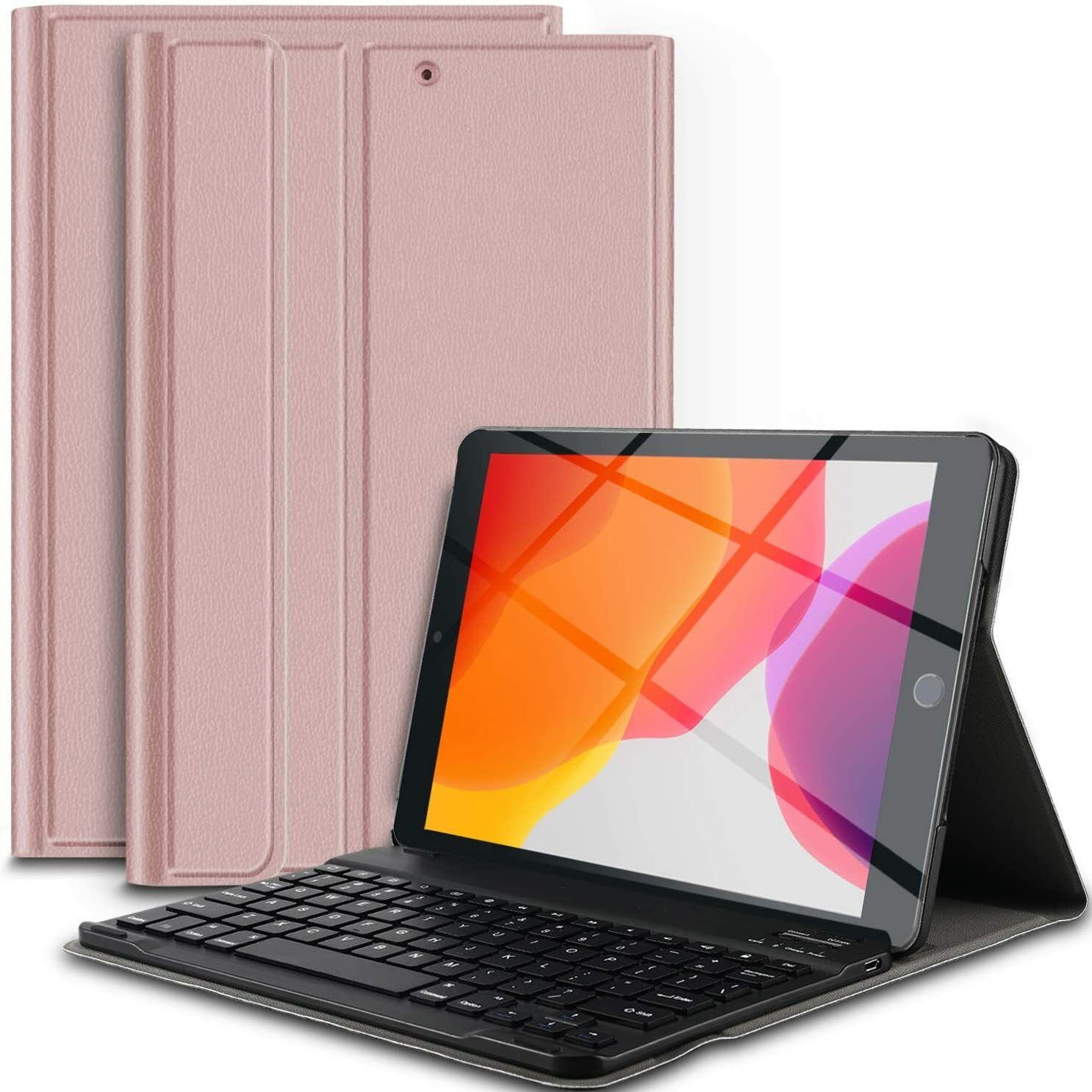
● ★ Exclusive design Only fits for iPad 10.2 2019, NOT for any other Tablets. High quality PU leather cover and soft, microfiber-lined interior provide full protection for your tablet
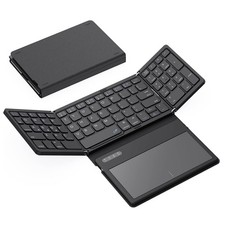
● ★ 3-In-1 functionality: Wireless V3.0 keyboard + Stand + Premium Carrying Case, it is extremely convenient to carry your tablet to office and travel
● ★ Real laptop-style keyboard, giving you better typing experience than silicone keyboard as other cases
● ★ Precise cut-off provides full access to all ports and features, charging time 2.5 - 3 hours; estimated uninterrupted working time 60 hours
● ★ Ultrathin Design: The keyboard case is a professional team's ingenious design, slim and lightweight, simple design, elegant color, easy to use, carry it in a briefcase, purse or backpack, suitable for work, school, travel and homework or watch video
Specifications
1. Built in Lithium polymer battery capacity: 450mah
2. Voltage: 3.7V Power Charge Connector
3. Input: Micro USB charge Cable: 5V
4. Standby time: approx. 30 days.
5. Continual working time: 60-90H
6. Charging time: 2.5h-4.5h
7. Working distance: 10 meters.
8. Special function keys: Sleep / Lock / Slideshow/Home/volume and more.
Package Contents:
1x IVSO PU Protective Leather Case with Wireless 3.0 ABS detachable Keyboard
1x USB Charging Cable
1x User Manual
Please note:
1. This is only case for tablet, tablet and Apple Pencil isn’t included for sale.
2. To connect the wireless, please charge the keyboard first, then turn on the wireless both iPad and keyboard, press the pairing button (Connect), follow the pairing instructions on the tablet to complete pairing.
3. After being connected, please don't press the "Connect" again, or it will disconnect, and you have to reconnect it again.
About the keyboard settings:
1:IOS11 system for caps lock key function settings (this setting must keep the keyboard connected properly):
General > Keyboard > Solid keyboardTo use the Caps Lock key normally, select Off!
2:IOS11 system device input method settings:
Go to the device's Settings screen;General > Keyboard > Add New Keyboard
Q1: Will this case with keyboard designed for the iPad 10.2" 2019 Release?
A:Yes, this keyboard is designed for the iPad 10.2 2019 Release.
Q2: Does this keyboard can detach from this case?
A:Sure, this keyboard can detach from this case.