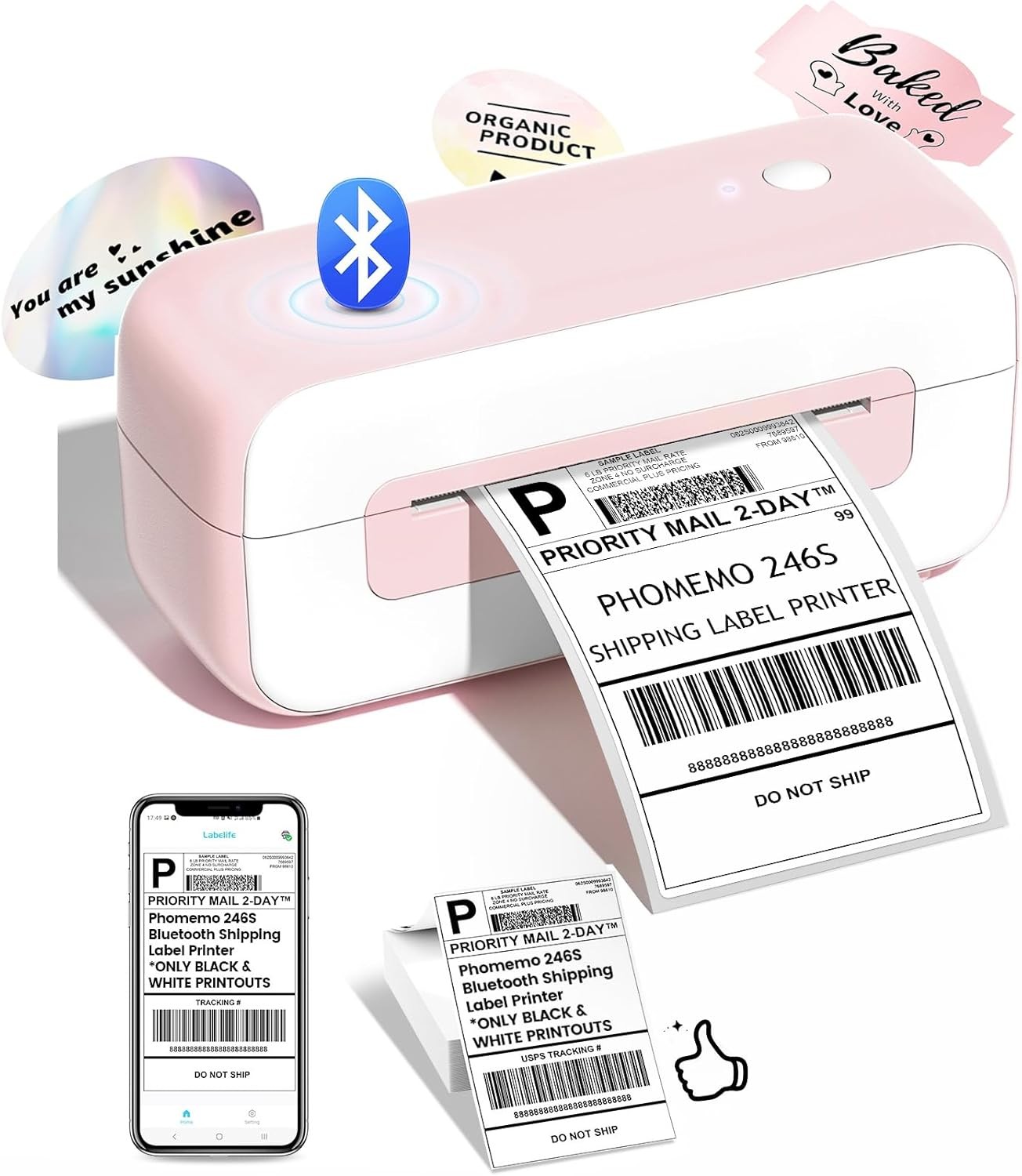
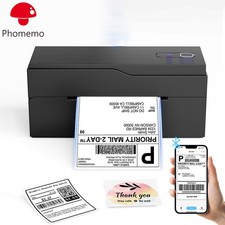
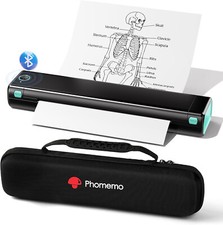
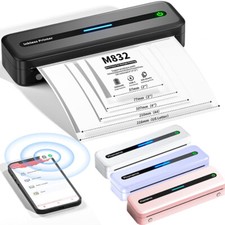
Phomemo PM241BT Upgraded Bluetooth Thermal Label PrinterWhat's in the box: 1 x Shipping Label Printer20 x 4×6 Test Labels1 x Tybe C USB Cable
1 x Power Adapter and cord
1 x User Guide
The PM241BT is a compact, high-performance label printer. With its Bluetooth/USB connectivity, fast printing speed, and compatibility with Labelife App, it offers a seamless solution for printing Amazon product labels, shipping labels, and other essential barcodes without the need for ink/toner
Print via Bluetooth
Print directly from smartphones, tablets, or PCs. Ideal for mobile workflows and small workspaces
Print via cable
Ideal for fixed working environments—connect directly to your computer for stable, uninterrupted printing.
PM241BT Bluetooth Label Printer supports Mac OS, Windows, Chrome OS and Linux.
How to print with Chrome OS?
-Connect your computer with USB, type "Labelife" in Chrome Store, add the extension to Chrome.
-Open the extension. Click "Add" to detect the label printer. "Set up the printer" to complete the settings.
-Open the file in Chrome. "Ctrl + P" to activate the print interface and start printing.
Upgraded multi-device Bluetooth connectivity capability
he PM241BT thermal label printer supports pairing with multiple computers at the same time.
Users can effortlessly switch between connected PCs, simplifying workflow in shared office environments. Please note: Each PC will need to download the printer driver and connect directly using Bluetooth.
Compatible with all major shipping and sales platforms