 When you click on links to various merchants on this site and make a purchase, this can result in this site earning a commission. Affiliate programs and affiliations include, but are not limited to, the eBay Partner Network. When you click on links to various merchants on this site and make a purchase, this can result in this site earning a commission. Affiliate programs and affiliations include, but are not limited to, the eBay Partner Network.
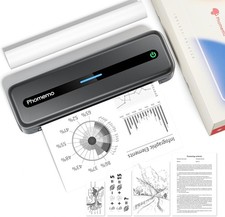
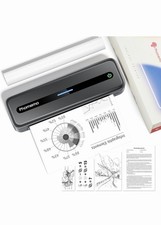
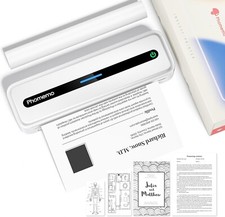
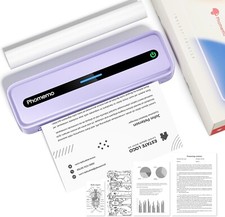
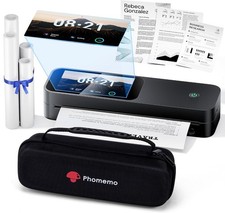
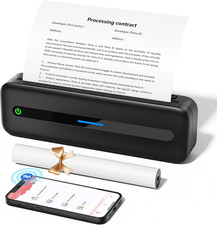
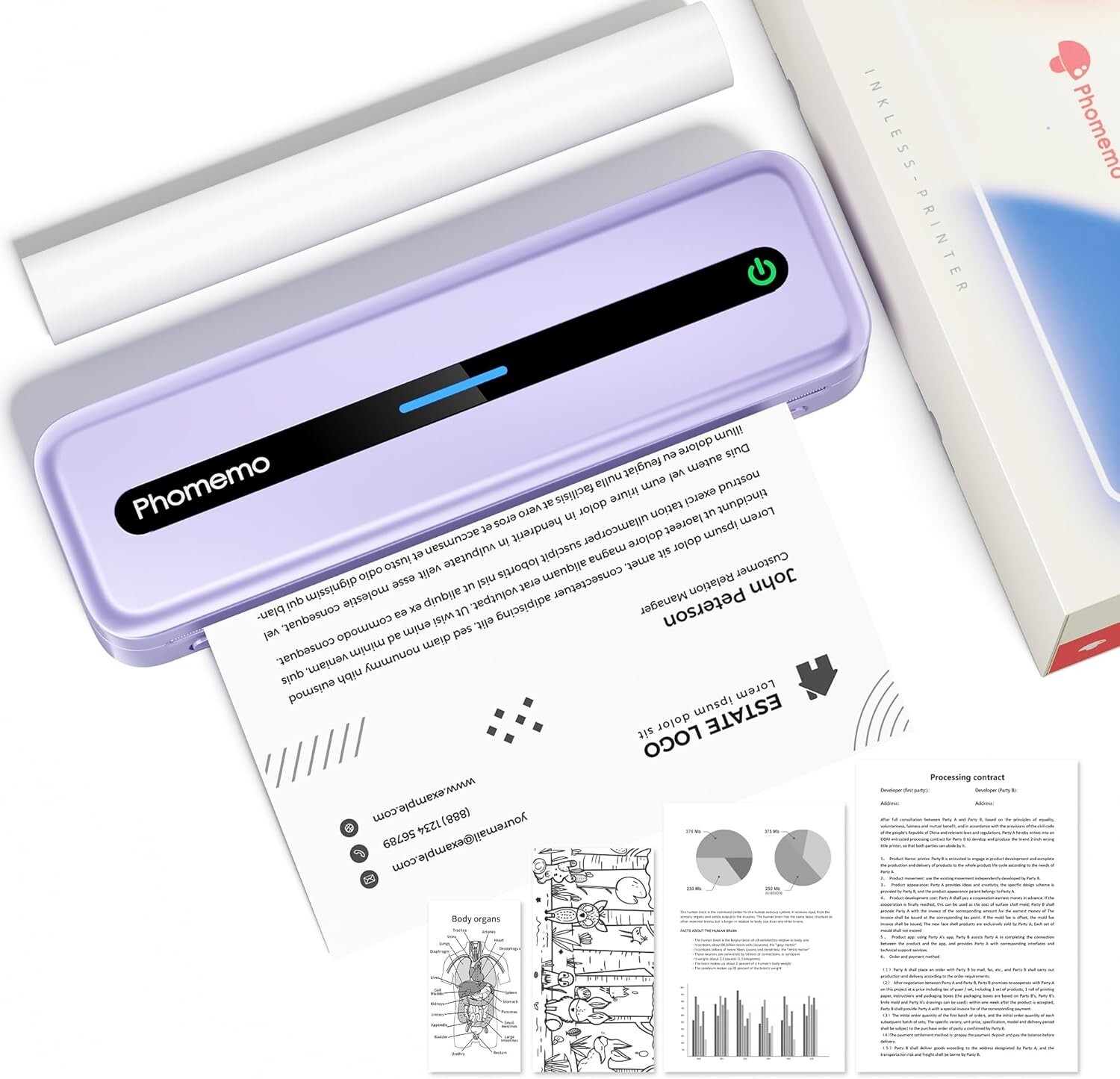
Phomemo Portable Printer, M832 Thermal Inkless Bluetooth Wireless Printer for Travel, Office, Home, Compatible with Phone & Laptop, Support 8.5''x 11'' US Letter... - Multi-Purpose - Prints 8.5'' x 11'', A4, 4.33'', 3.14, and 2.08'' wide thermal paper, ideal for business professionals, traveling entrepreneurs, offices, schools, and students. Use a portable printer, as it is compact, economical, and mess-free thanks to features like thermal printing technology instead of an ink cartridge.
- Wireless & Portable - The portable Bluetooth wireless Phomemo thermal printer offers convenient and fast printing from your Phone or tablet. It has a built-in 2600 mAh rechargeable battery for long-lasting use. The compact design makes it easy to carry and use anytime, anywhere.
- Easy to Use - The App "Phomemo" requires no registration and a free template; no ink or toner is needed. Printing documents, reports, forms, letters, assignments, and study materials is more economical than using inkjet printers.
- Phone and Tablet Start Print - Step 1: Download the App 'Phomemo'. Step 2: Turn on the M832 printer and your phone's or tablet's Bluetooth. Step 3: Click the 'Printer' icon in the App to search for the M832 portable printer, connect it via Bluetooth, and select the paper size and file type to start printing.
- Laptop/PC Starts Printing - Step 1: Please check your laptop/PC's operating system (OS) and download and install the correct M832 driver from the Phomemo website. Step 2: Use the USB data cable to connect the M832 printer to your computer. Step 3: Select and open your document, and choose M832 from the printer list.
 |
|