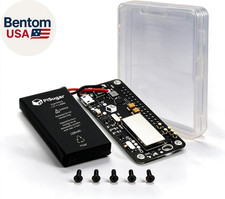
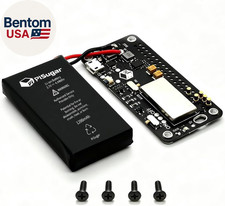
Easy Install
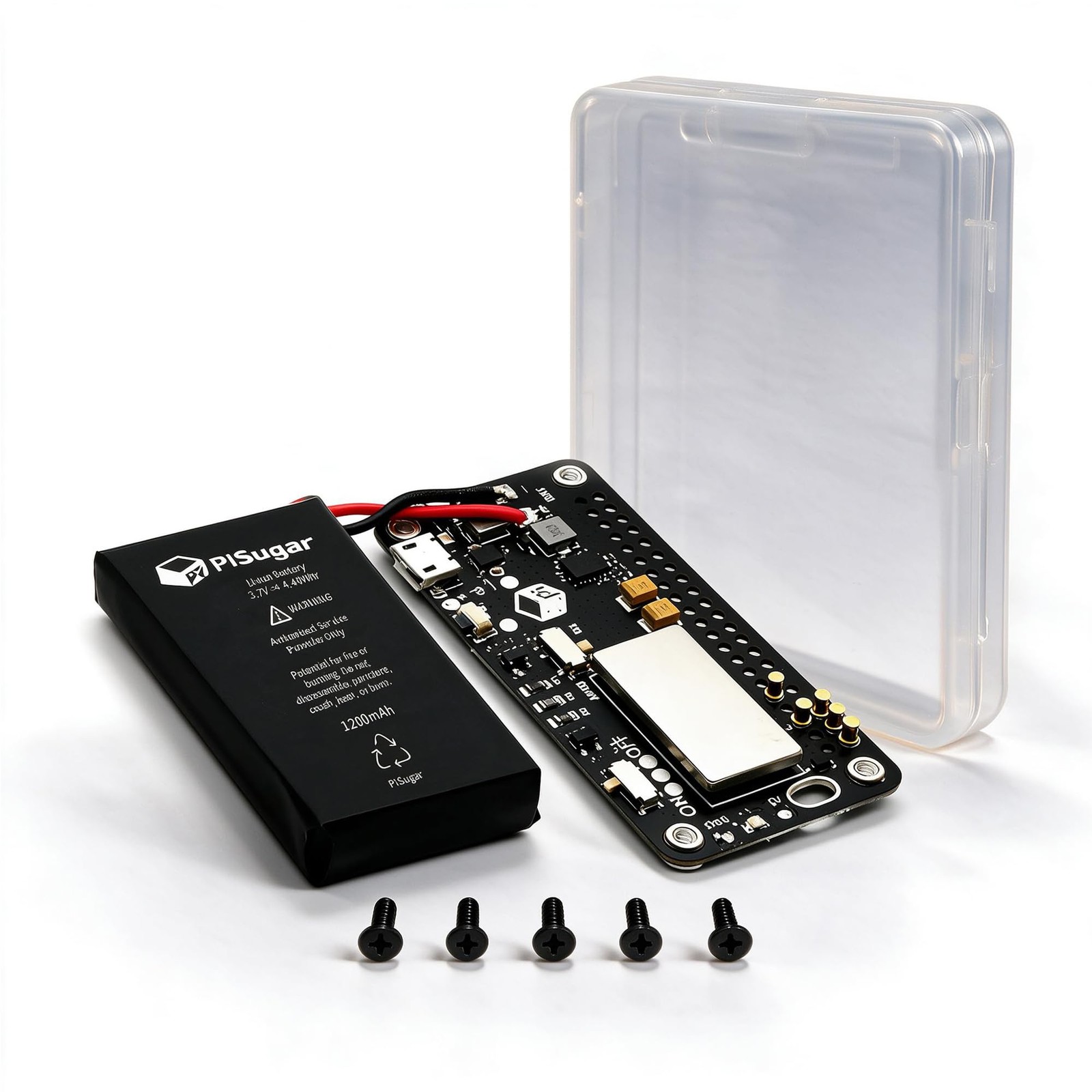
Install in 30 secs. Connect Raspberry Pi from the bottom without soldering, does not occupy GPIO headers.
GPIO button
It can trigger the device to turn on when it is turned off, and it can be used as a custom button after turning on (when the automatic power-on function is turned off)
Extensible
Power input/output pads are provided on the circuit board, which can be equipped with any 5V standard charging devices, such as solar panels and QI wireless charging.
【1200mAh Mini UPS with Auto Boot for Pi Zero】- PiSugar S is a dedicated hardware-based uninterruptible power supply (UPS) and mini UPS battery pack for Raspberry Pi Zero W/WH/2W. Seamlessly switches to the 1200mAh lithium battery when external power fails, with real-time power status monitoring. Delivers up to 10 hours of runtime for Pi Zero W and 6+ hours for Pi Zero 2W projects. Automatically boots up once power is reconnected—perfect for Pwnagotchi builds, portable IoT devices, and unattended Raspberry Pi Zero projects, preventing data loss.
【5V/2A Type-C Power Supply & Pass-Through】- Equipped with a USB Type-C port, PiSugar S works as a reliable 5V/2A power supply and battery pack for Raspberry Pi Zero W/WH and Pwnagotchi accessories. Supports simultaneous charging and discharging (pass-through), fully charging the 1200mAh battery in approximately 2 hours, keeping your portable Raspberry Pi Zero and RPi Zero projects powered without interruption.
【GPIO Button with Safe Shutdown】- Dual-purpose multi-function button: Triggers power-on when the device is off; functions as a custom GPIO button for personalized operations (e.g., safe shutdown) after disabling auto-power-on. No extra wiring required—plug-and-play. Note: Custom button function is disabled when the Raspberry Pi's I2C interface is activated.
【1-Minute Solder-Free Pogo Pin Setup】- Tool-free installation: simply align the pogo pins with your Raspberry Pi Zero's GPIO, tighten the four included screws, and attach the magnetic battery. No soldering, no drivers, no software setup—it just works. Doesn't block or occupy any GPIO pins, ensuring full compatibility with sensors, HATs, battery hats, and other Raspberry Pi Zero expansion modules.
【Portable UPS with Wireless & Solar Charging】- Unlock mobile freedom: this compact solar UPS supports wireless charging pads or solar panels for off-grid Raspberry Pi Zero projects. The 60×30mm design (smaller than a credit card) keeps your setup pocket-friendly. Includes a physical power switch to cut battery power safely for travel or storage. Ideal for Pwnagotchi builds, portable IoT devices, and on-the-go Raspberry Pi Zero projects.
📌 Before First Use – Quick Tips。If PiSugar S doesn't power on right away, here are the most common causes: Battery may be in low-power shipping mode – fully charge for 30 minutes before first use. Check the physical switch – make sure it's flipped to the ON position. Align the pogo pins – ensure the pins line up correctly with the GPIO pads underneath the Pi Zero. I2C conflict note – if stacking an I2C HAT (e-ink display, sensor array, etc.), disable auto-boot via the onboard switch to free the I2C pins. Step-by-step instructions and diagrams are included in the box. If it arrives defective, return it through for a or .